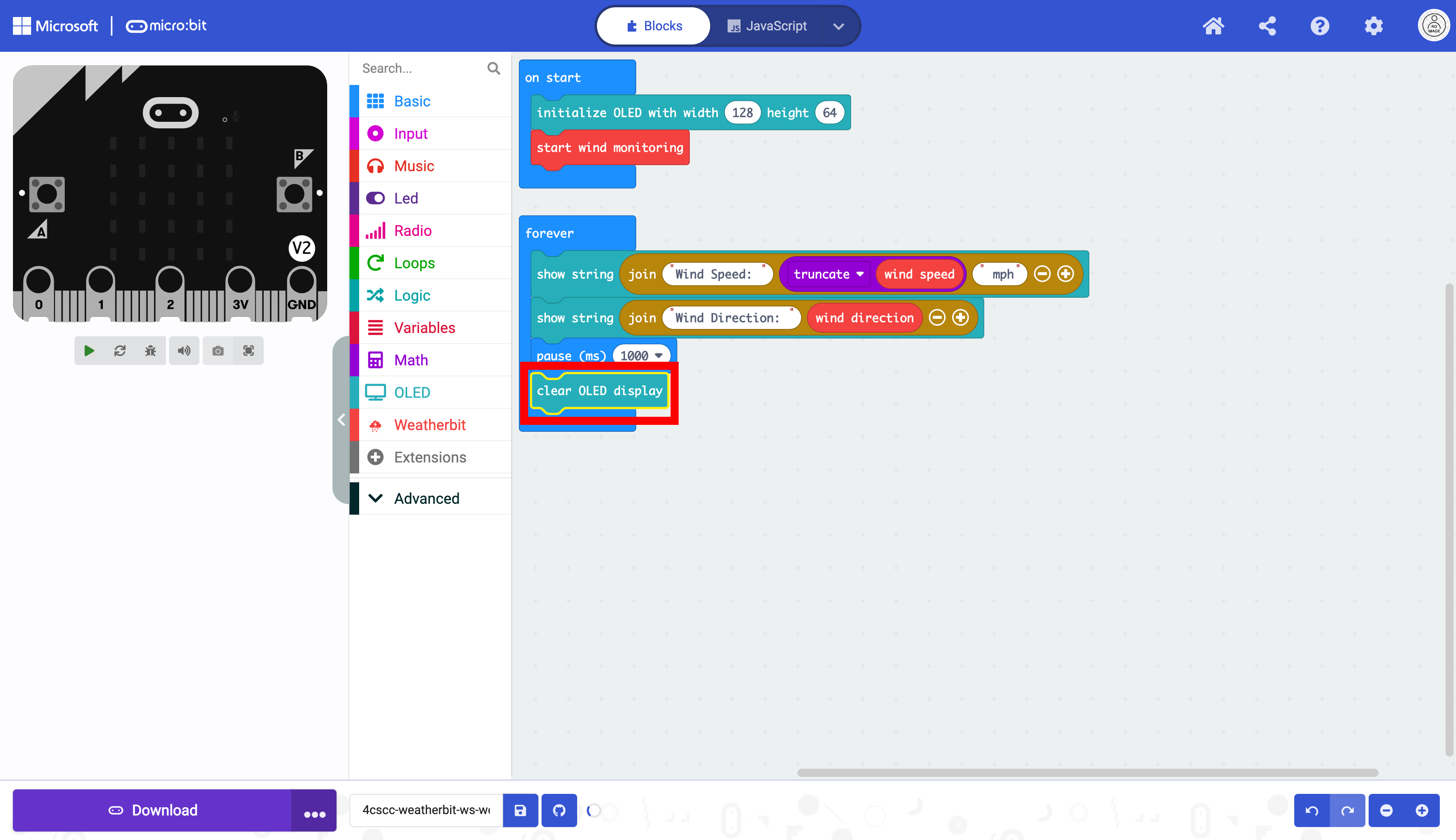
Measuring Wind Speed and Wind Direction#
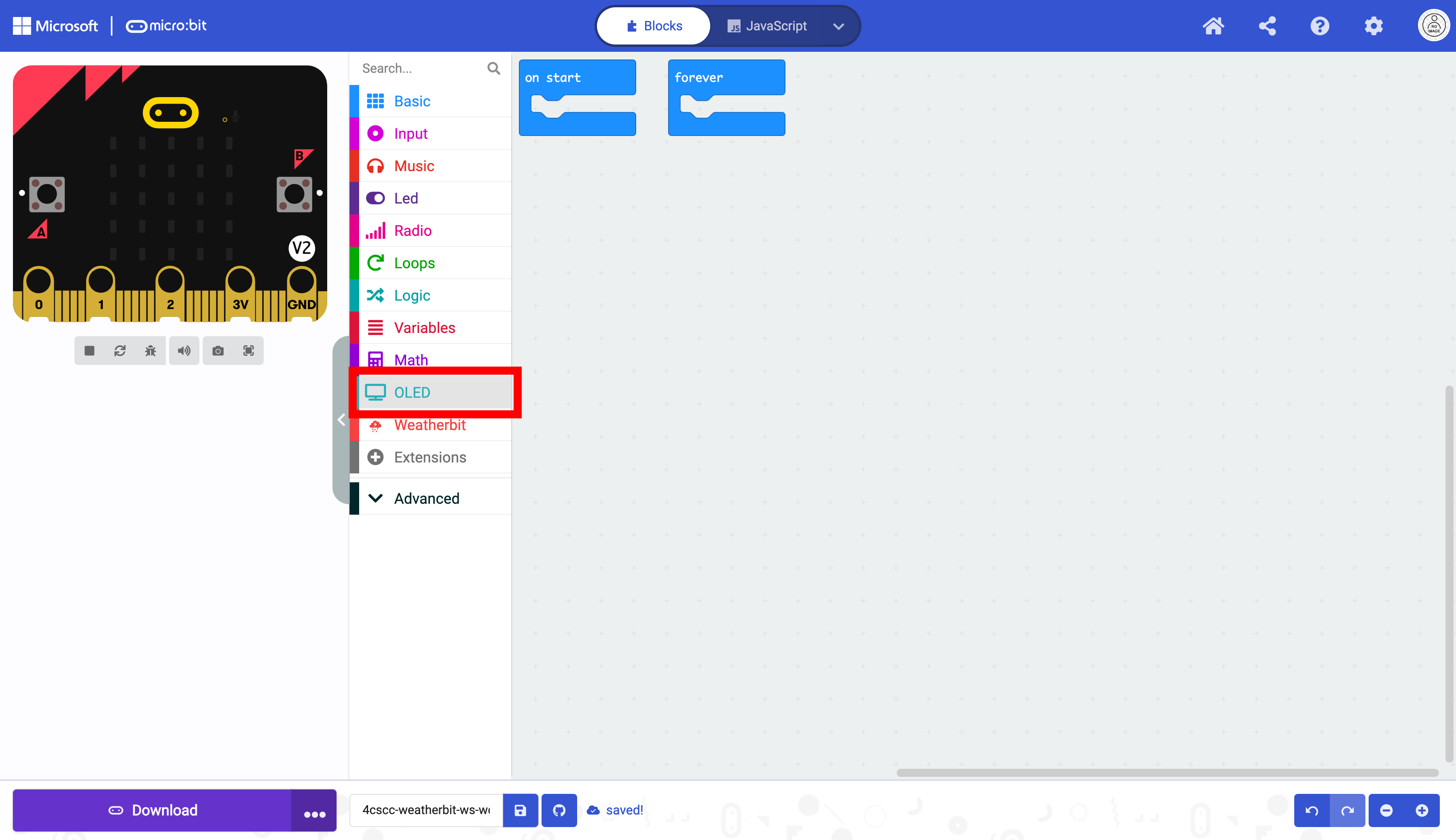
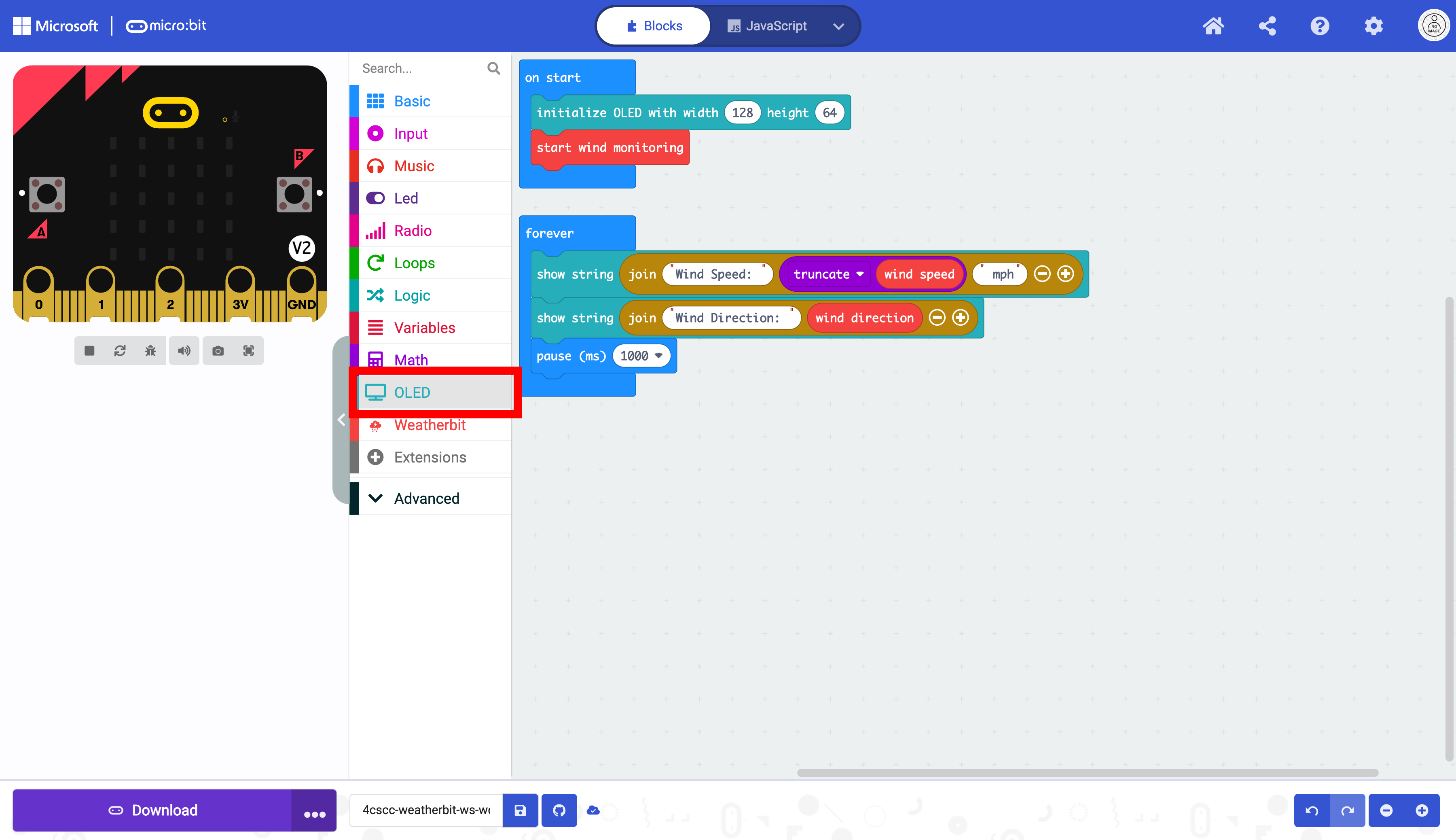
Click on the “OLED” drawer in the Toolbox.
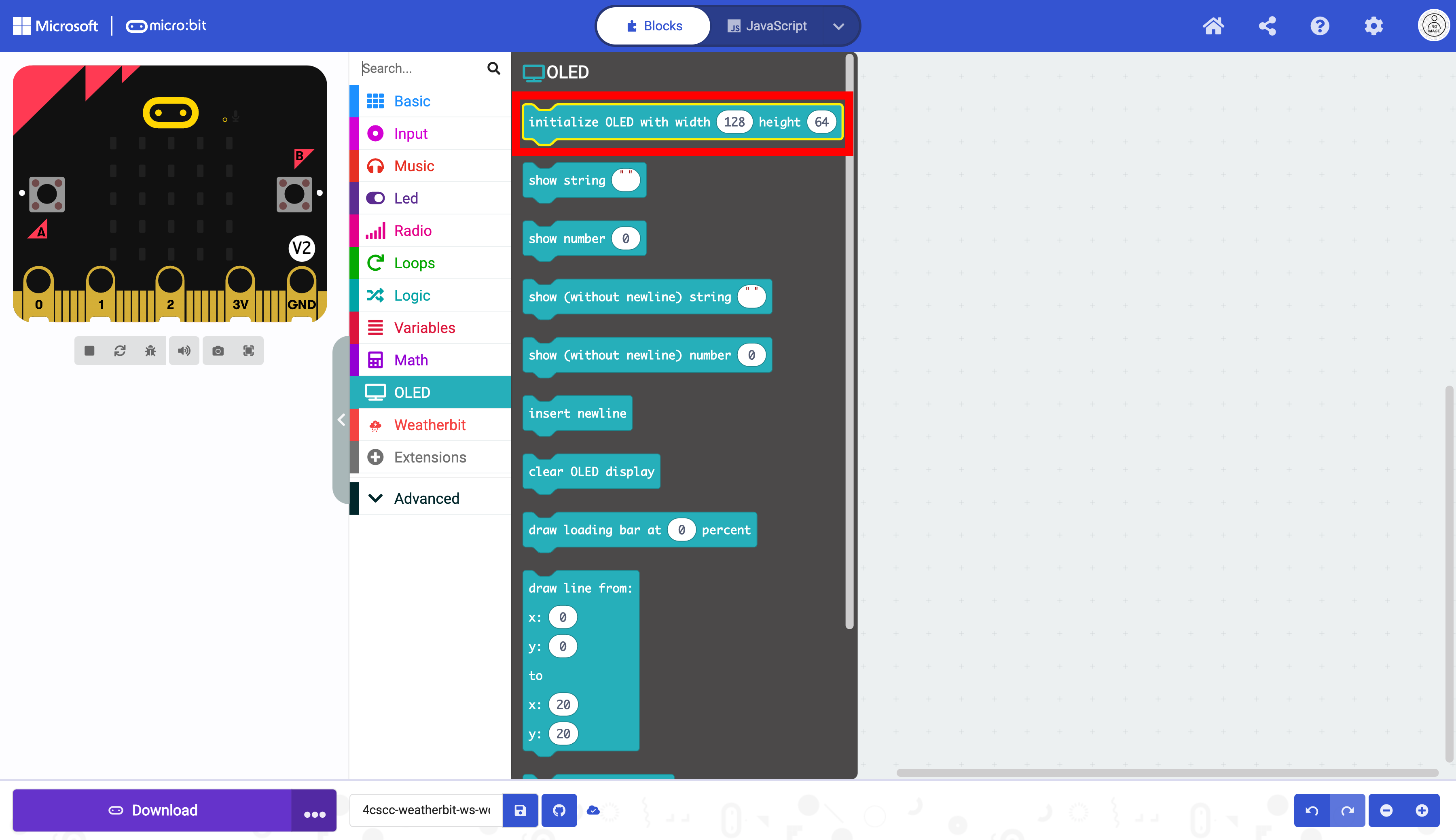
Select the initialize OLED block.
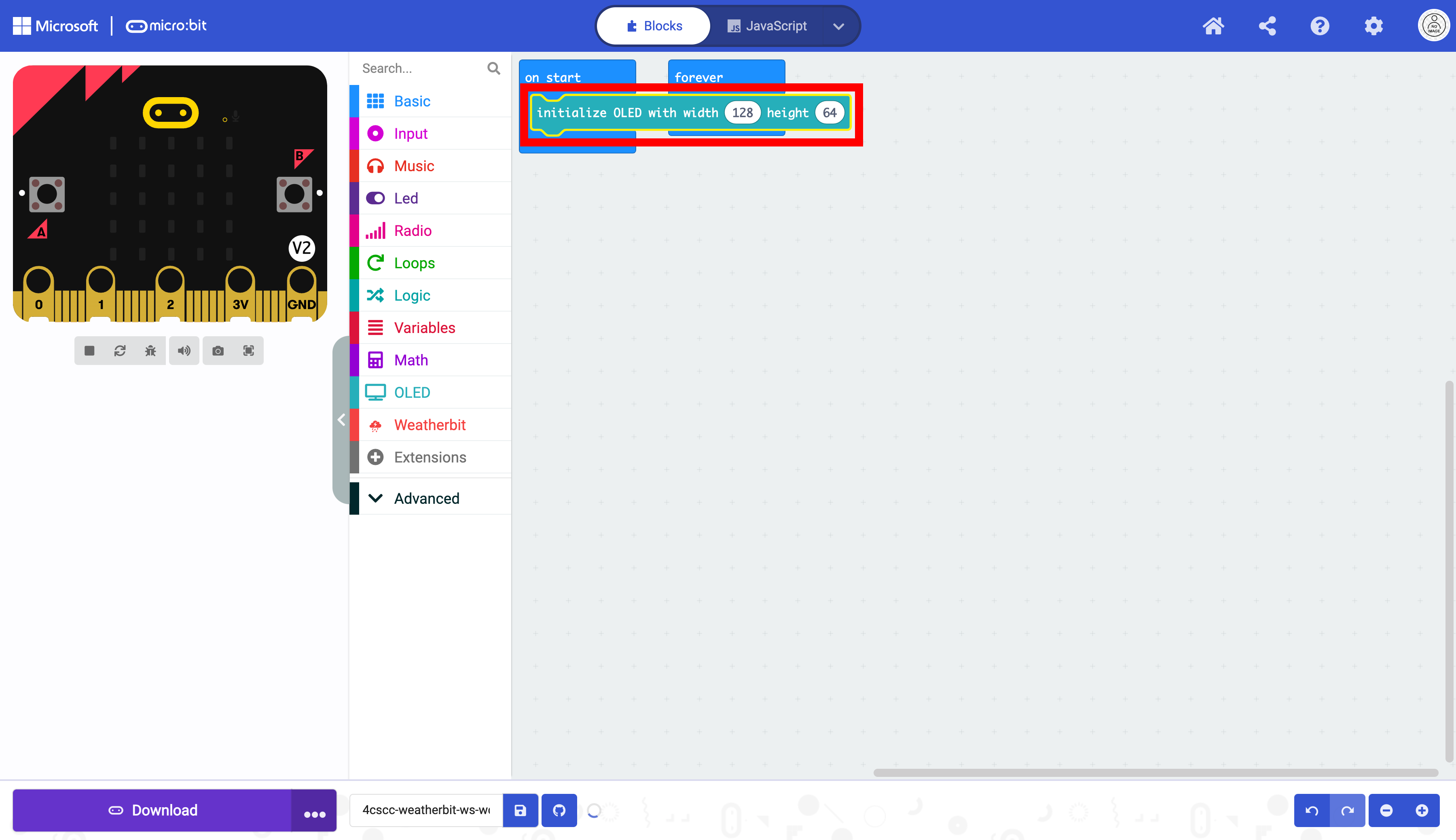
Place the initialize OLED block in the on start block. This only needs to run once. Do not change the dimensions.
Click on the “Weatherbit” drawer in the Toolbox.
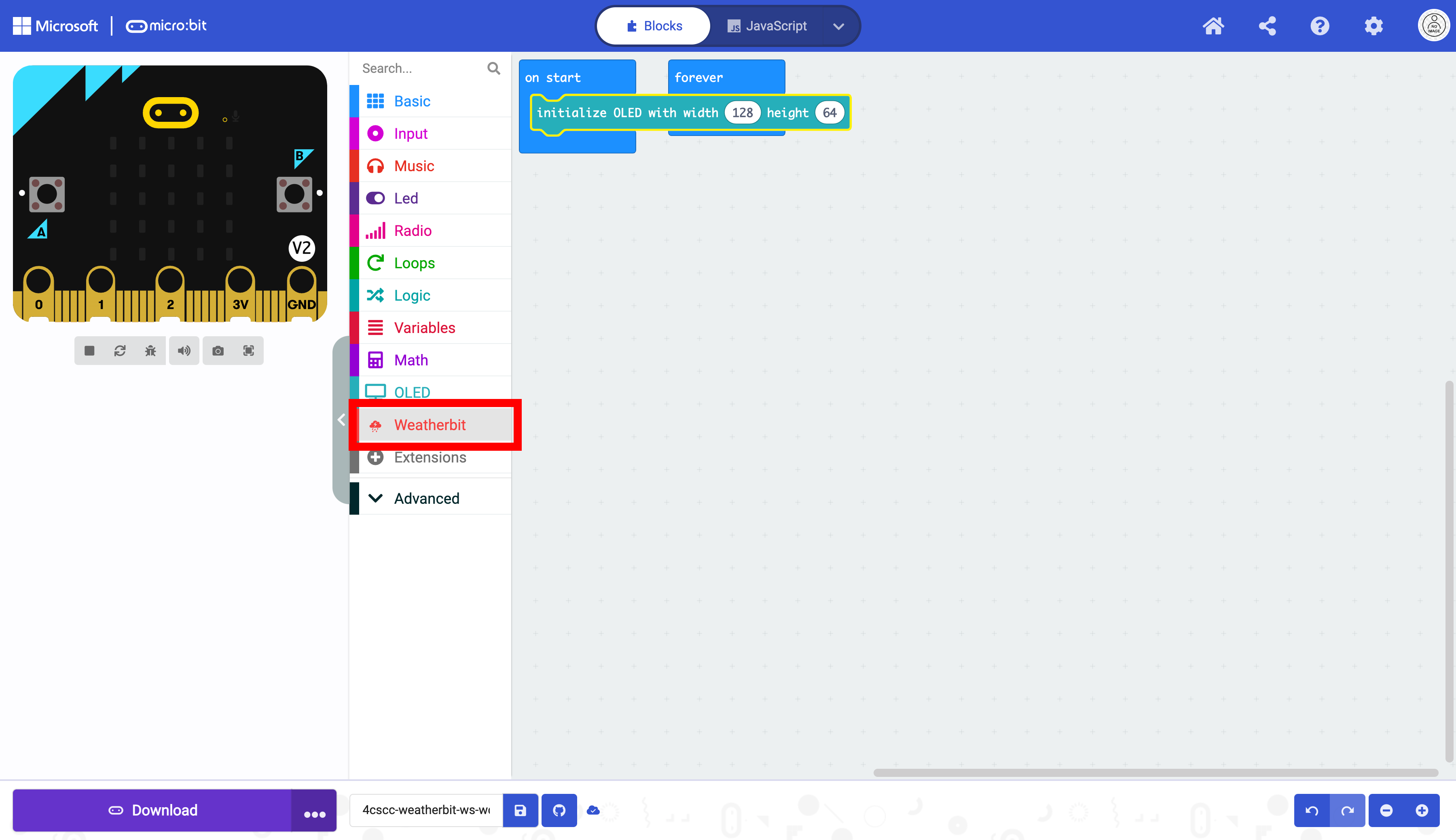
Select the start wind monitoring block.
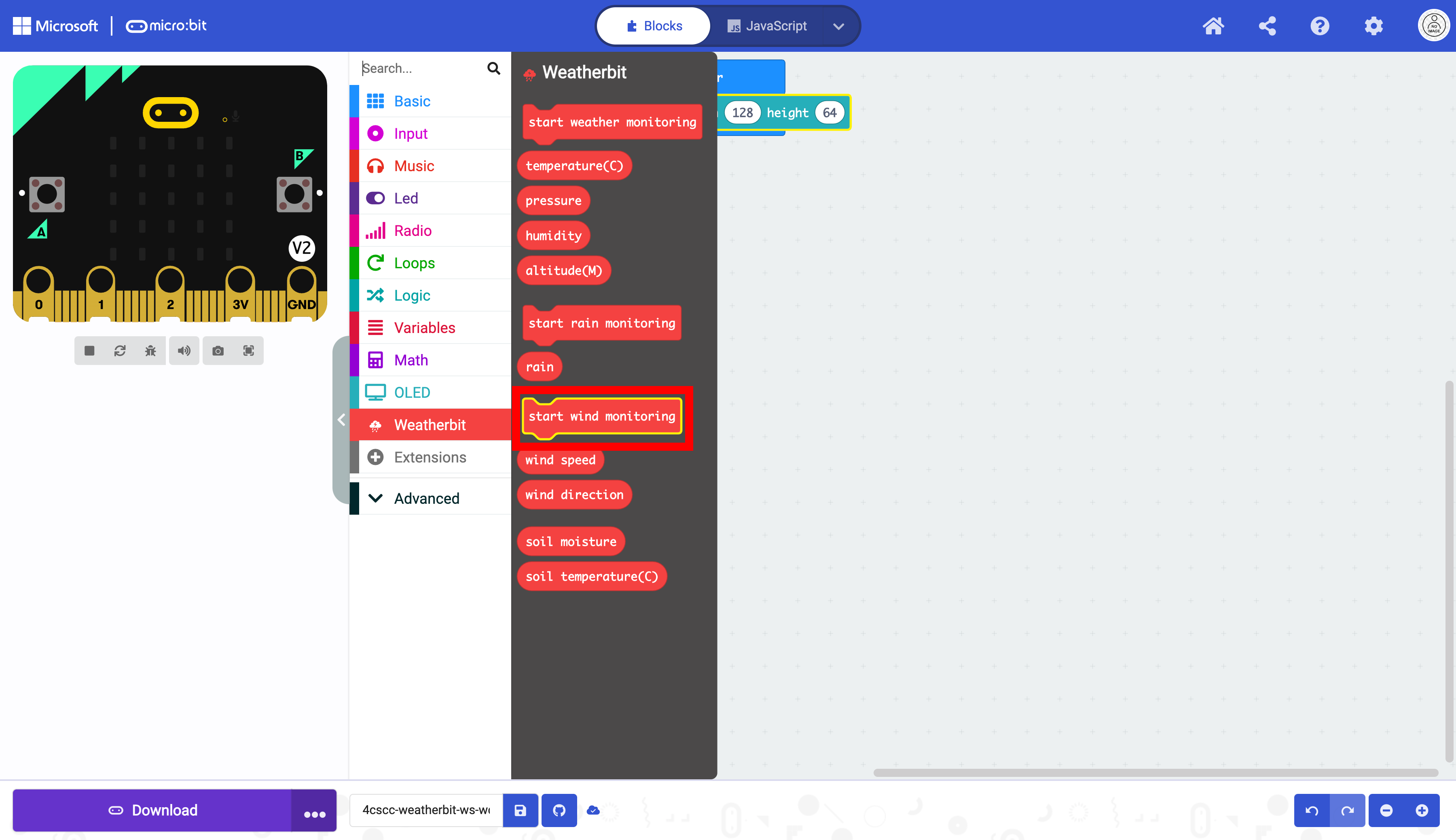
Place the start wind monitoring block in the on start block. This code only needs to run once.
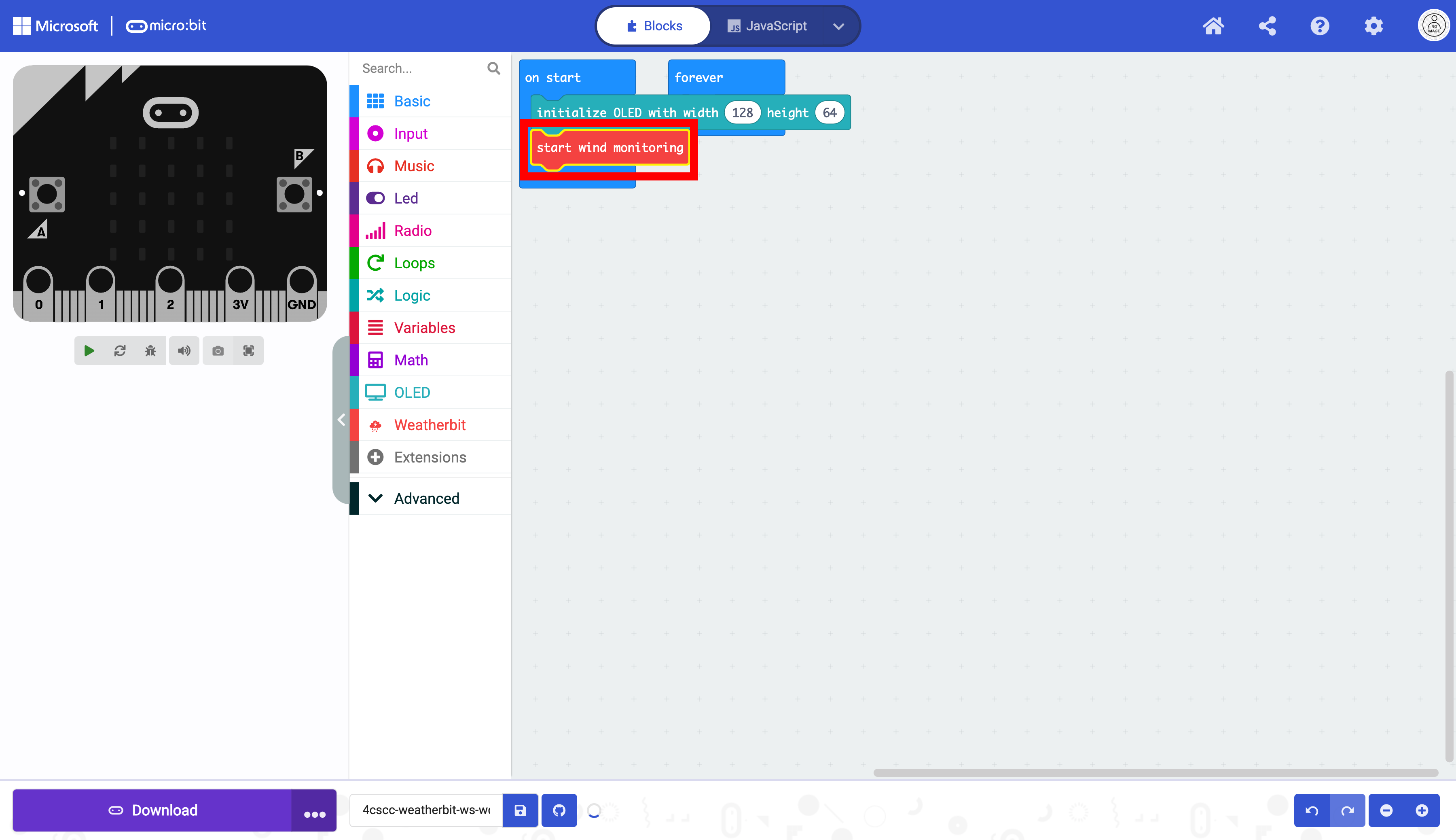
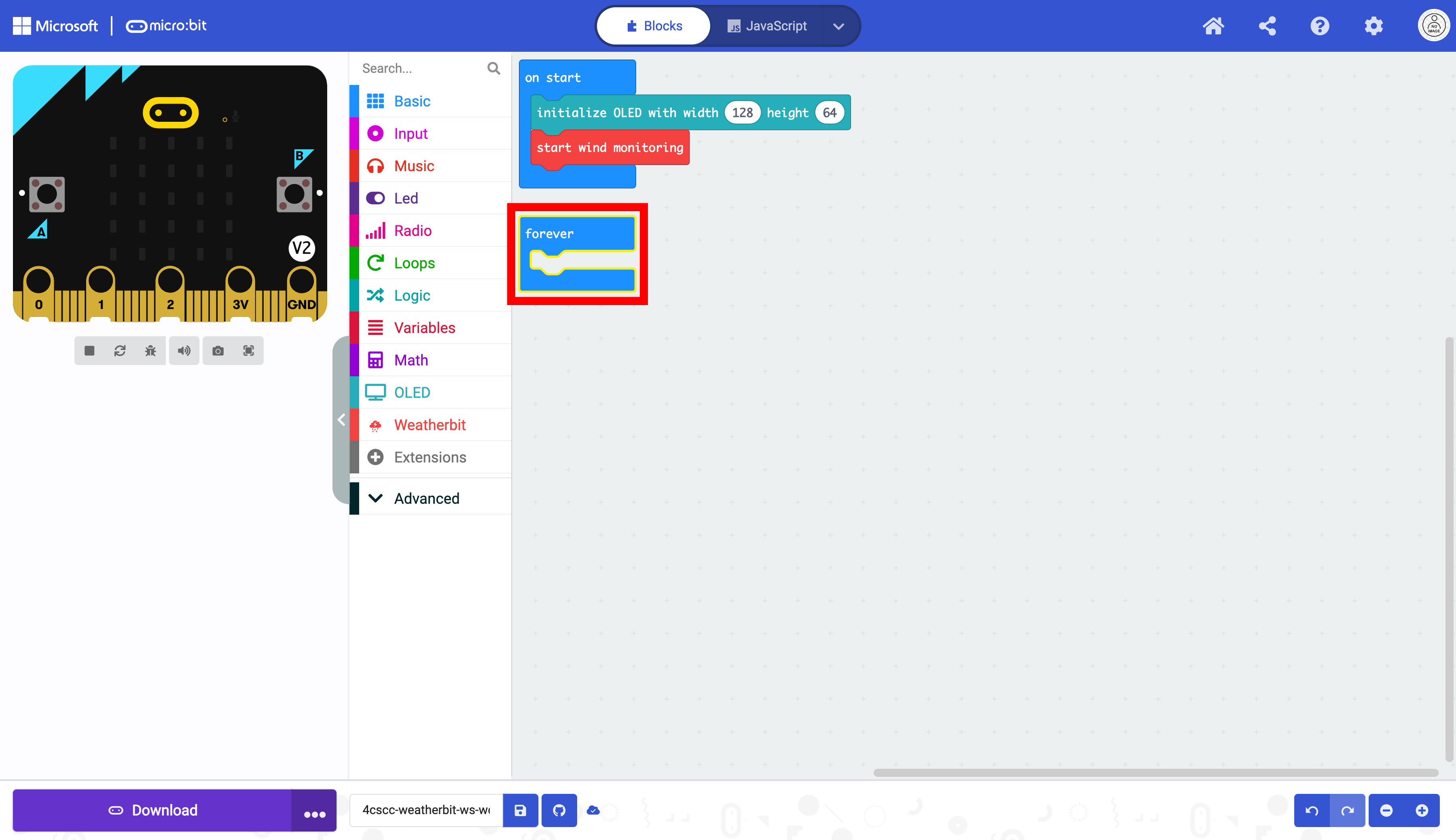
The forever block can be moved.
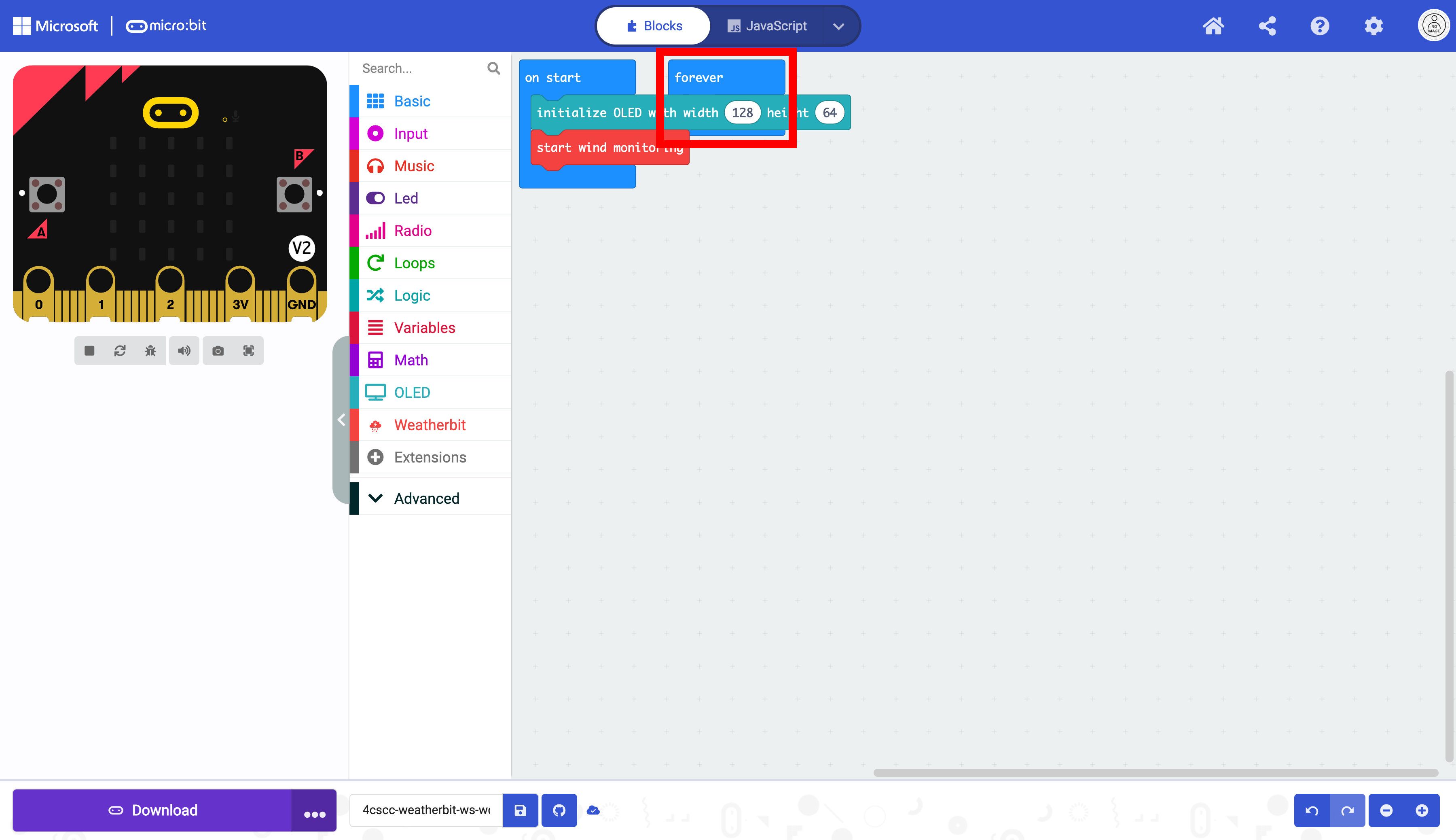
It is now unobstructed.
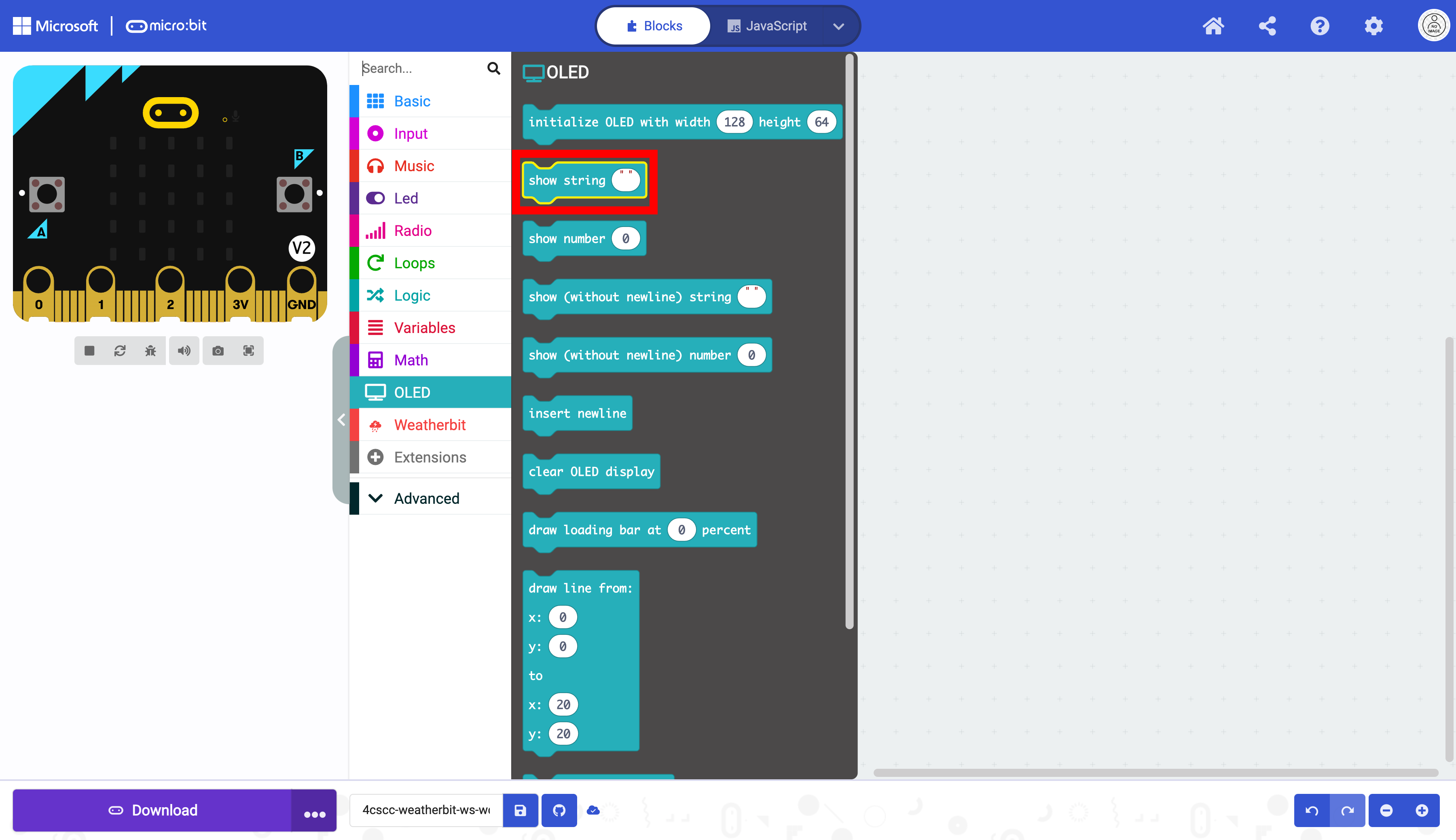
Click on the “OLED” drawer of the Toolbox.
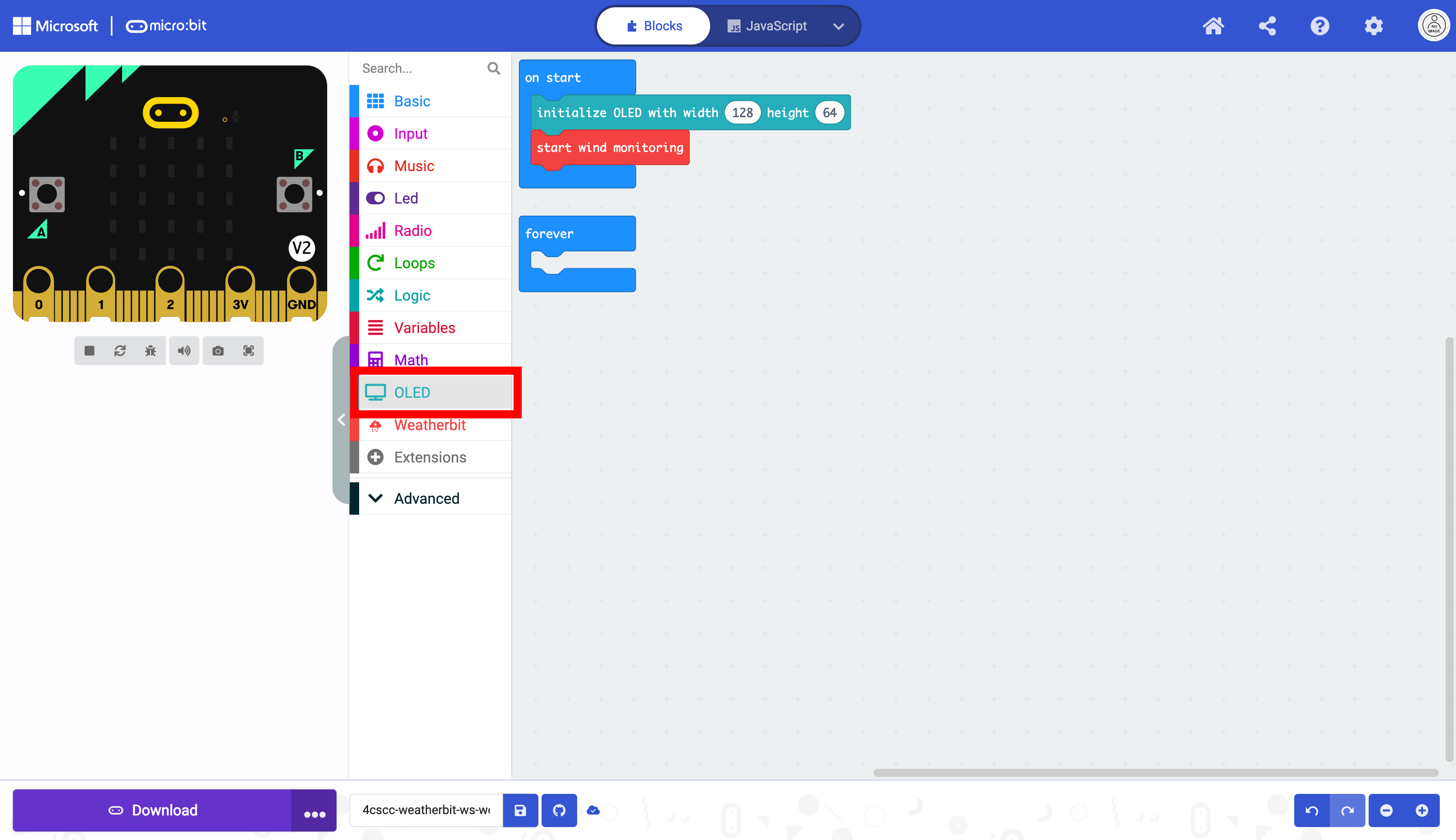
Click on the “OLED” drawer of the Toolbox.
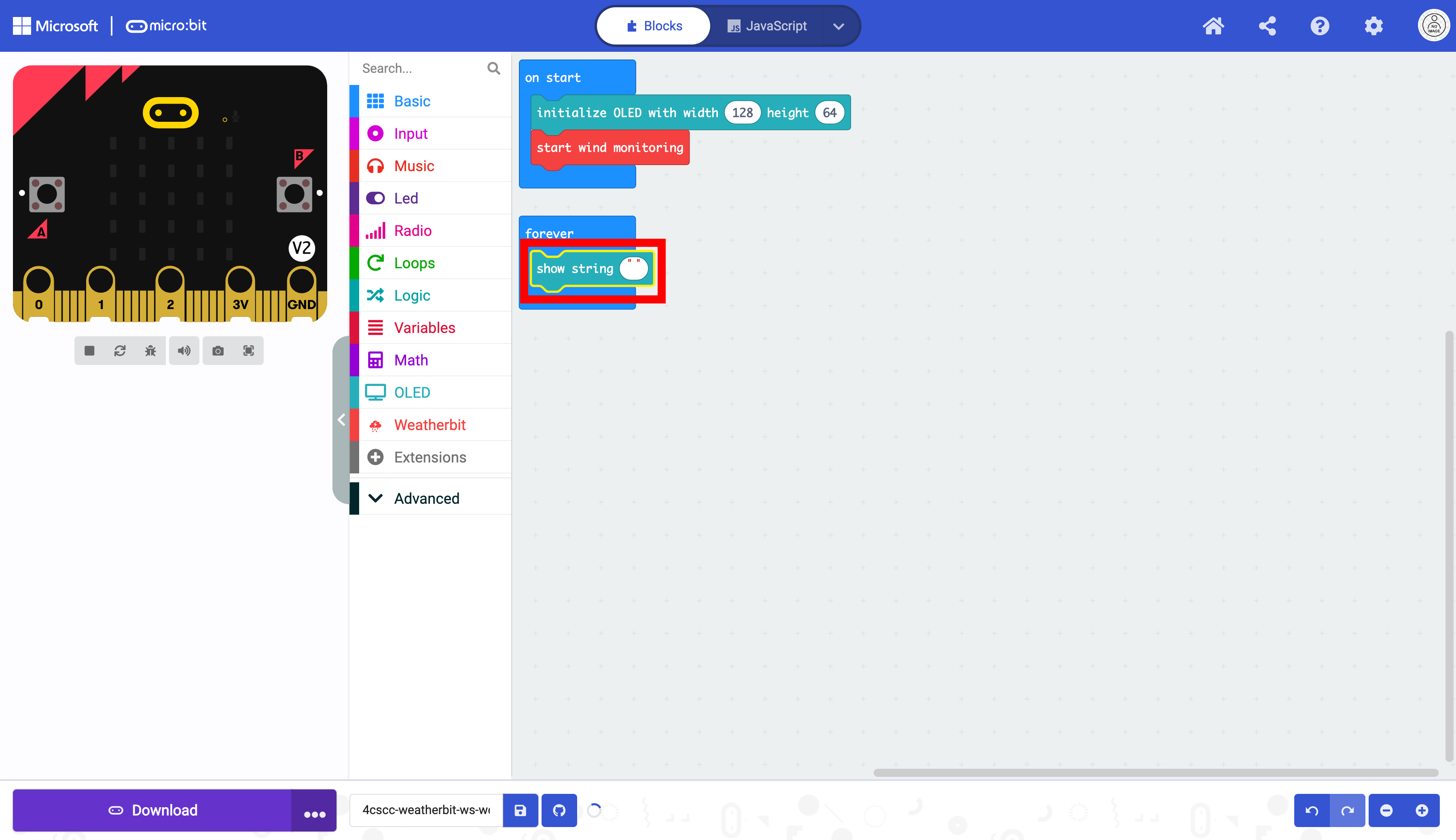
Place the show string block in the forever block.
We now need to format the strings as in the previous lesson. Click on the “Advanced” drawer of the Toolbox.
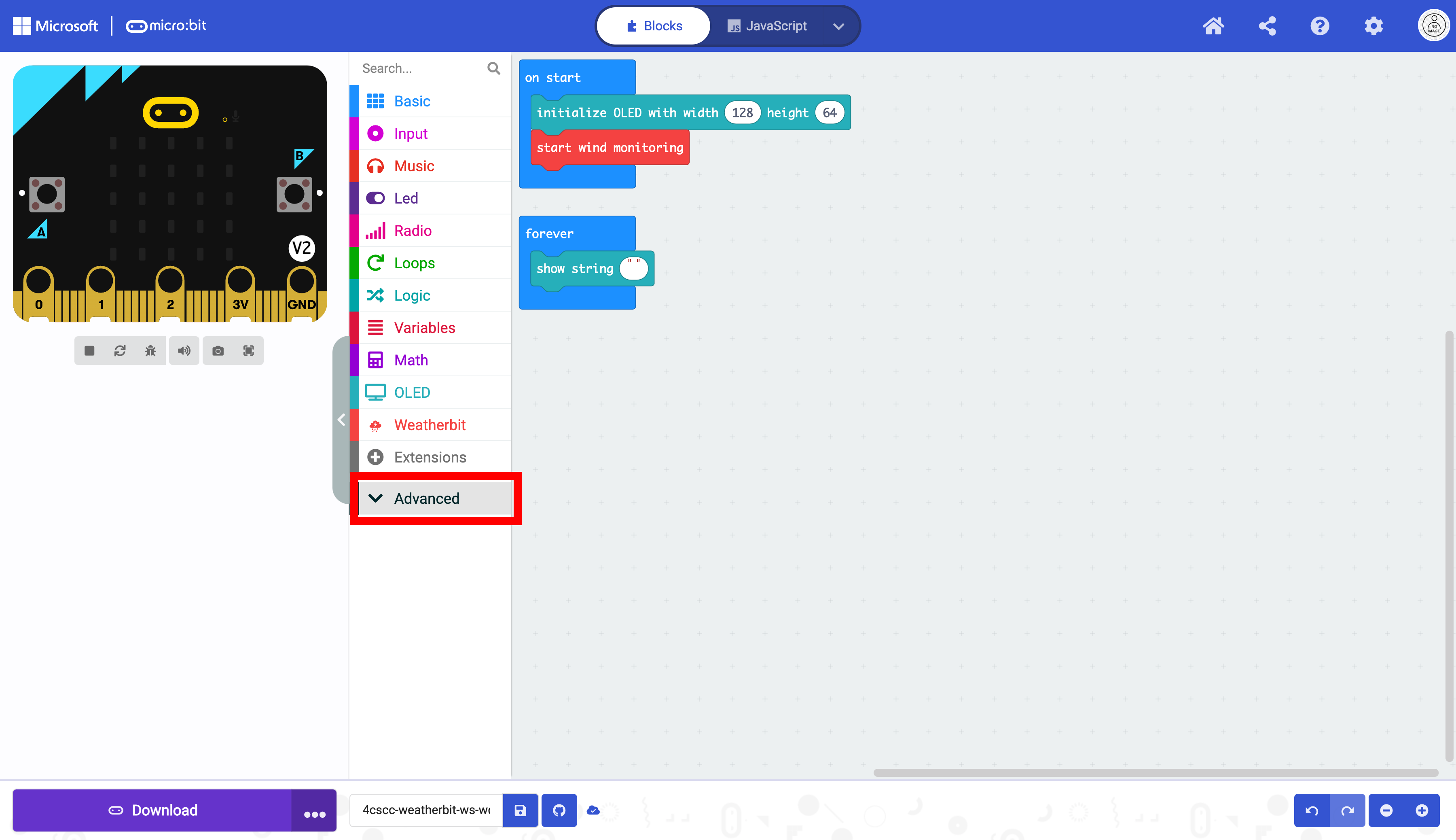
Click on the “Text” drawer.
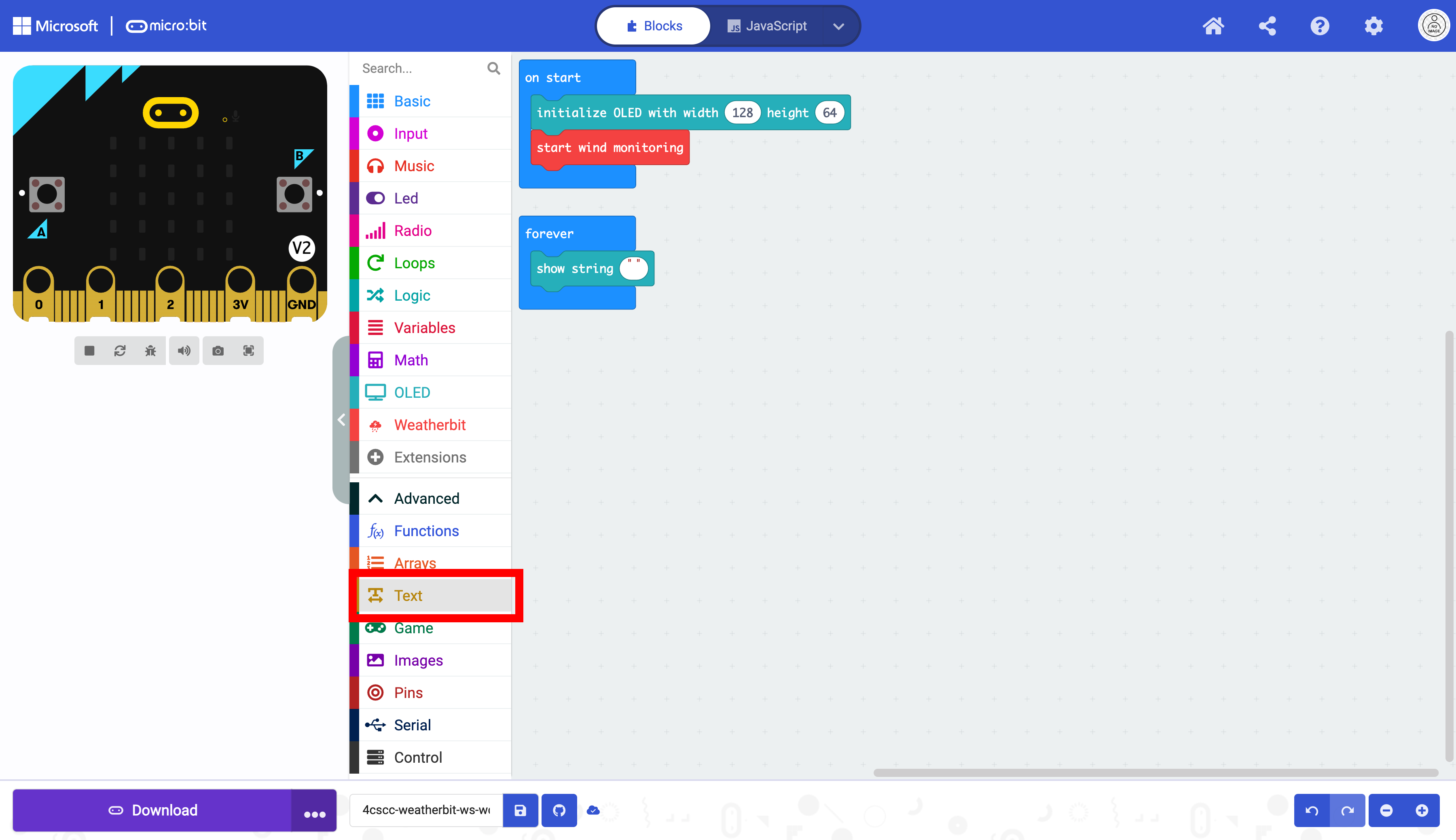
Select the join block.
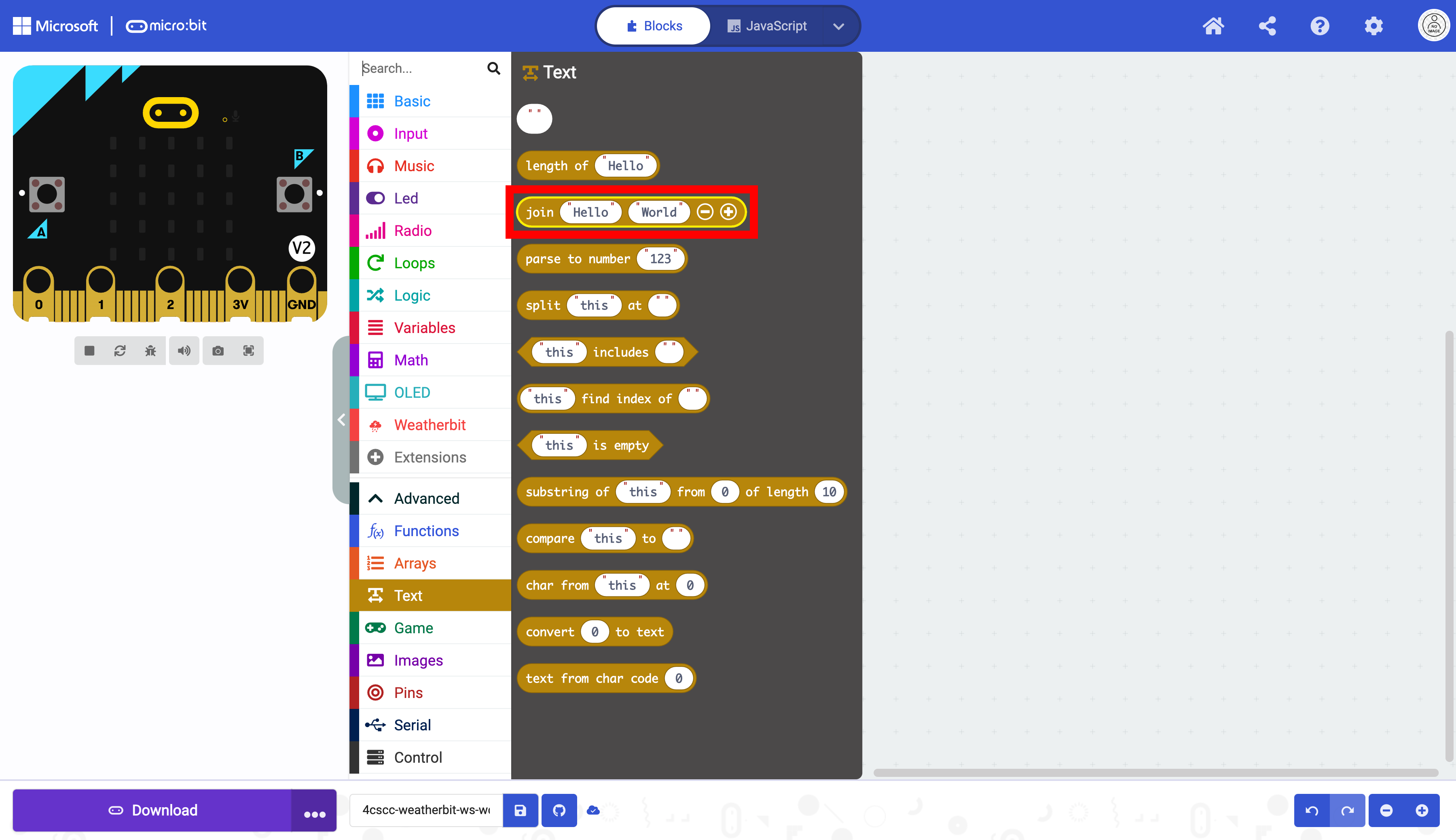
Place the join block in the show string block.
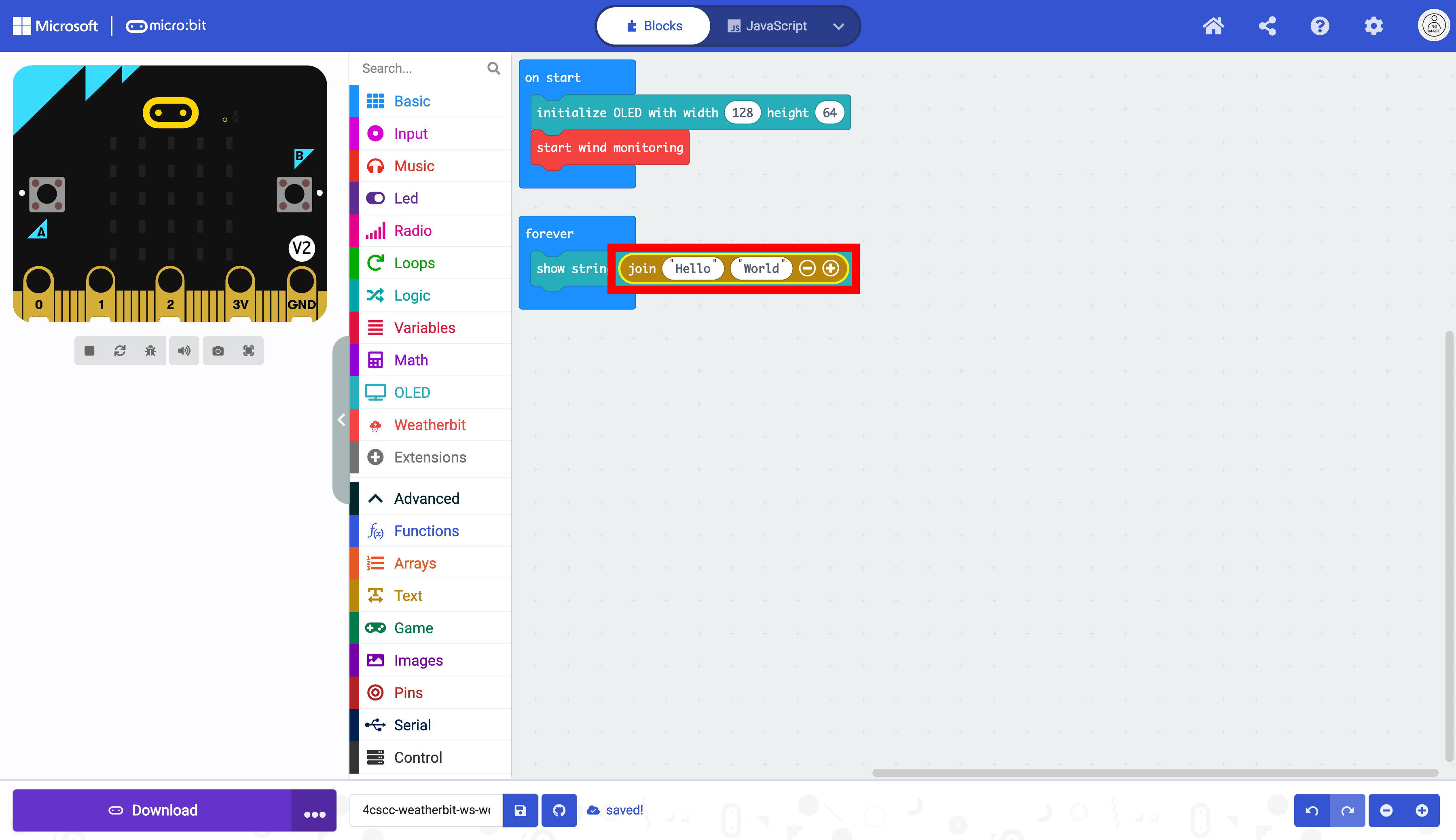
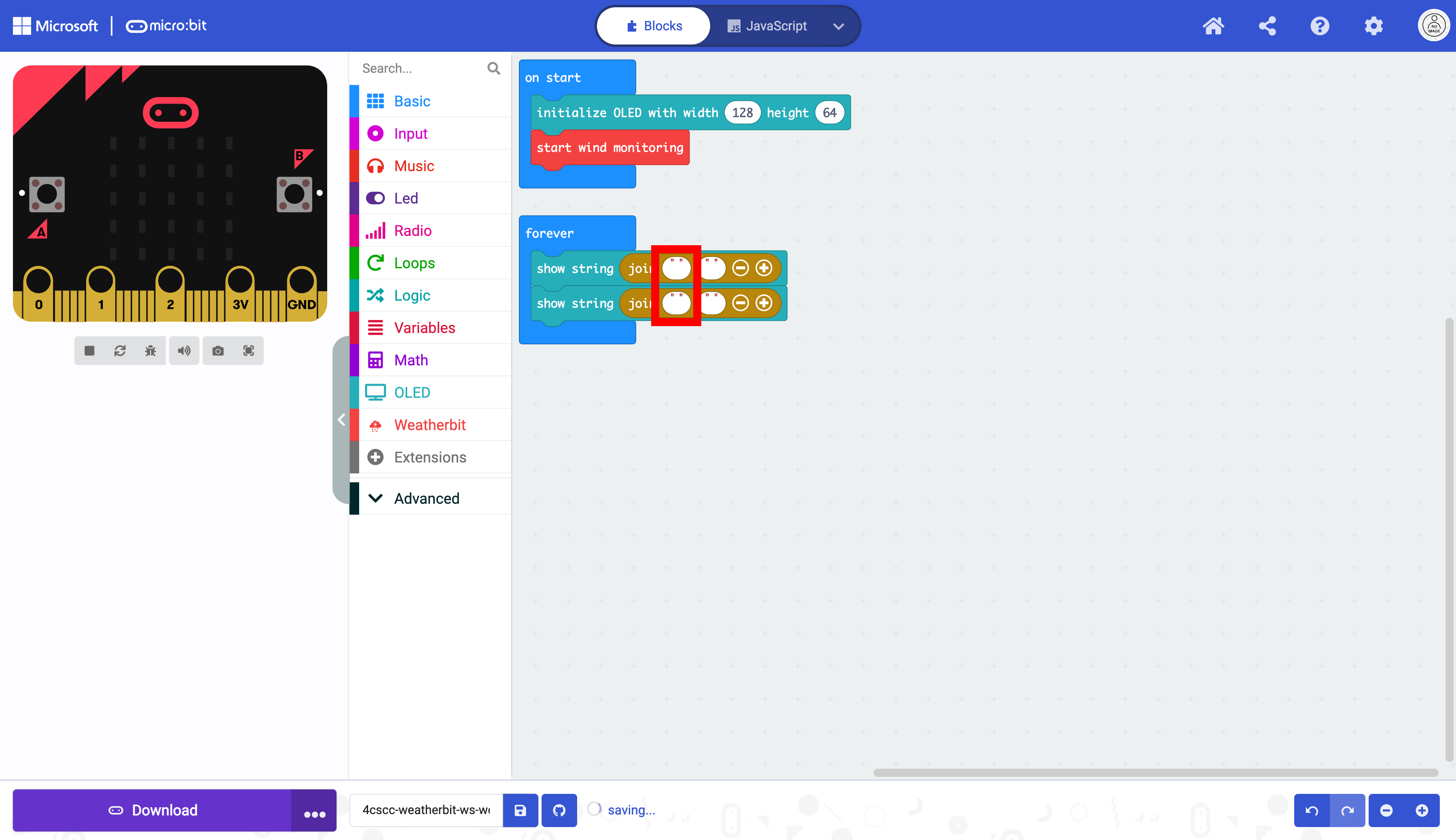
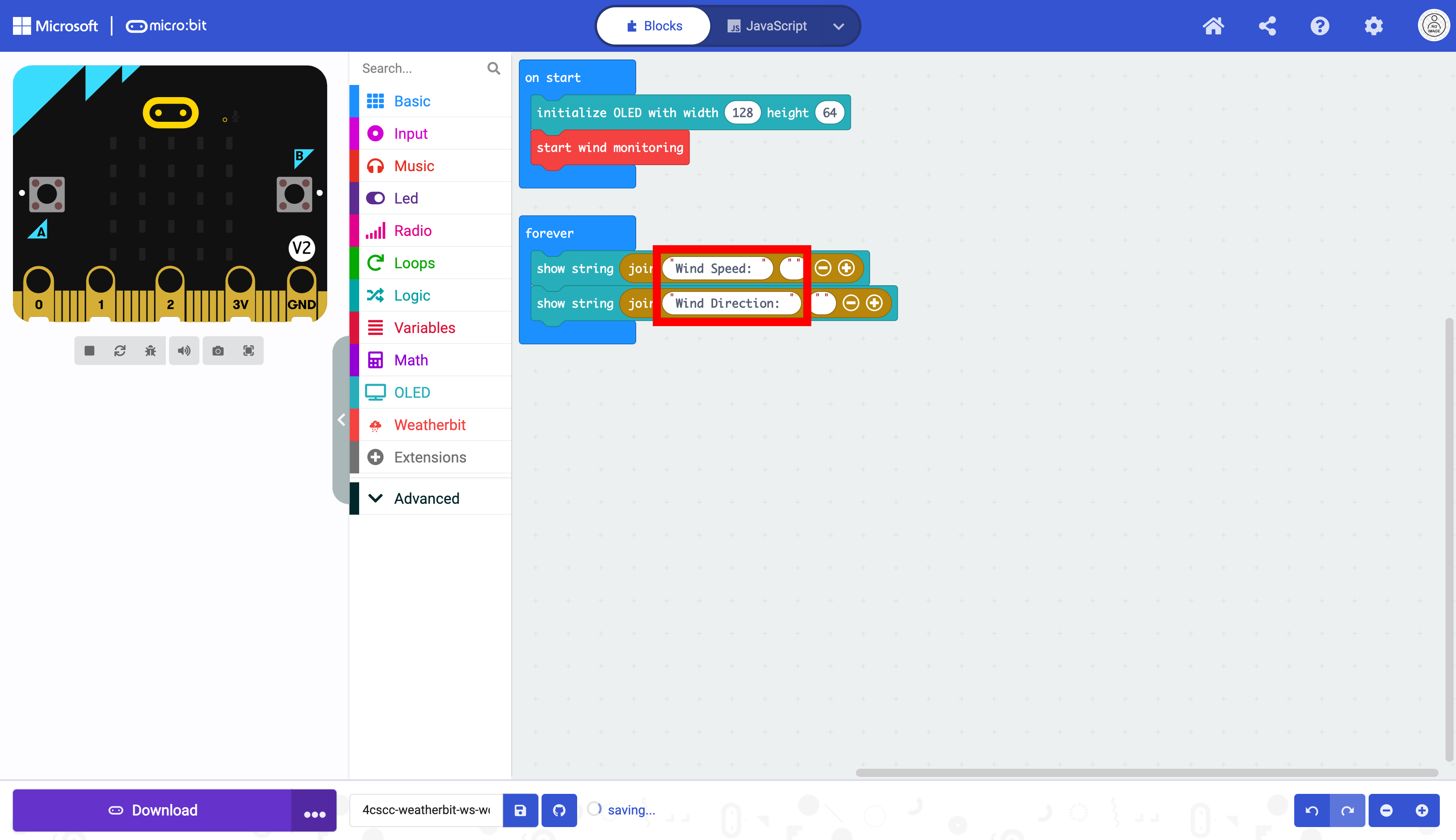
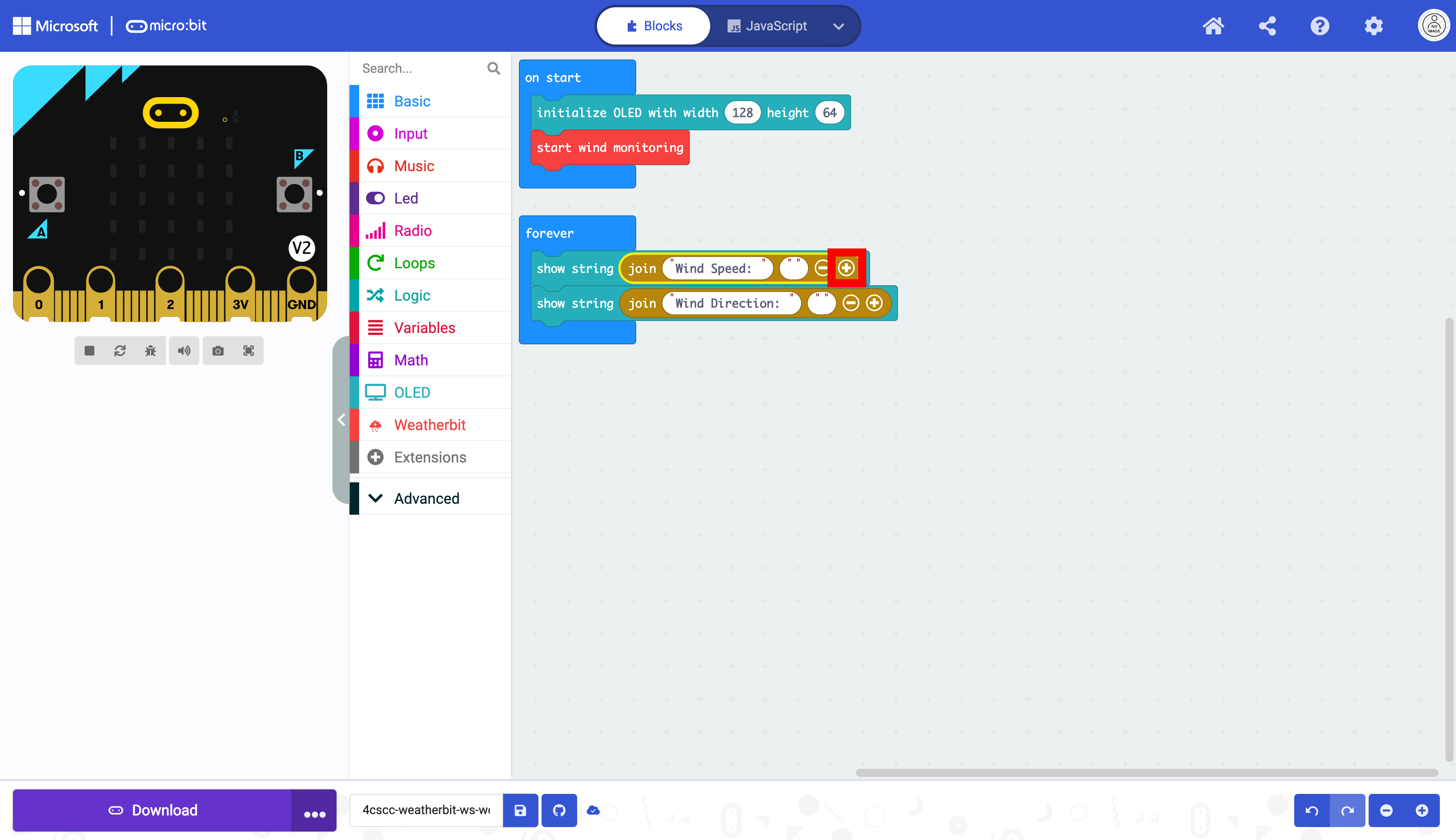
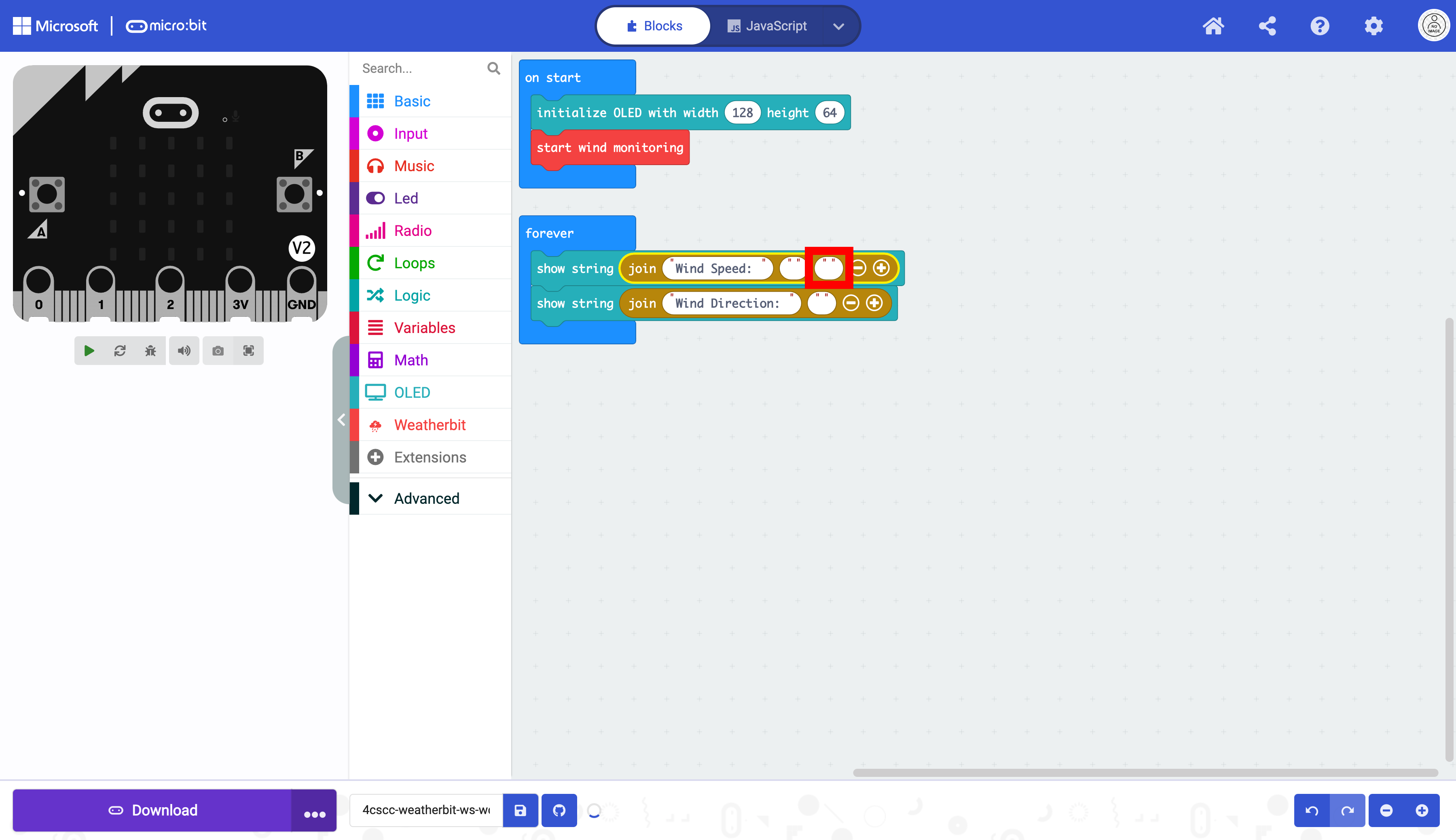
Select the text in the join block.
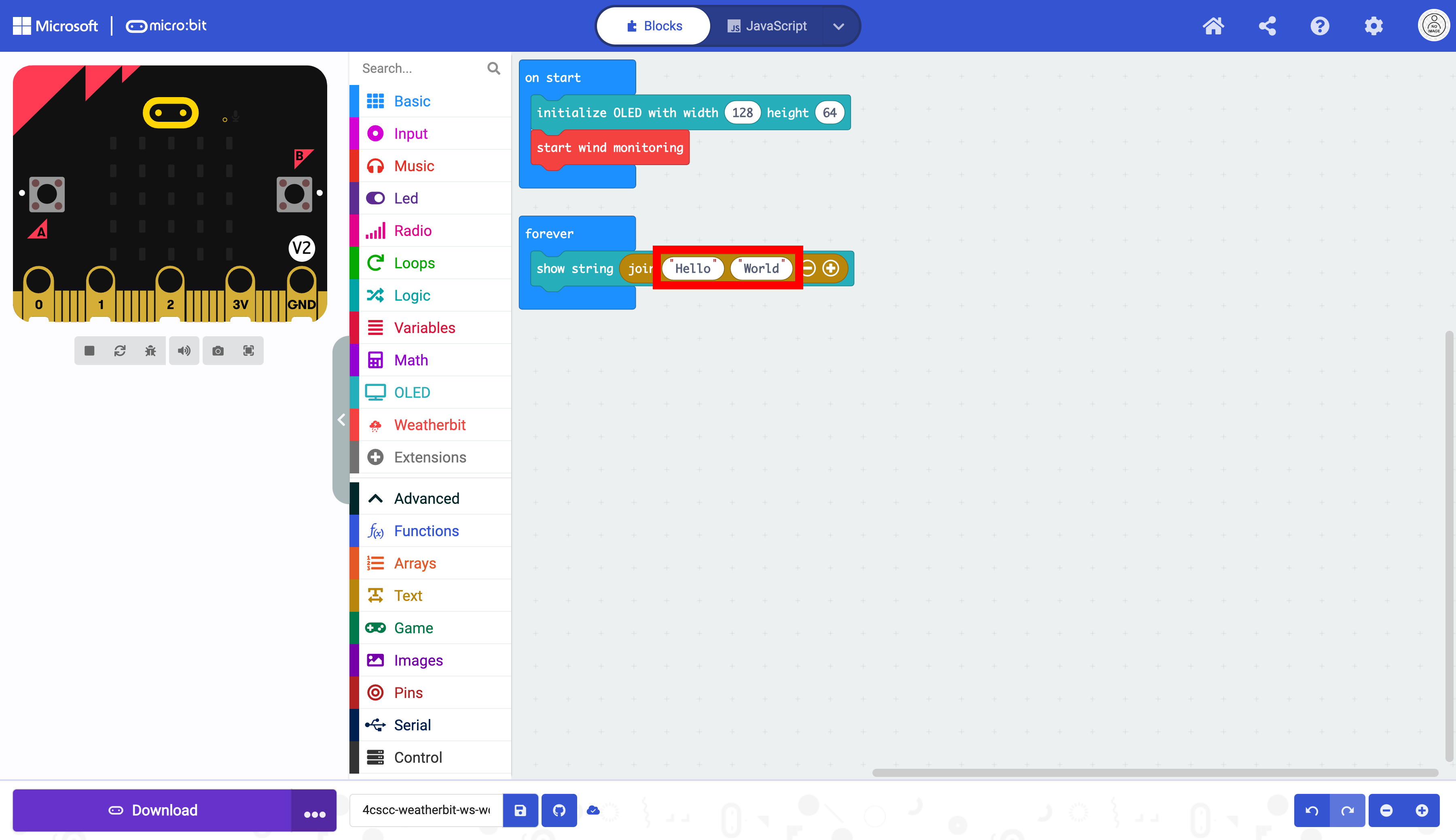
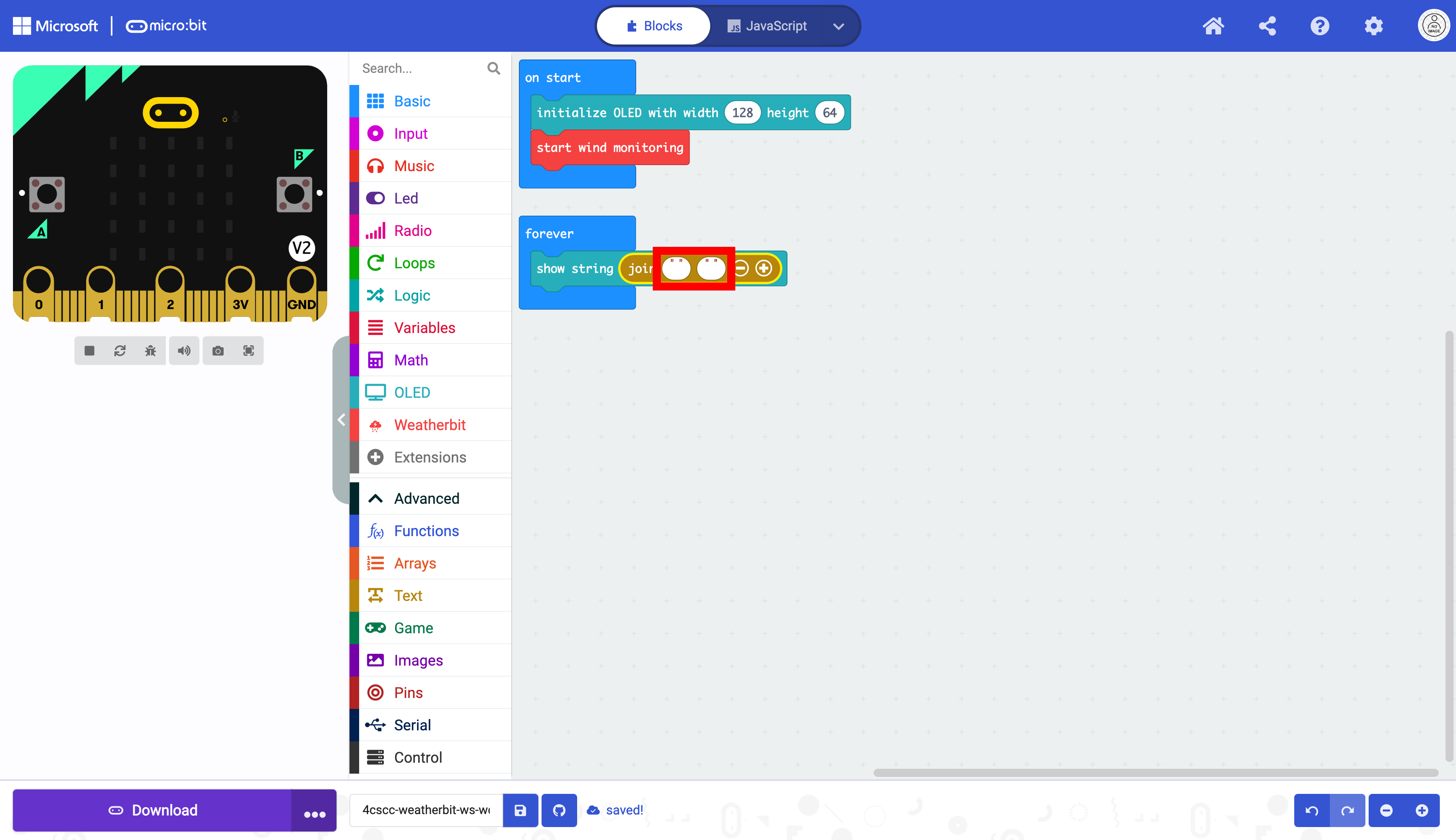
Delete the text “Hello” in the first oval, and delete “World” in the second oval.
Duplicate the show string block.
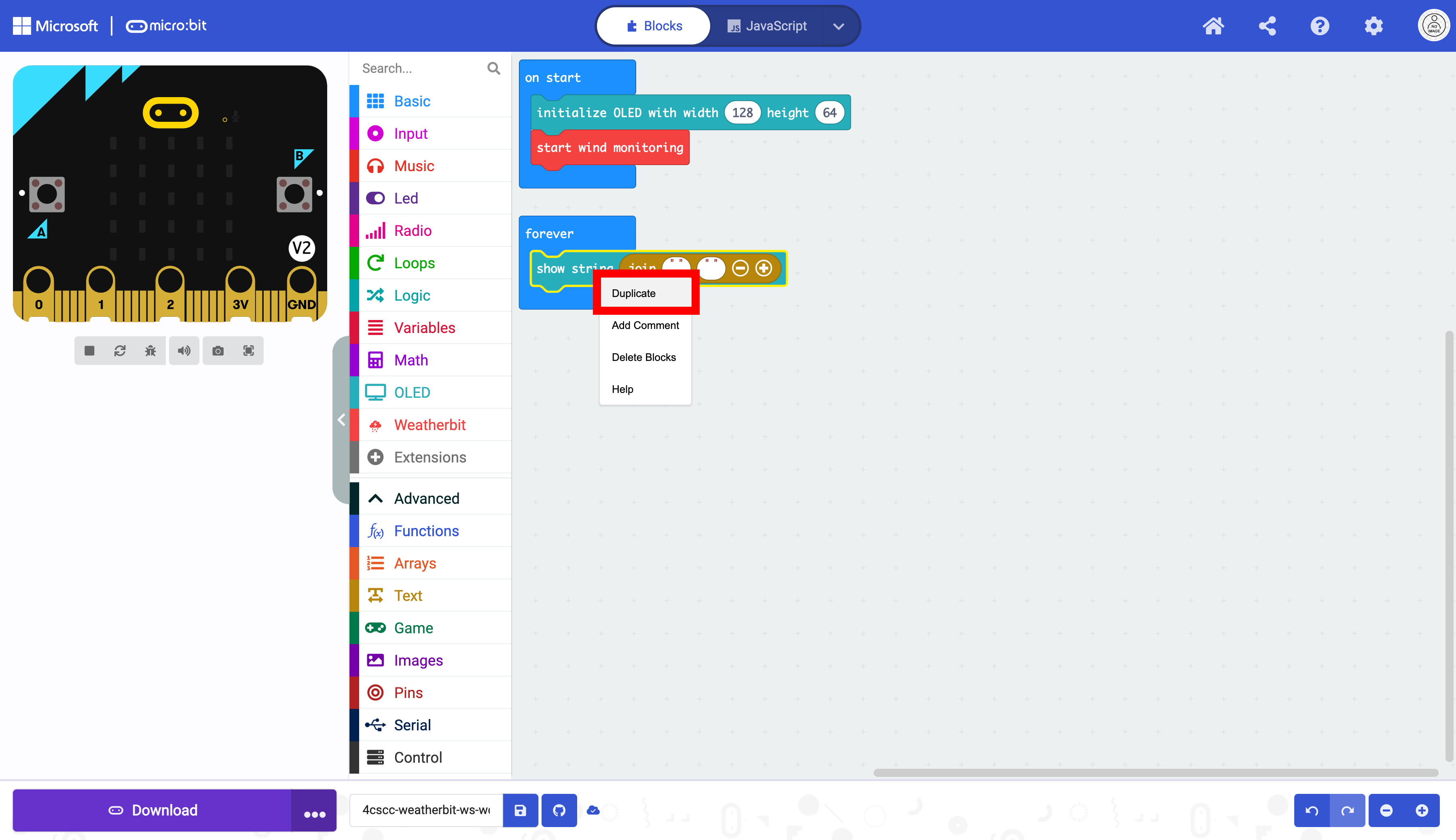
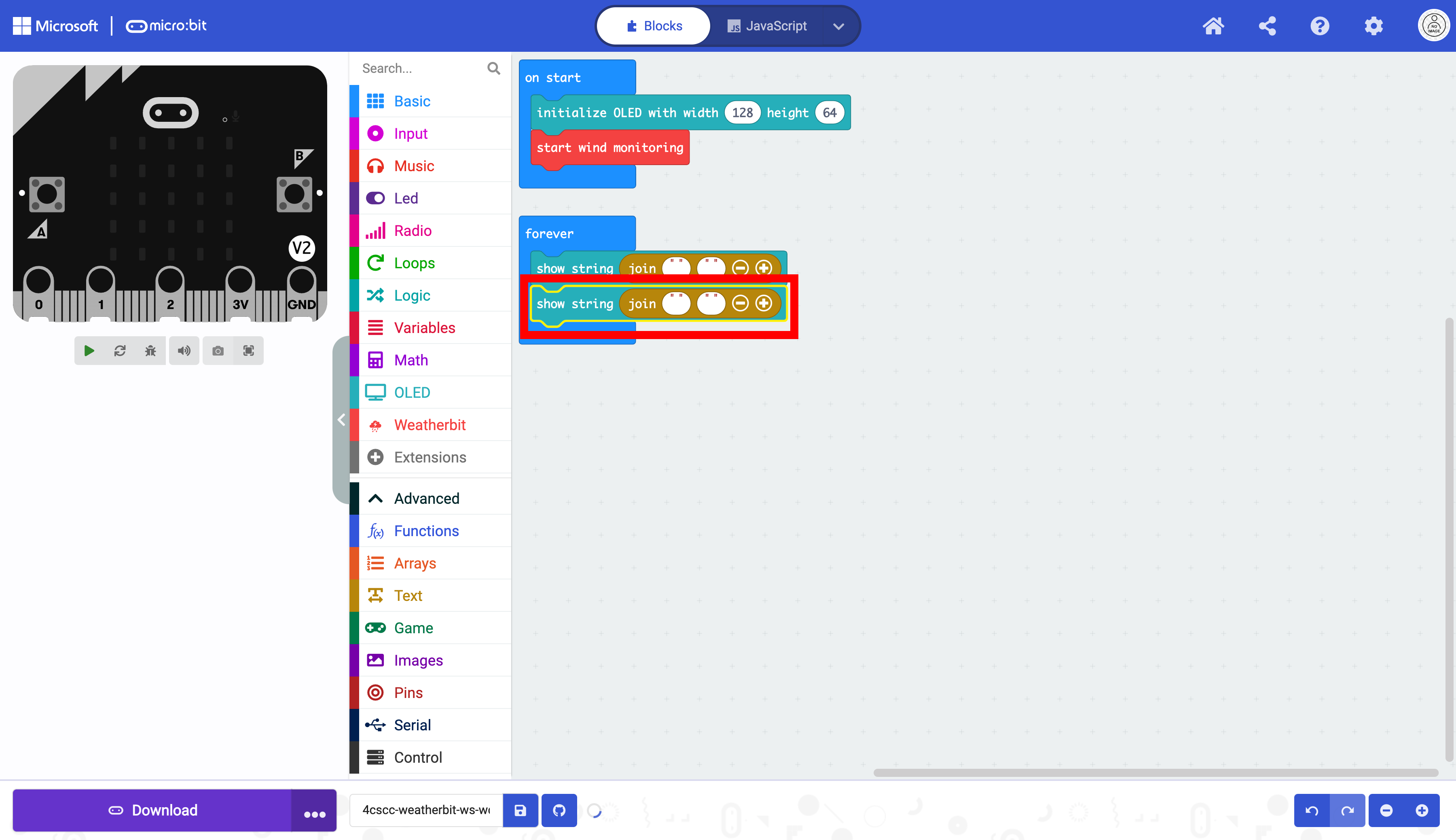
Select the duplicated show string block.

Place the block in the forever block below the other block as displayed below:
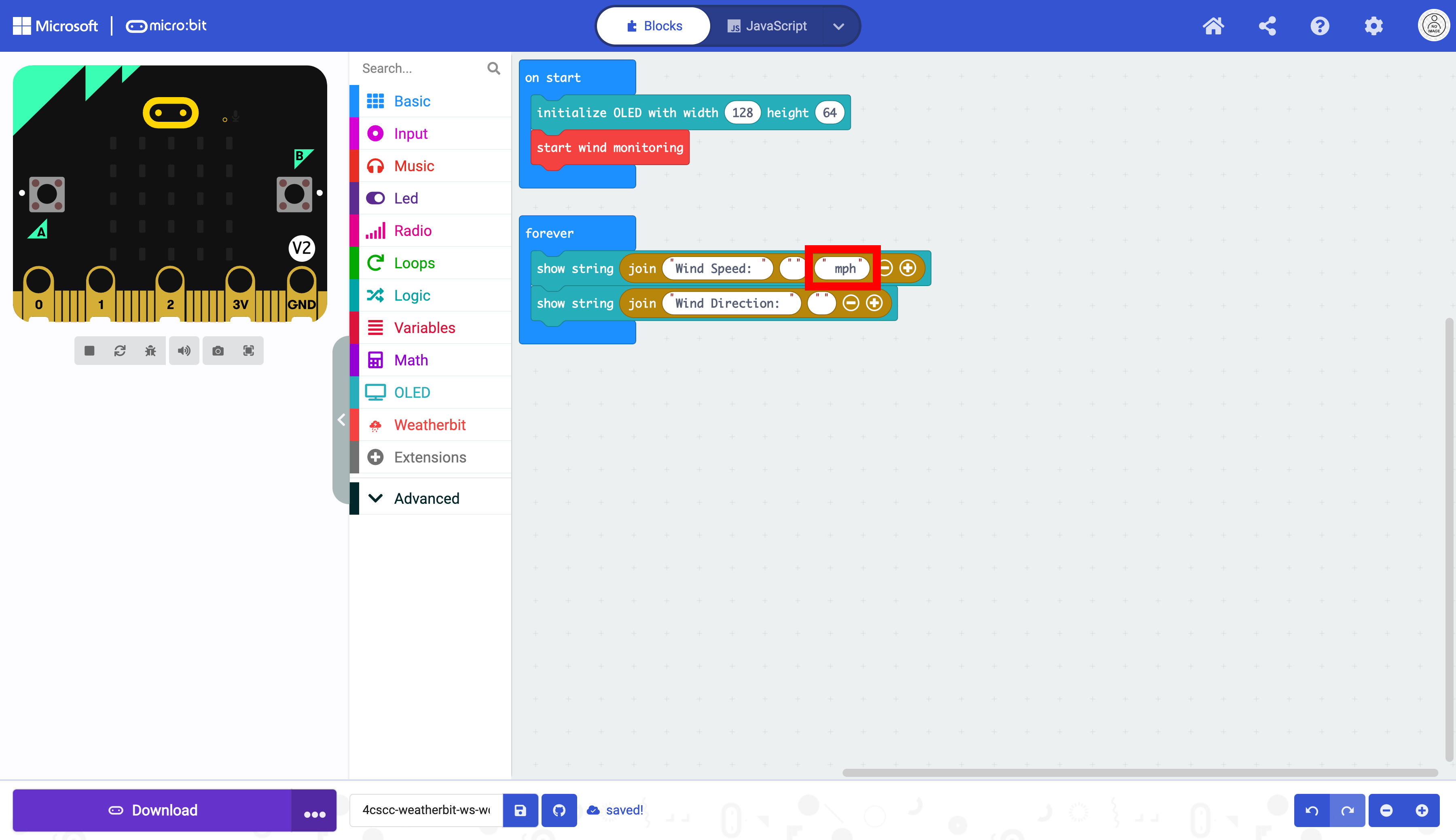
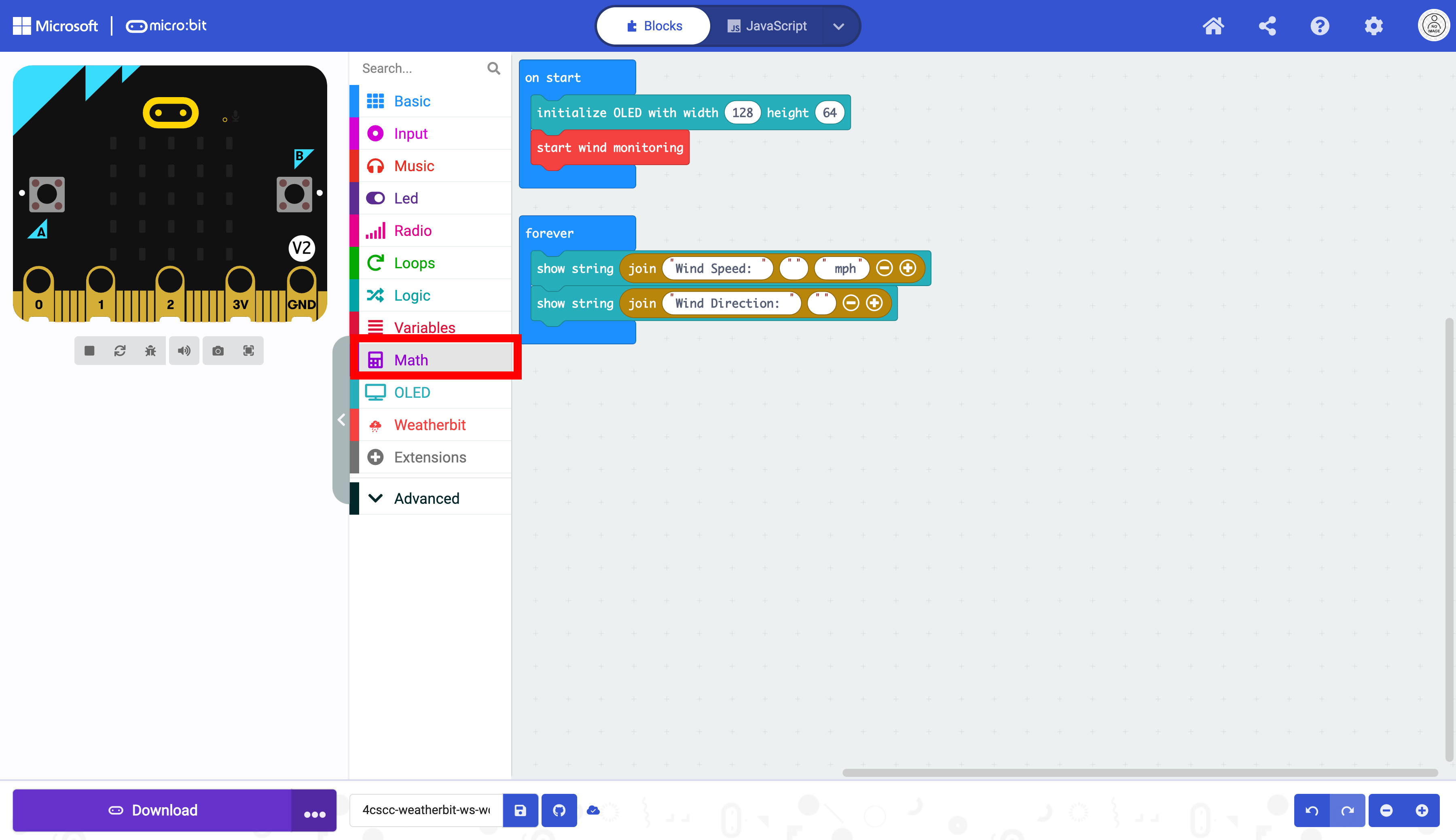
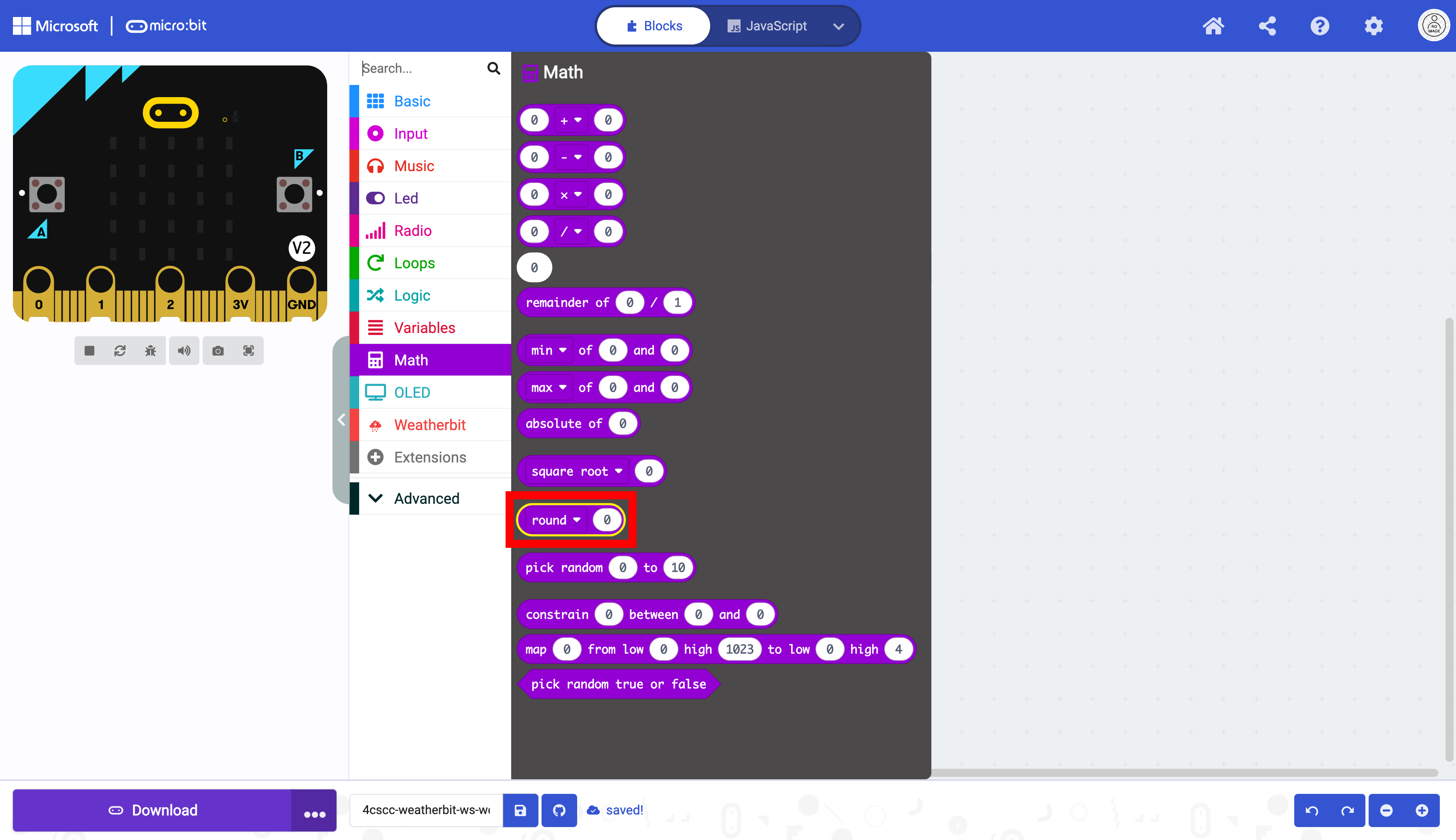
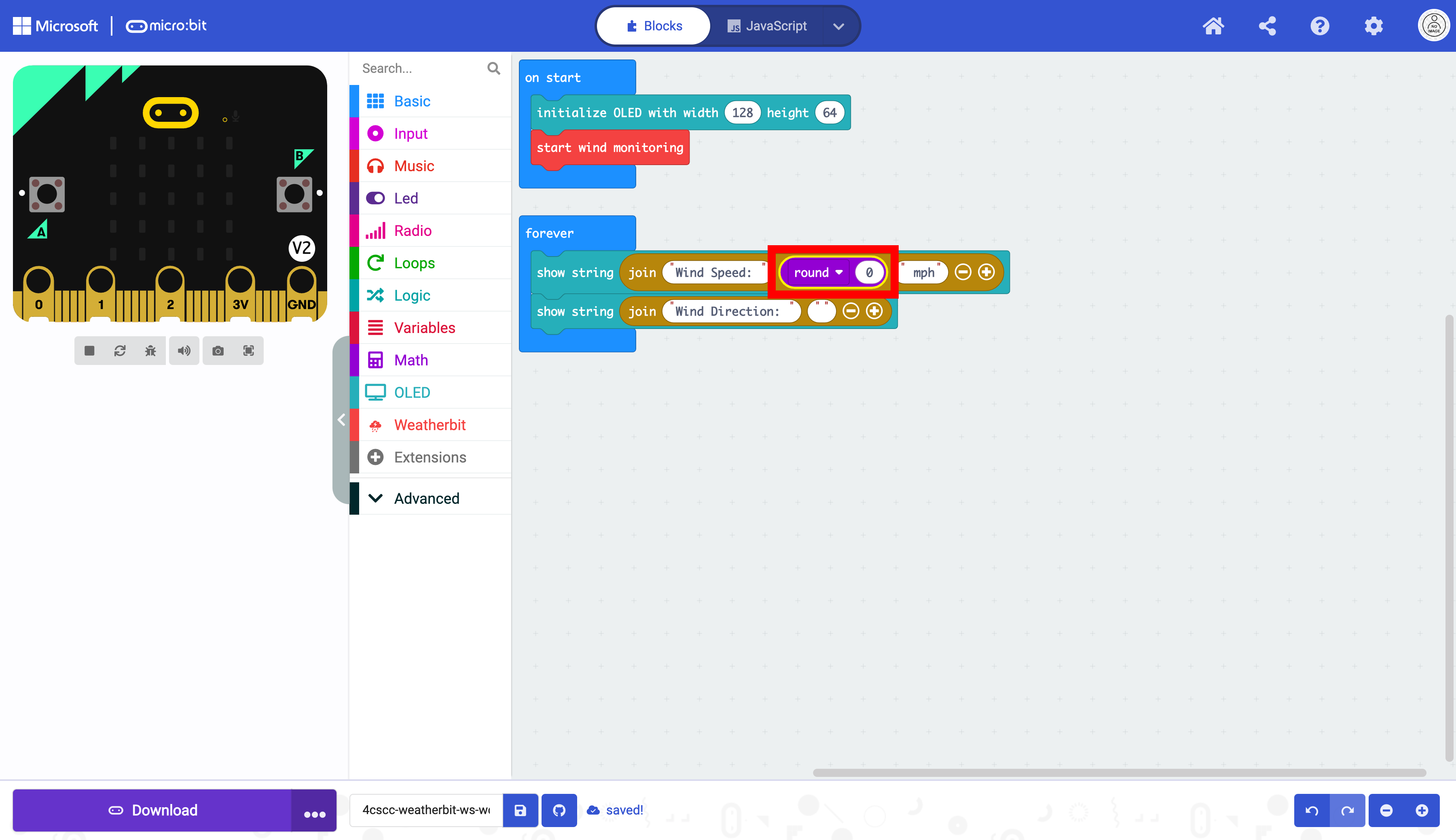
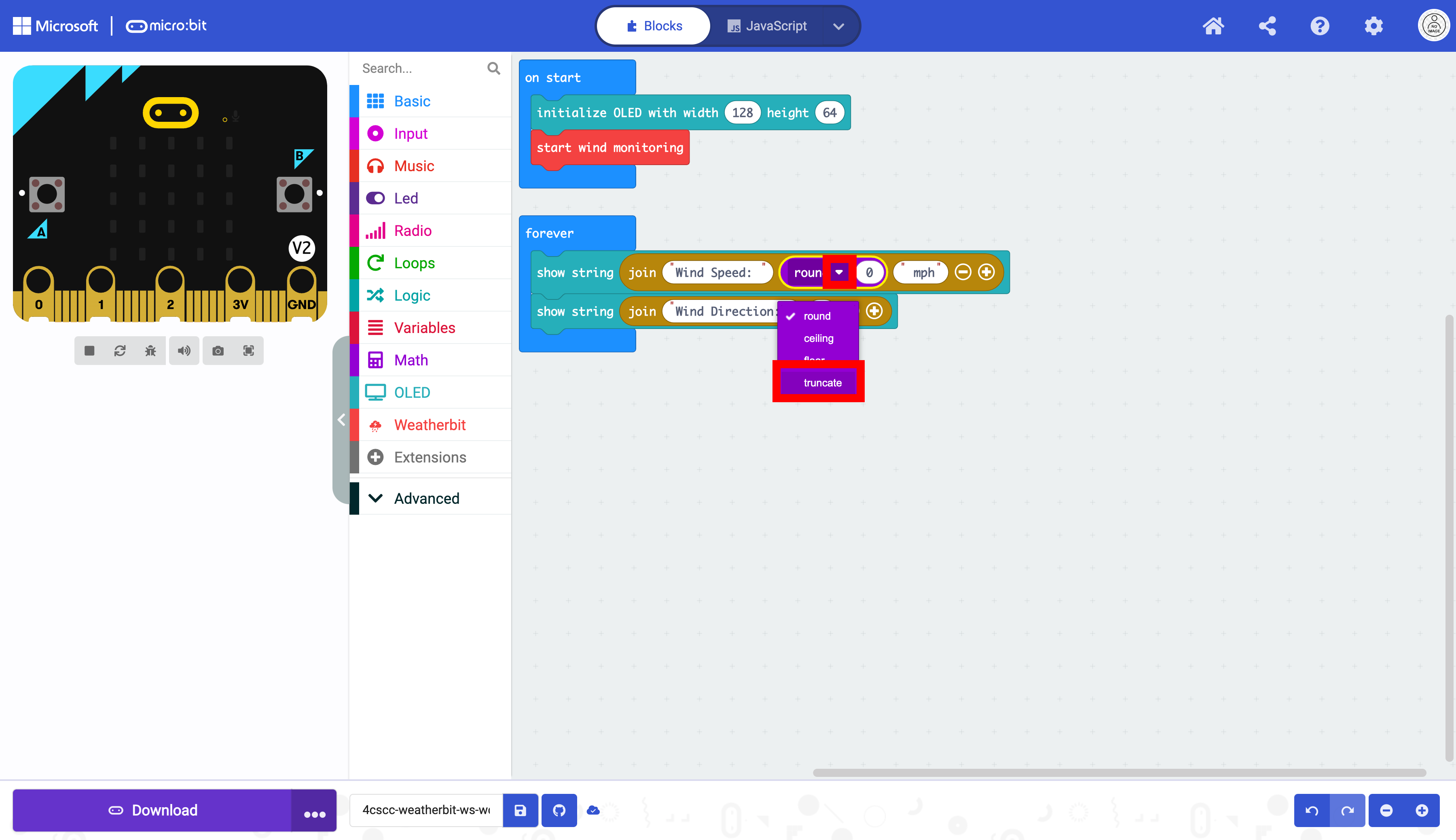
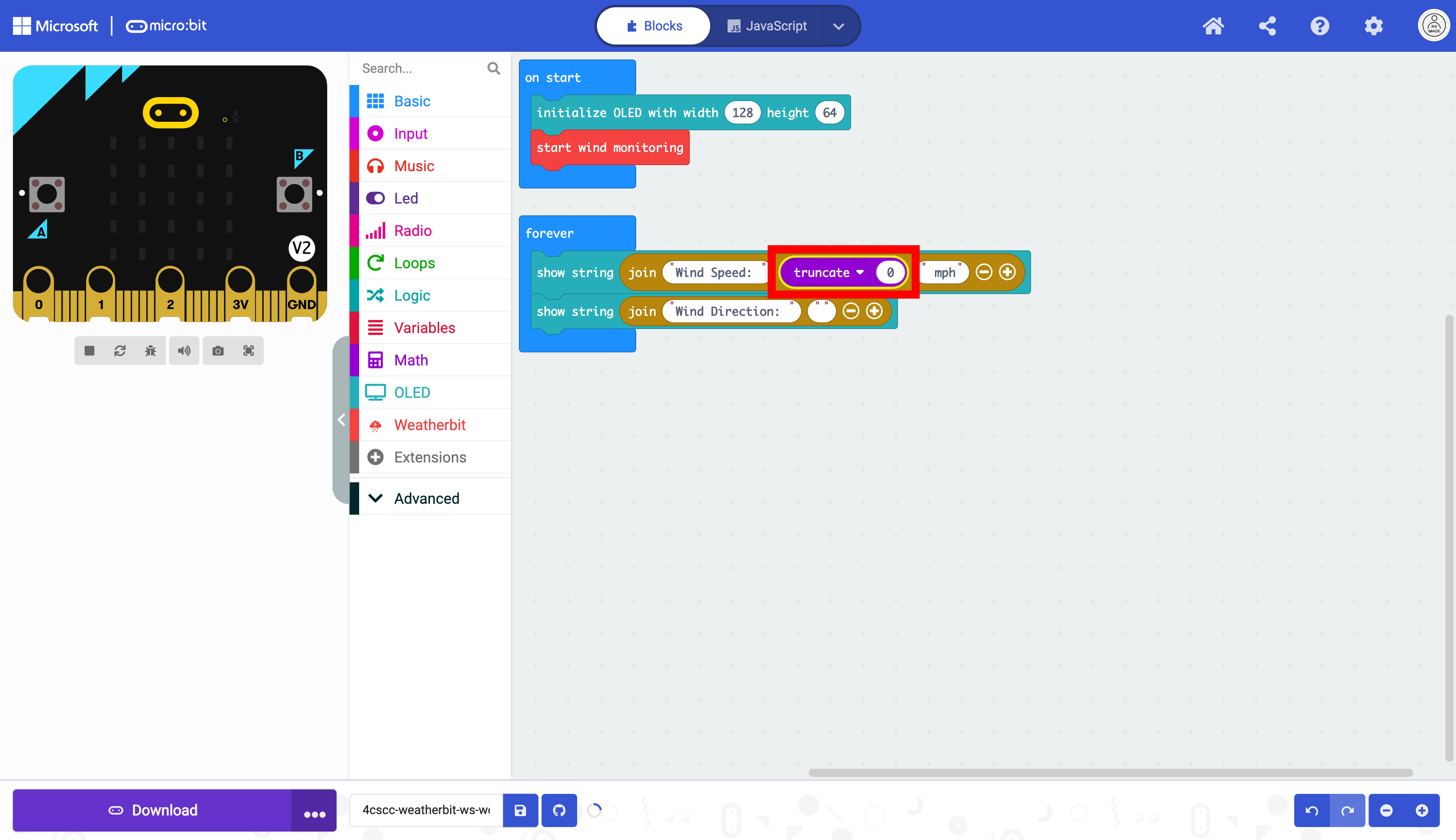
Click on the “Weatherbit” drawer of the Toolbox.
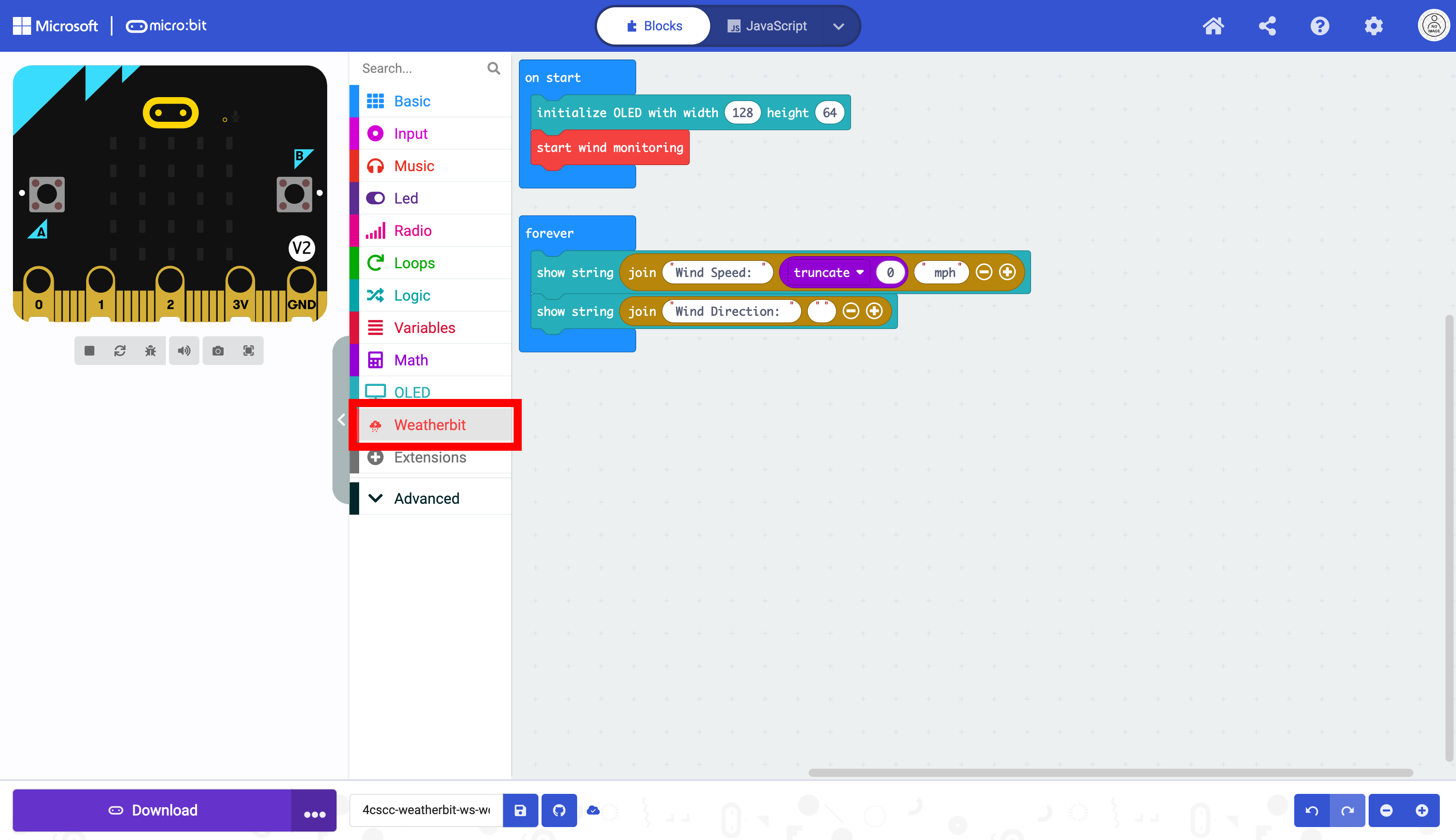
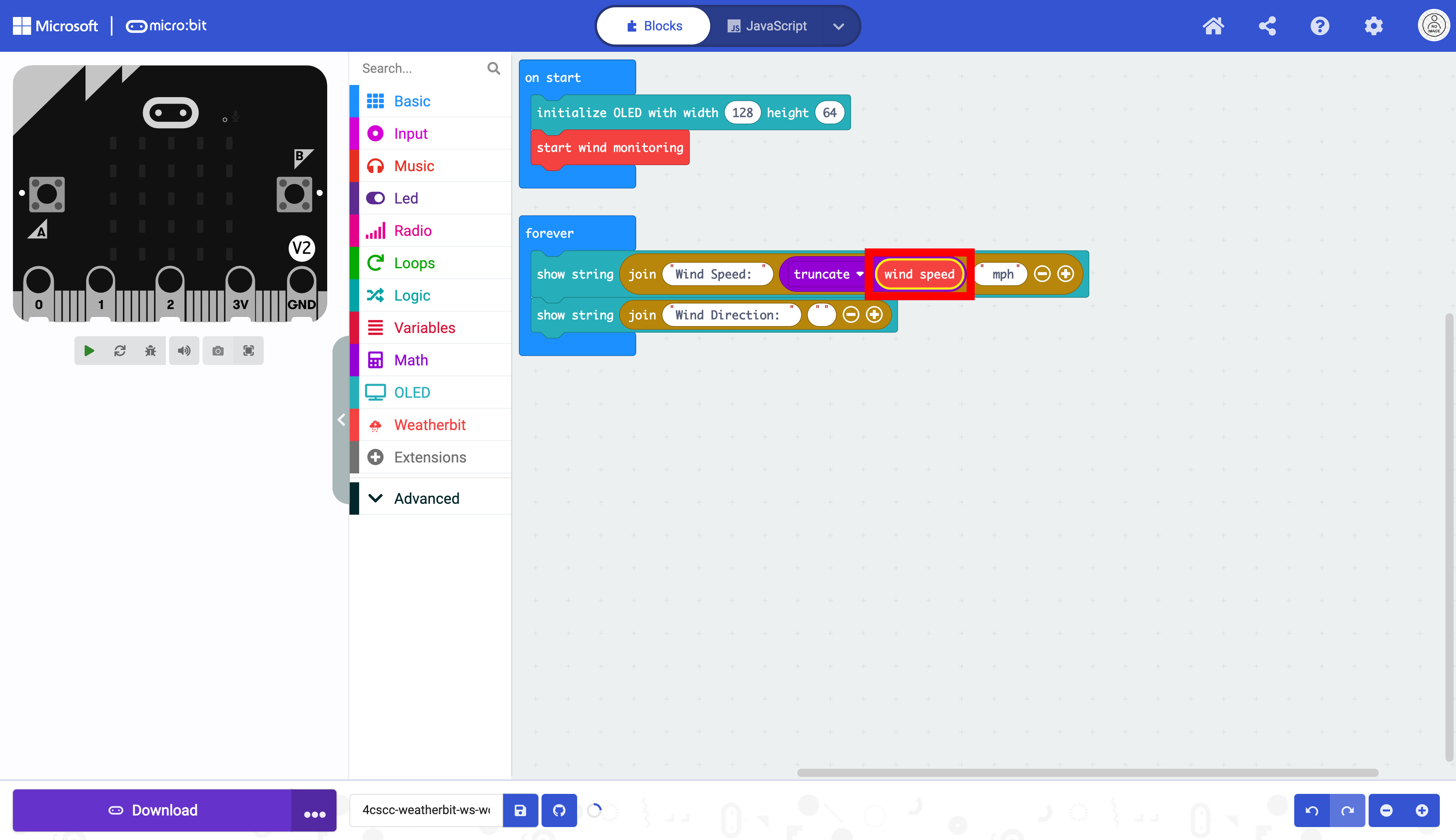
Select the wind speed block.
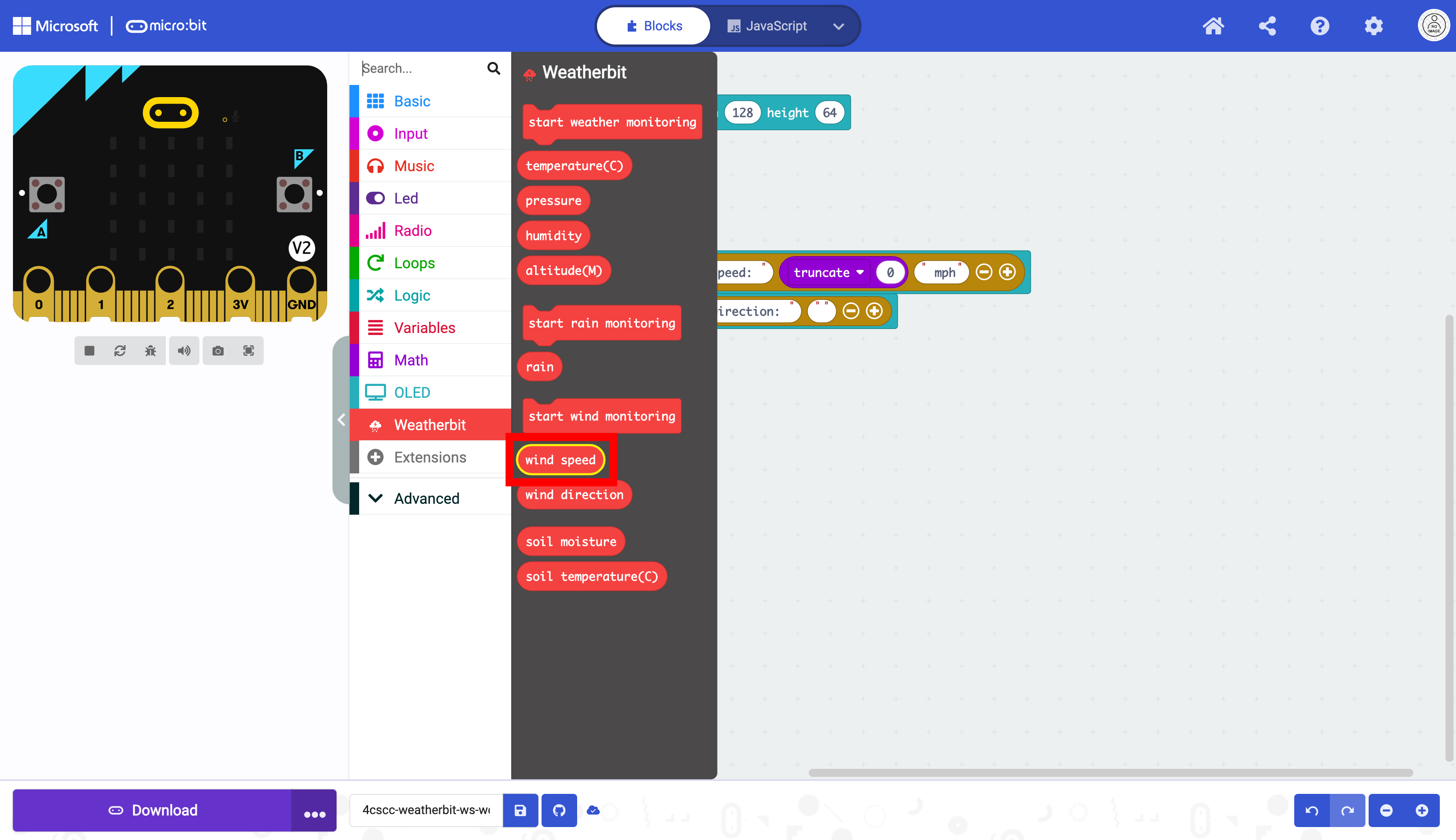
Place the wind speed block in the truncate block.
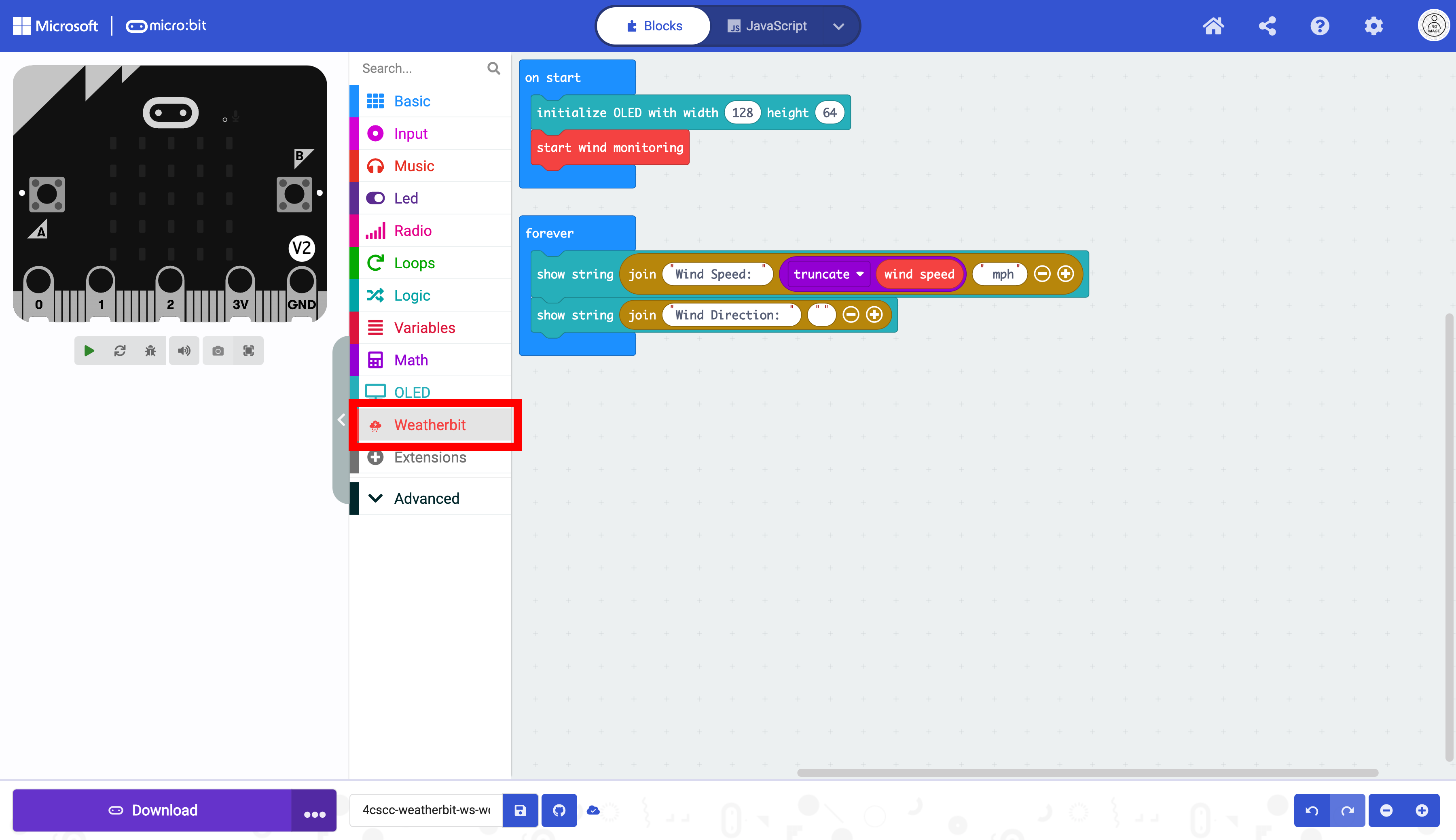
Click on the “Weatherbit” drawer of the Toolbox.
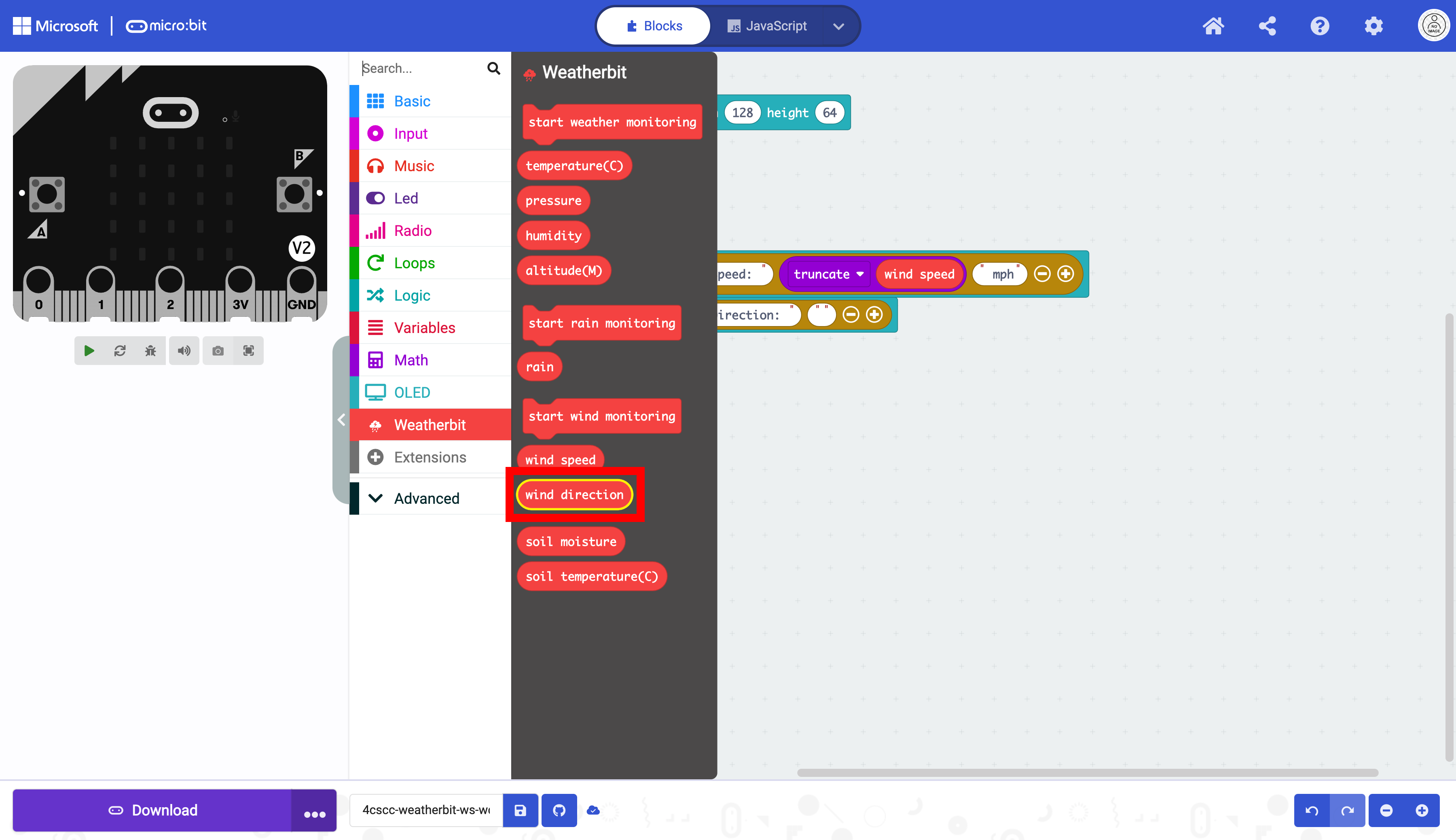
Select the wind direction block.
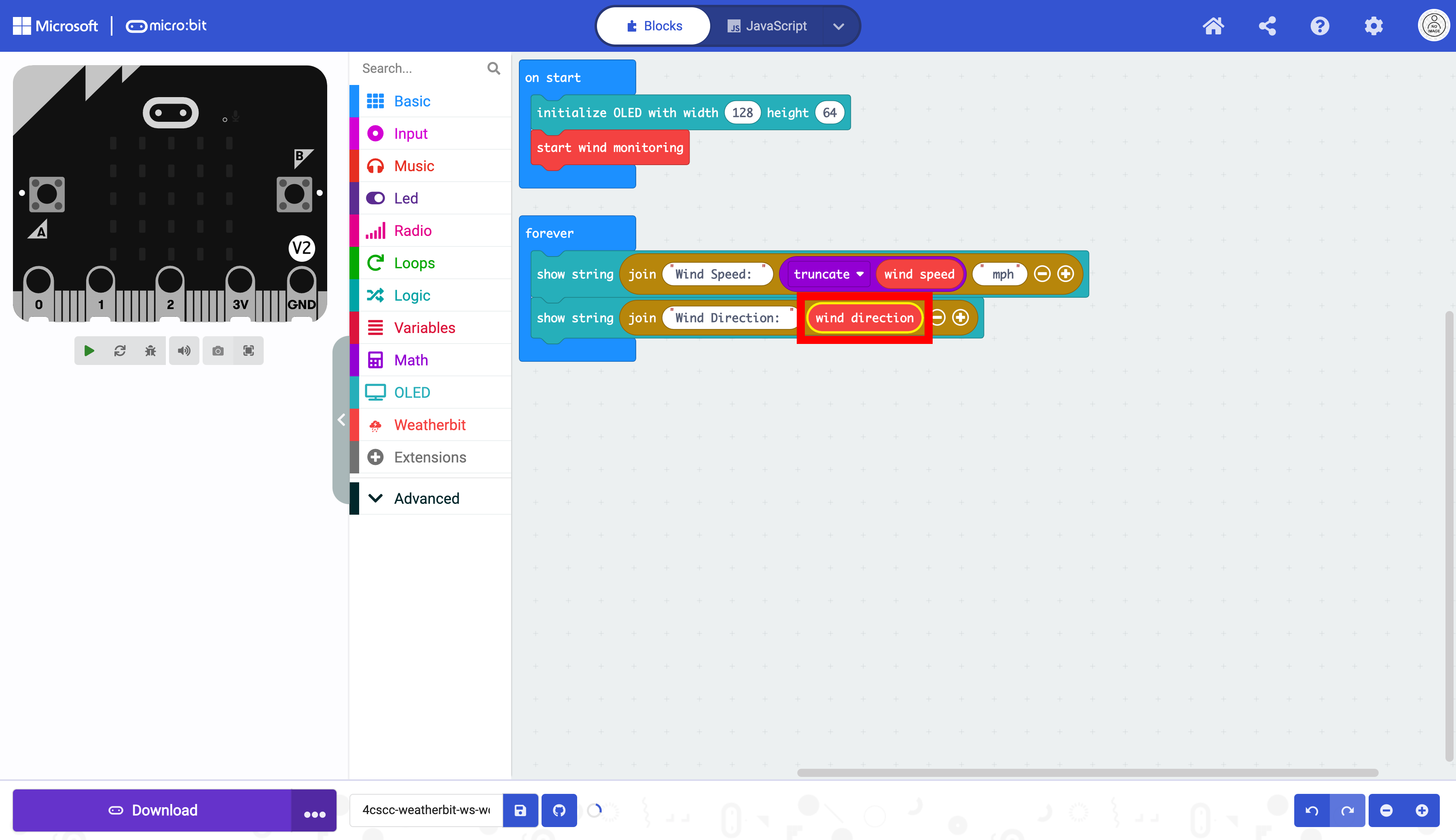
Place the wind direction block in the join block.
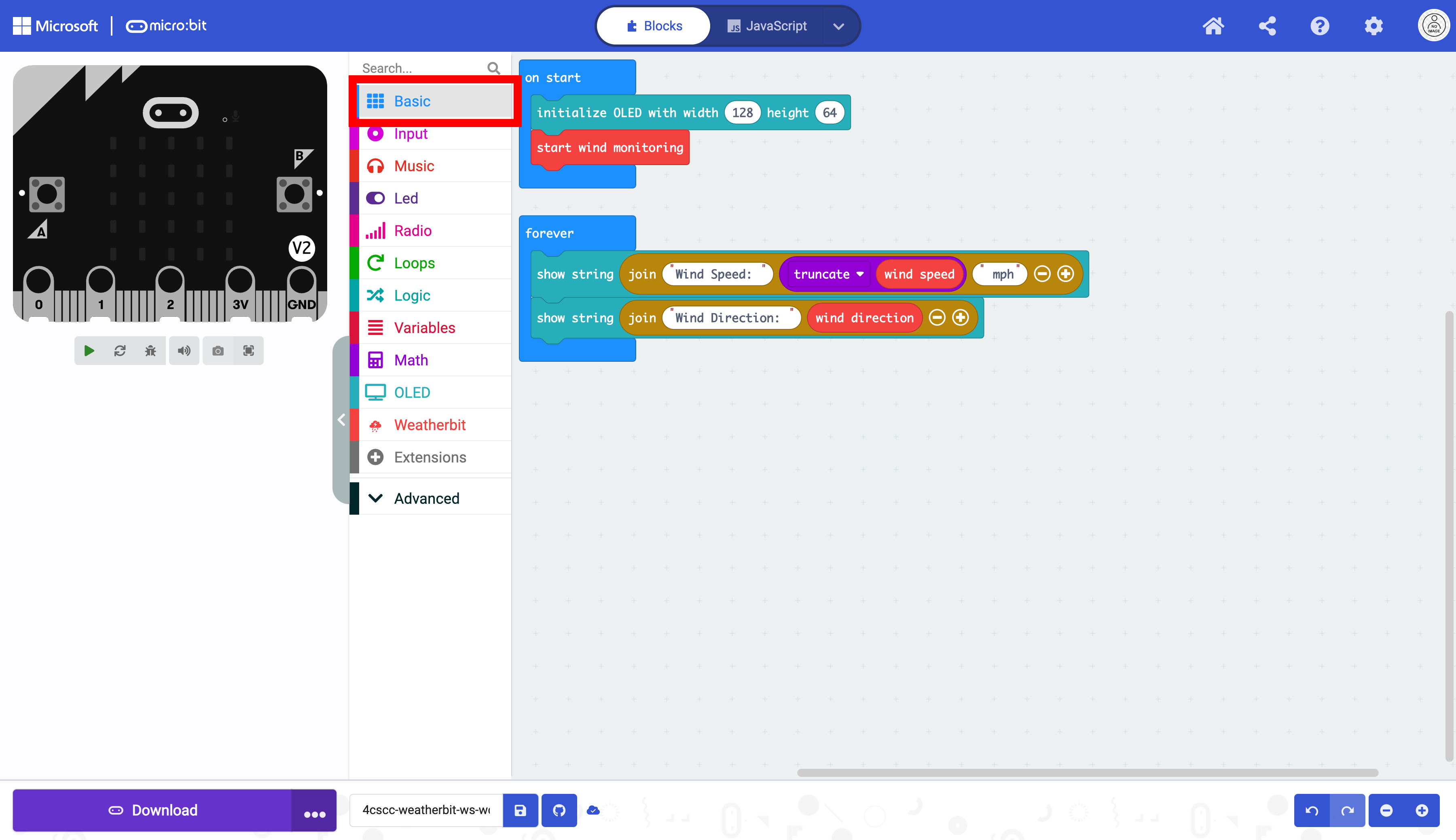
As in the previous sections. You need to stop the OLED from repeating the data. Click on the “Basic” drawer of the Toolbox.
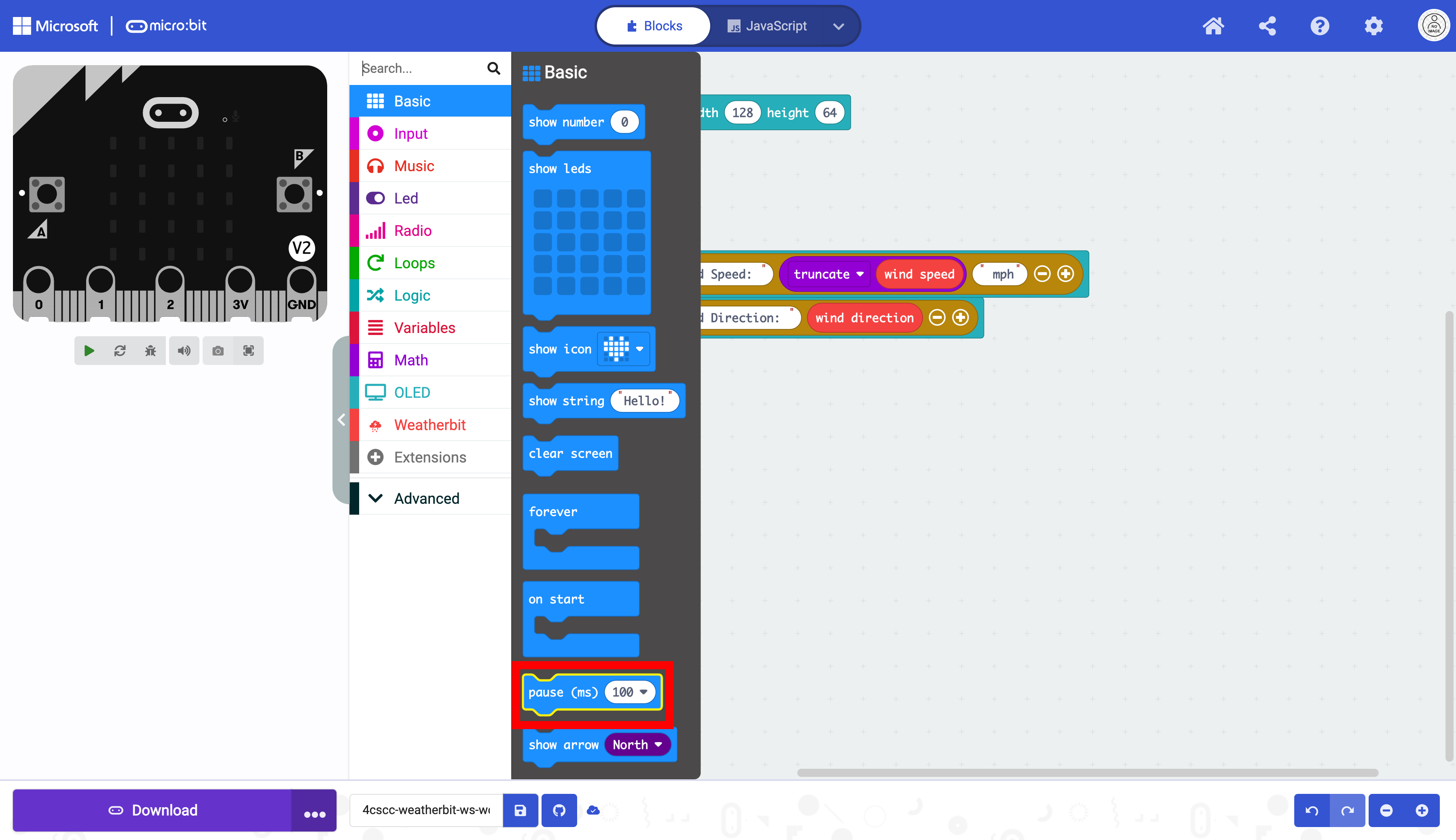
Select the pause block.
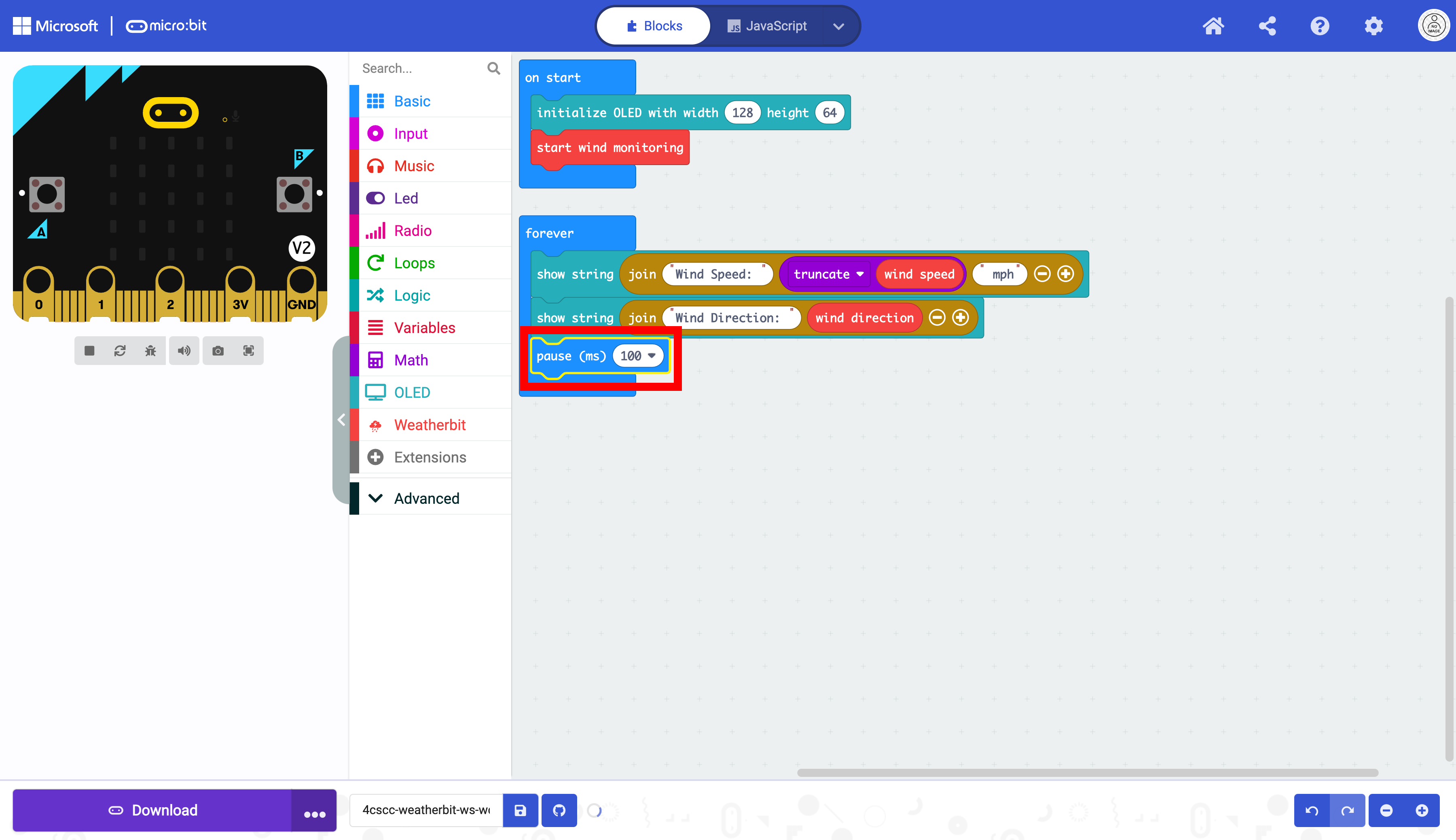
Place the pause block below the show string blocks in the forever block.
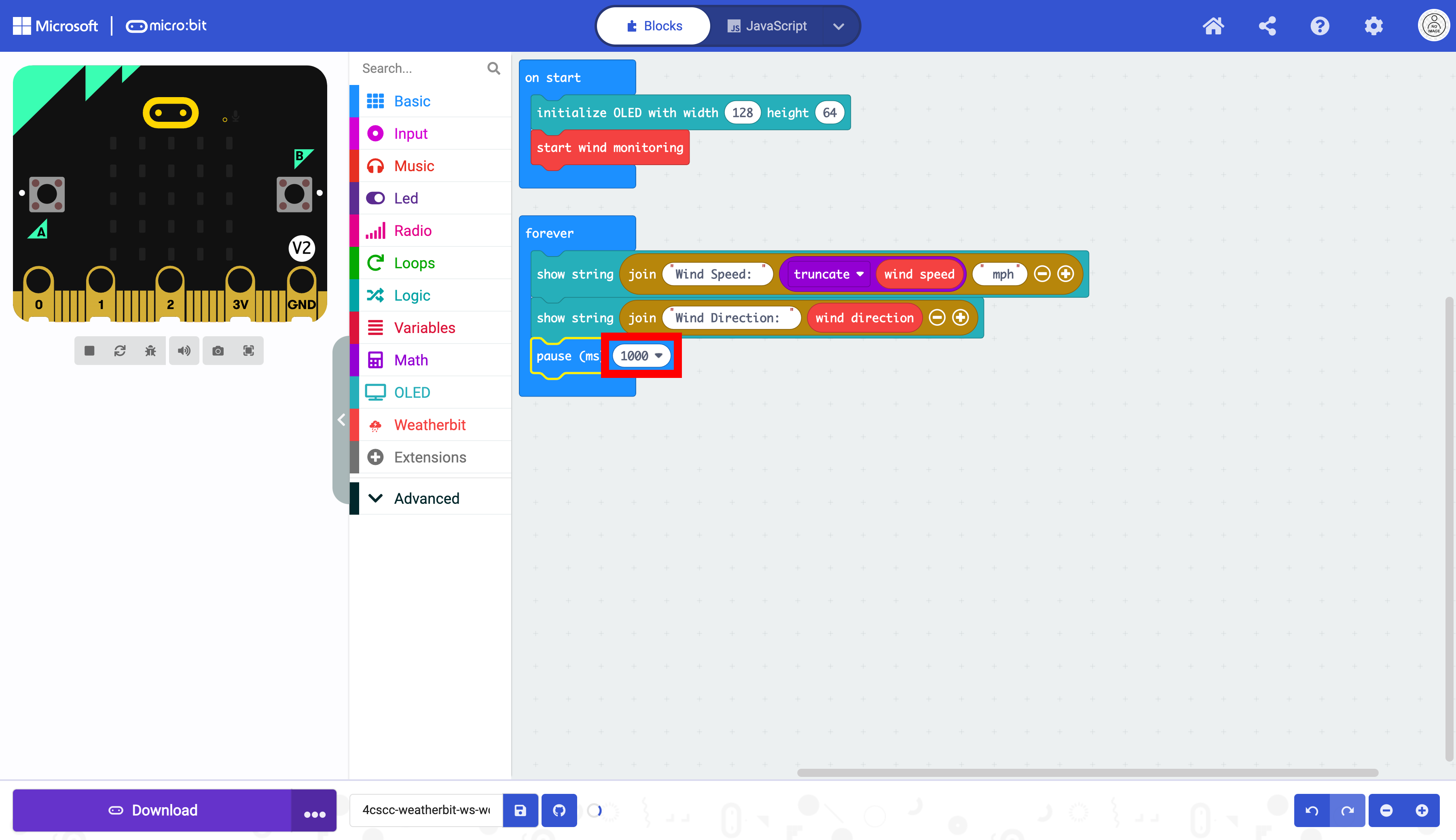
Change the pause to 5 seconds in the dropdown menu.
Click on the “OLED” drawer of the Toolbox.
Select the clear OLED display block.
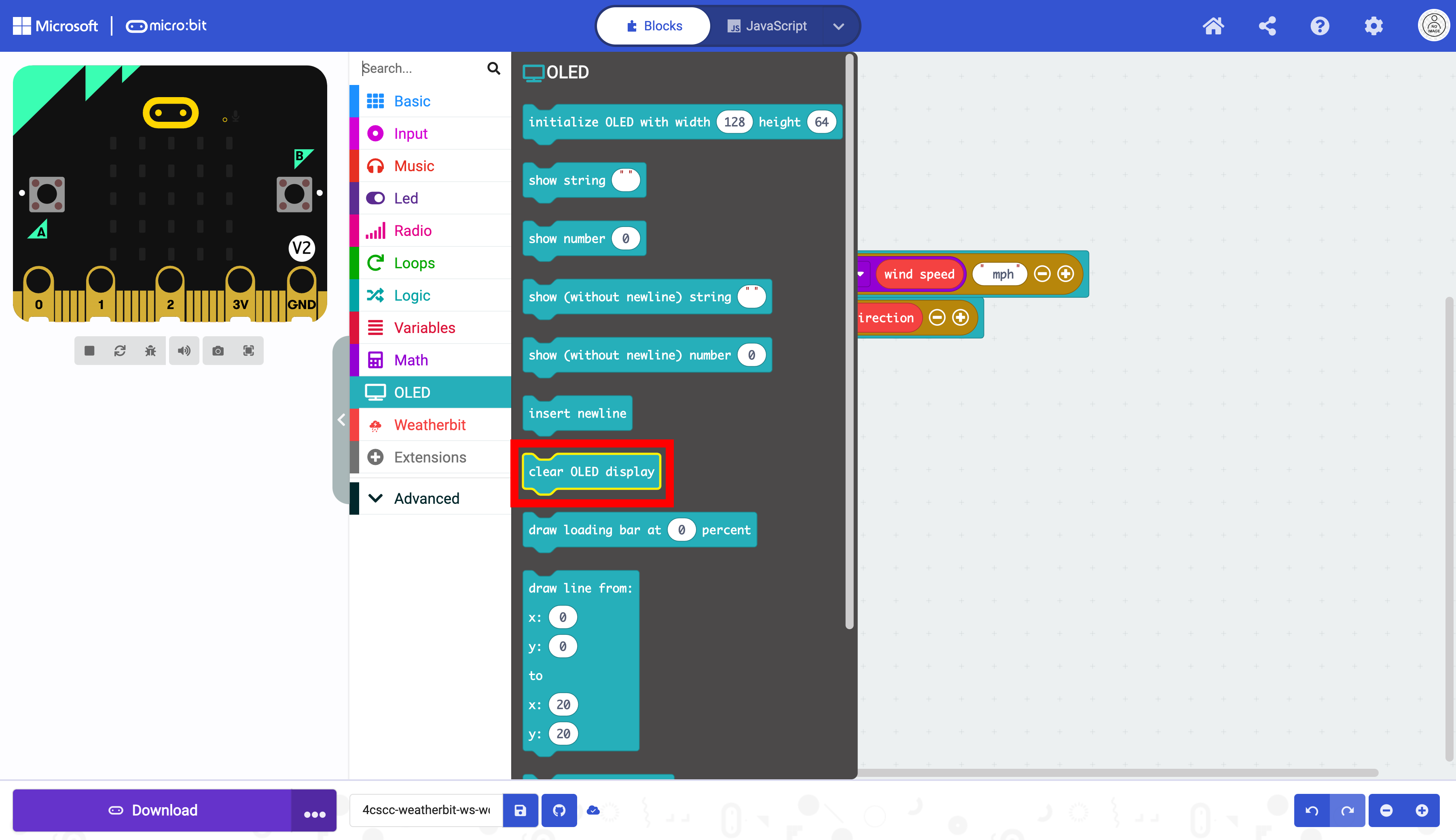
Place the clear OLED display below the pause block in the forever block.