

Displaying Built-In Images#
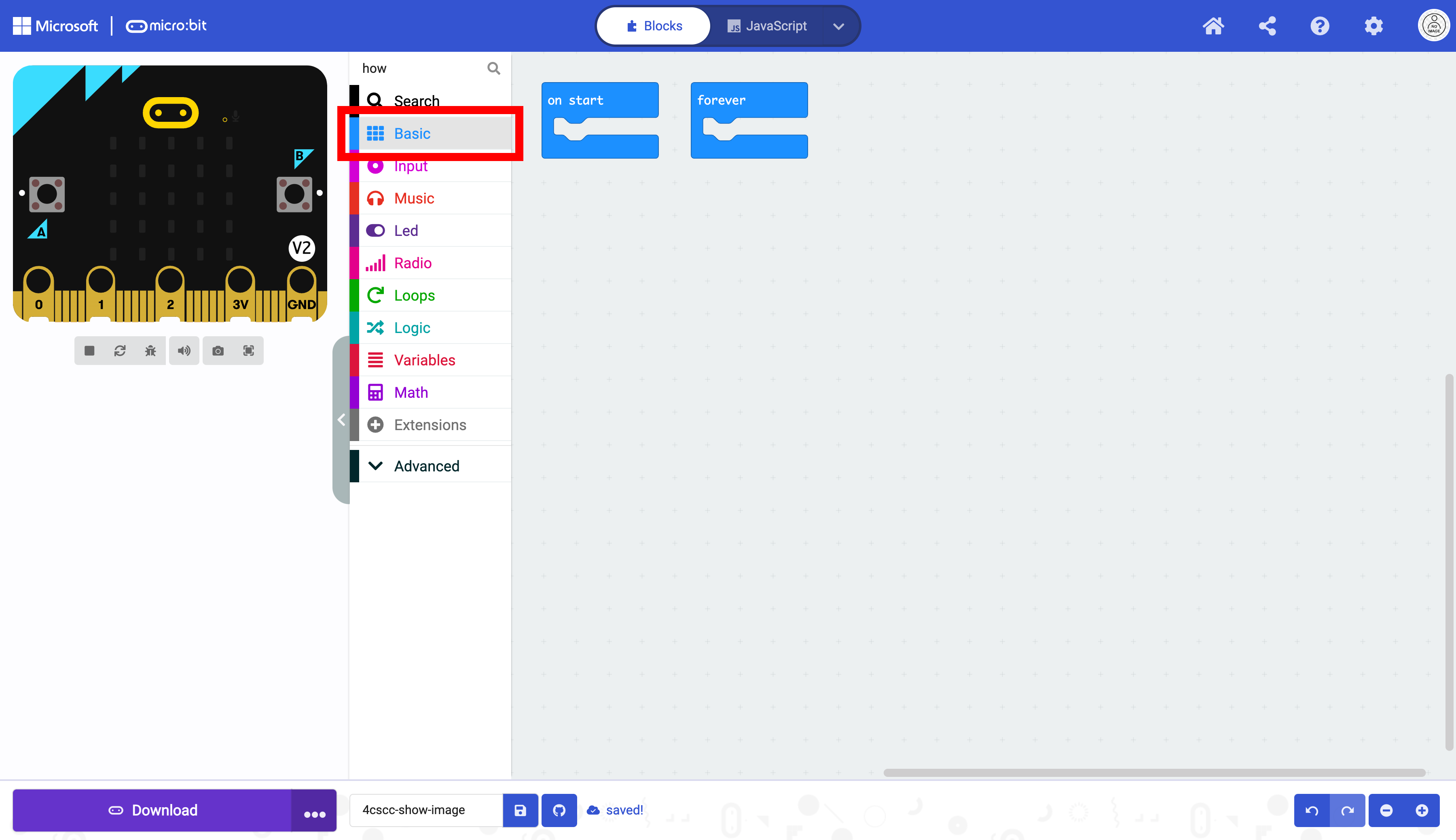
Click on the basic drawer of the Toolbox.
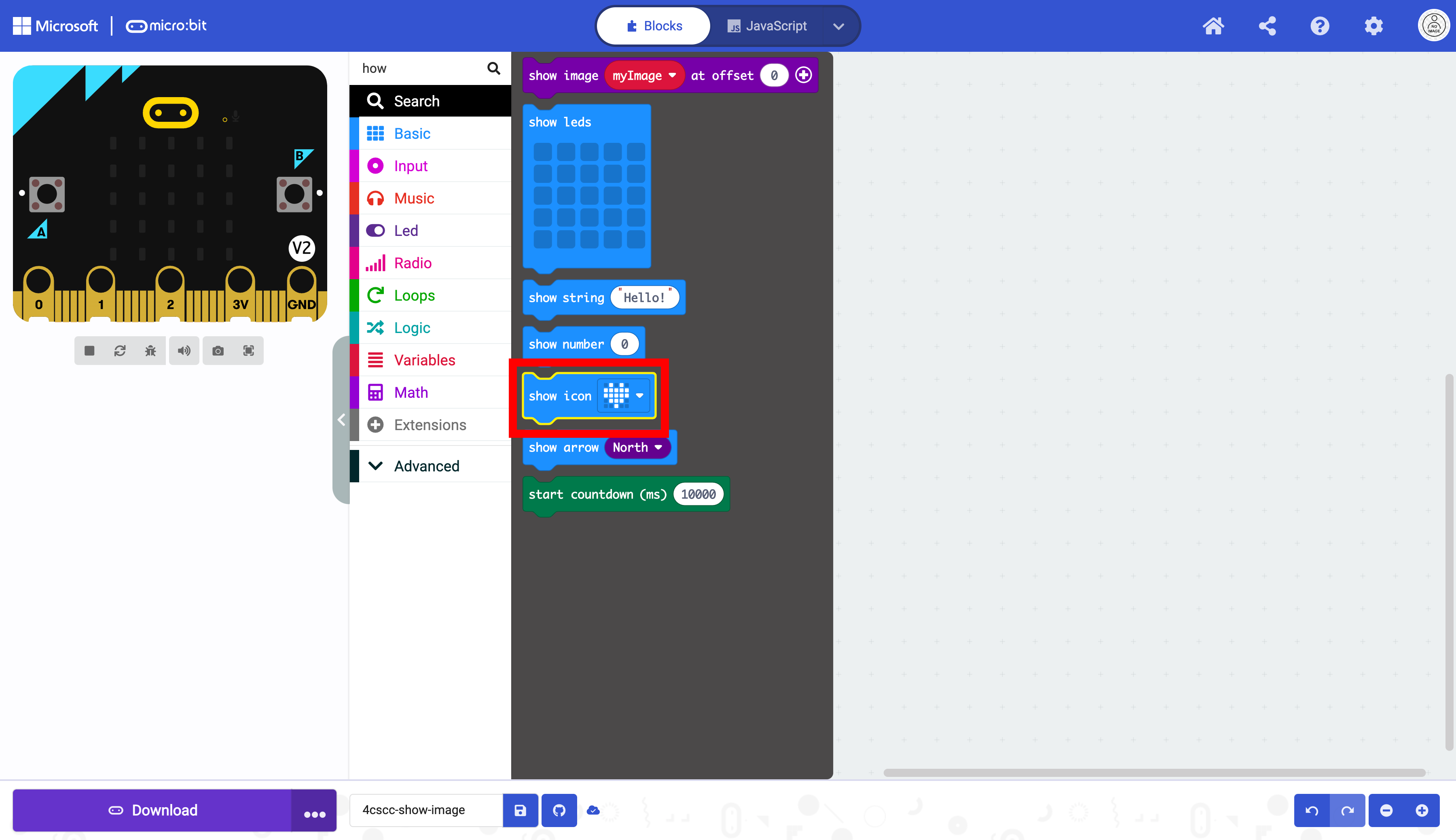
Select the show icon.
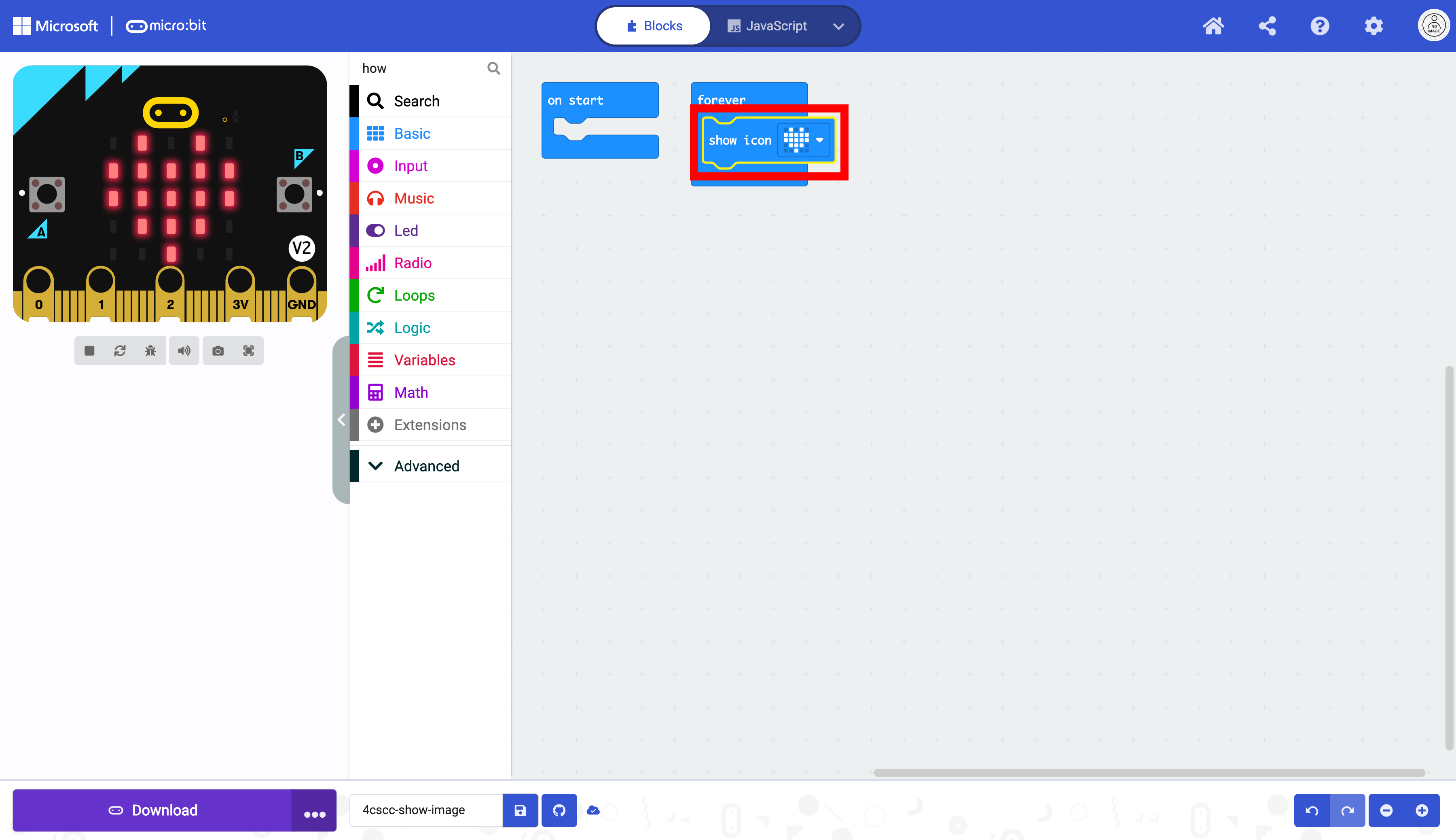
Place the show icon in the forever block.
Click on the dropdown menu. The available built-in images will appear.
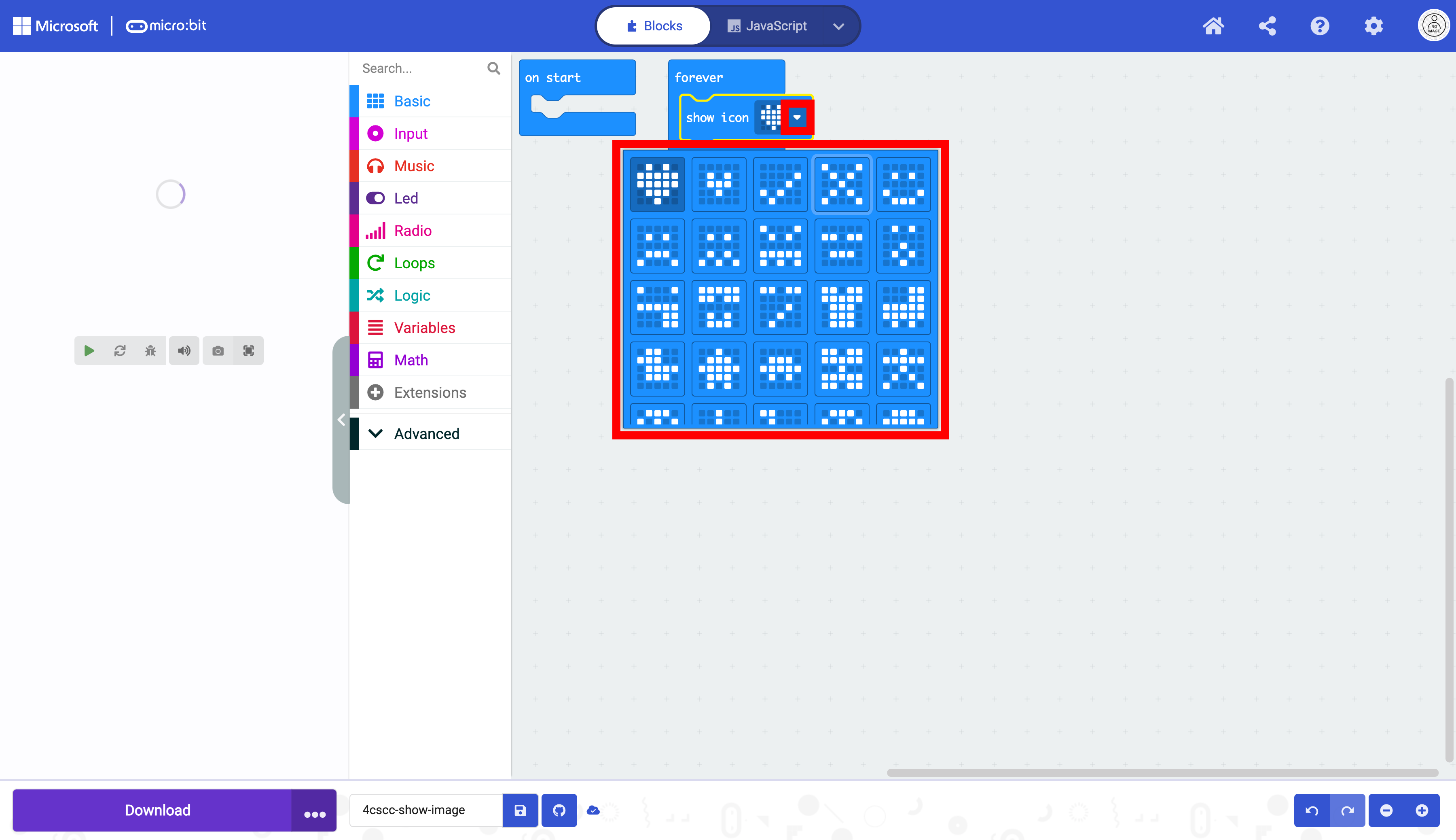
Select one of the built-in images.
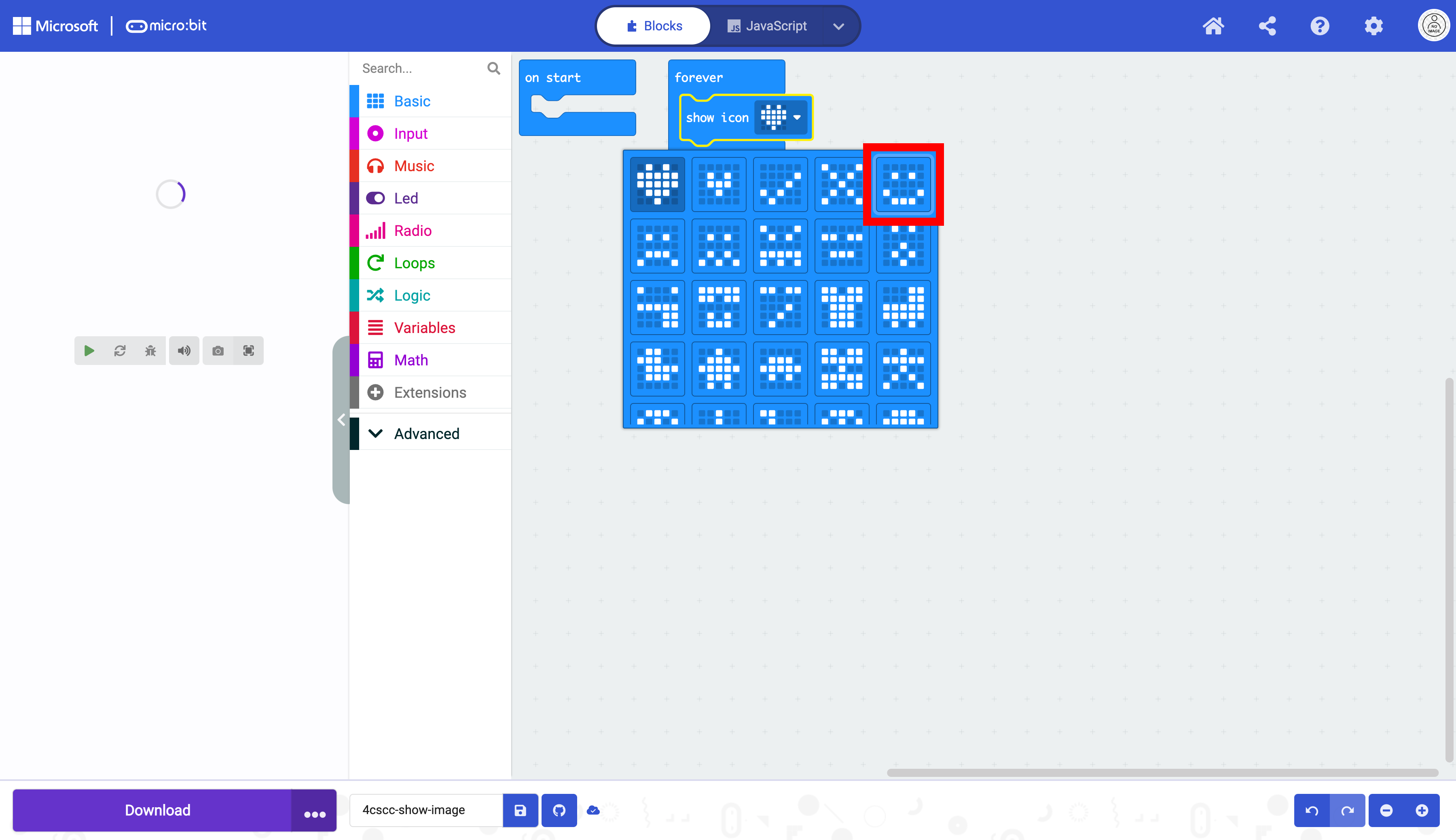
The image you chose replaces the default heart image.
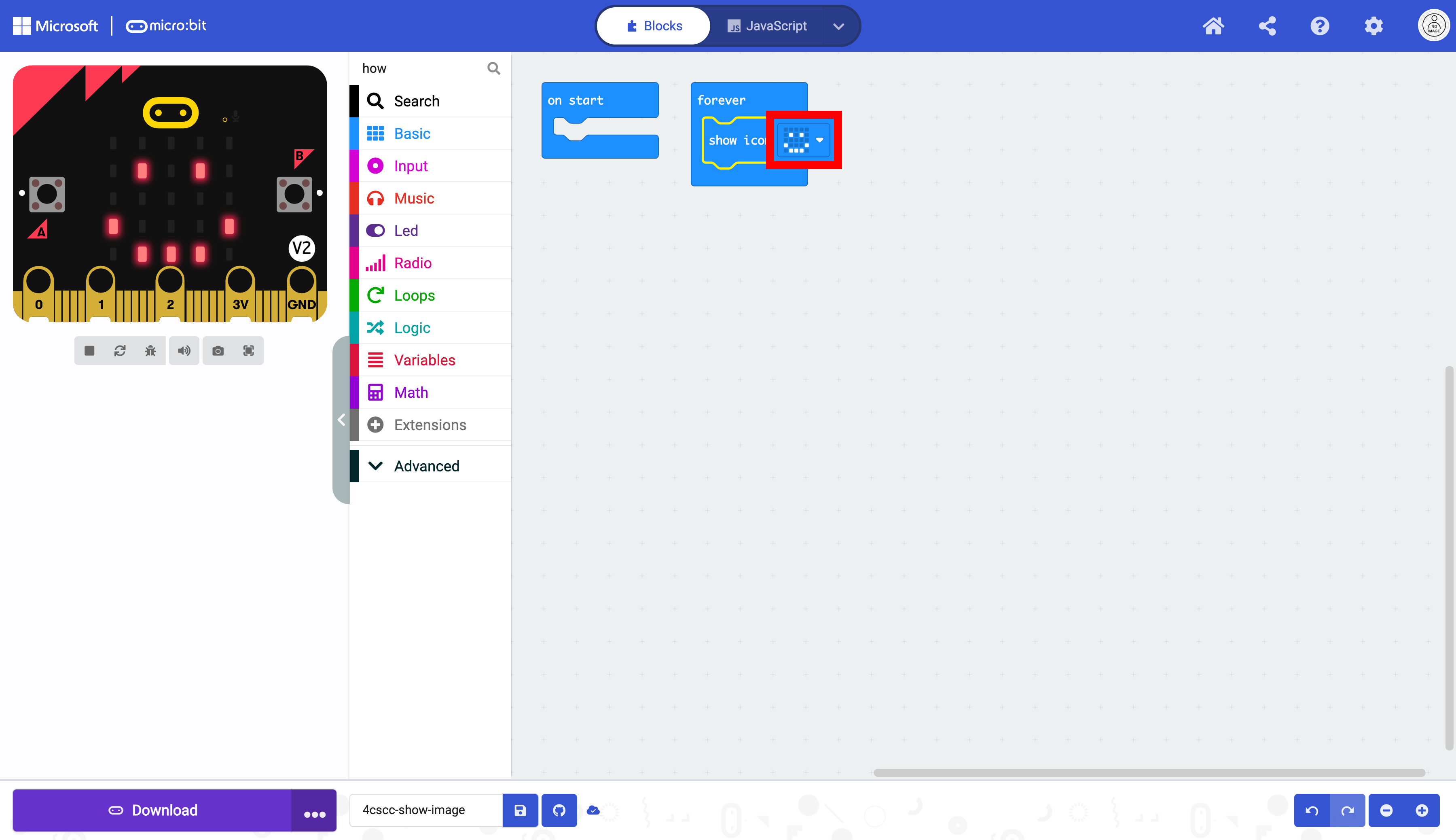
The code is now ready to be flashed on the micro:bit.