Introduction#
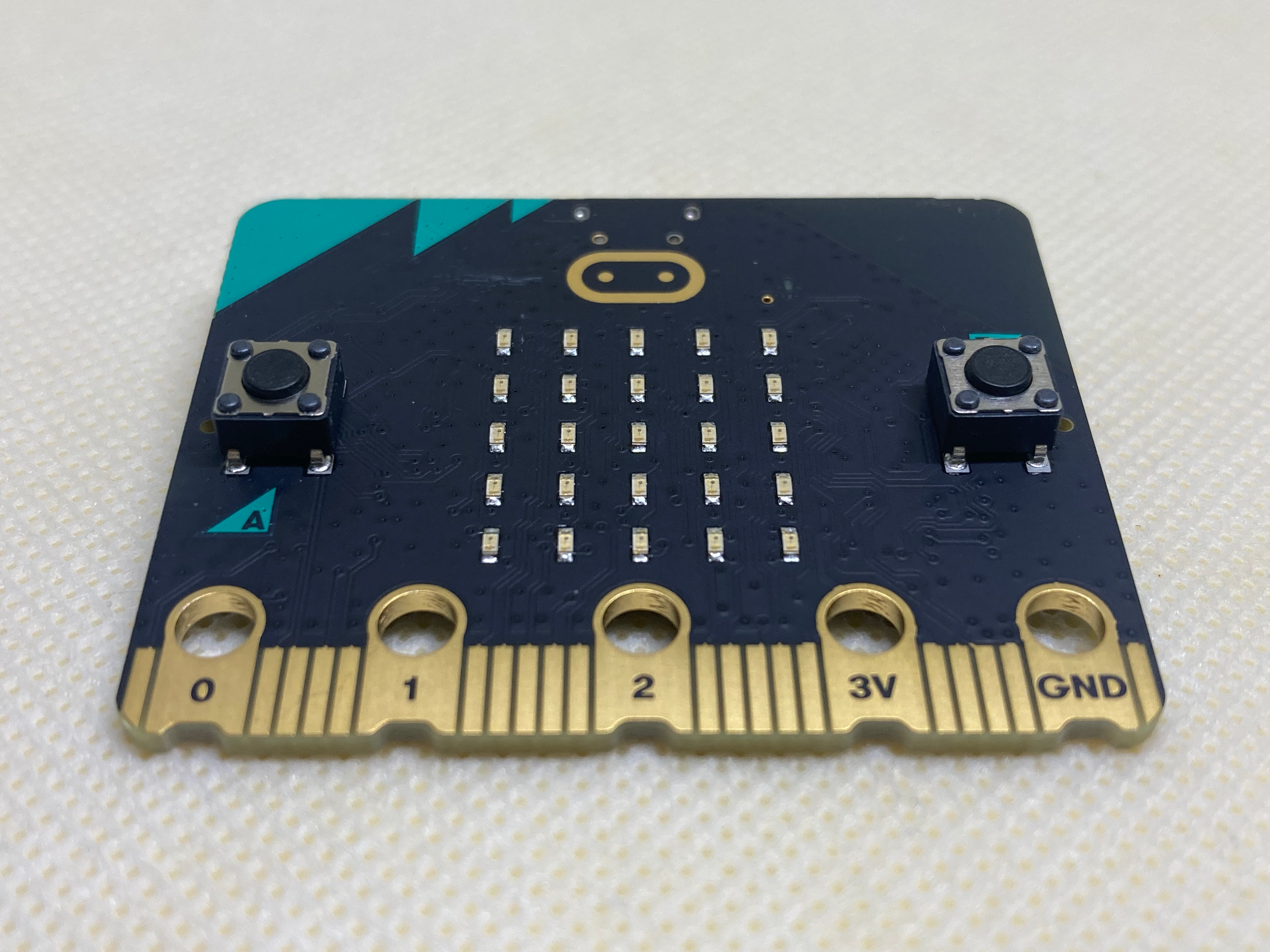
Welcome to the first lesson on the BBC micro:bit! In this lesson you will learn about an amazing tiny computer called the micro:bit that you can use to create all sorts of fun projects. The micro:bit has different parts like buttons, a 5×5 LED matrix display, connectors called GPIO pins, and various sensors. We will learn how to connect the micro:bit to a program called MakeCode, where you can create your own code by snapping together colorful blocks, kind of like digital puzzle pieces. By the end of this lesson, you will have learned about the micro:bit board and how to run a program with basic MakeCode blocks.