

Using the Speaker#
This section will focus on the speaker or buzzer on the micro:bit to play a built-in melody. The speaker is more like a primitive speaker (a piezoelectric buzzer) on an old PC. It will not play the range of sounds a regular speaker will play, but it is works for most projects.

Select the “Music” drawer in the Toolbox.

This drawer has many blocks that can be used to code the speaker. You can play specific tones, create melodies and change the volume. We will focus on playing a built-in melody.

Scroll down and find the play <melody dadadum> block. Make sure to scroll down and select this block. The other play block closer to the top is used for custom melodies.

Place the play block in the forever block.
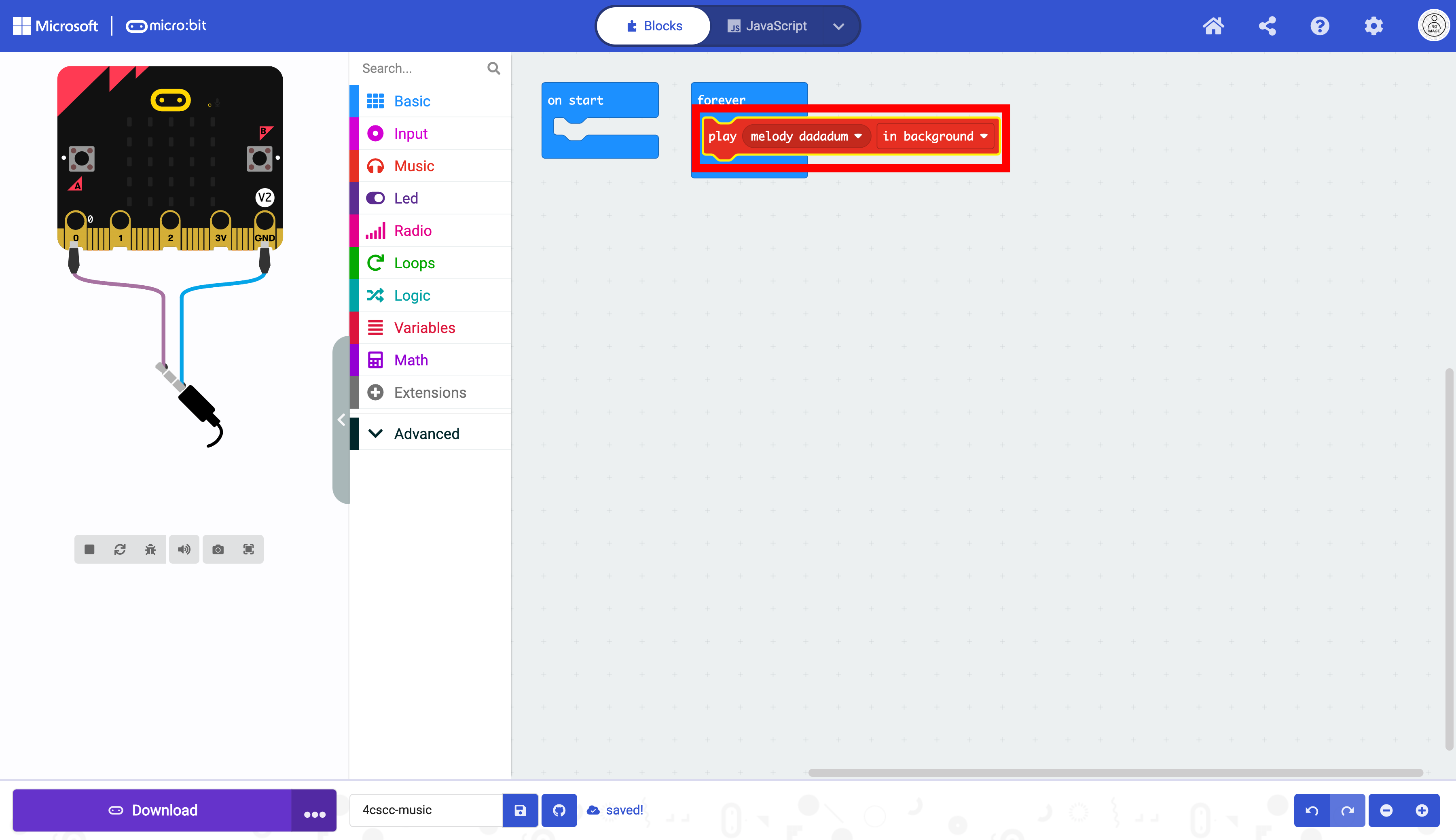
Choose the dropdown menu to choose any of the built-in melodies.

In this example, melody nyan is selected.

The micro:bit is now ready to be flashed with code. Press the download button to transfer the code to the micro:bit.