

Displaying Strings#
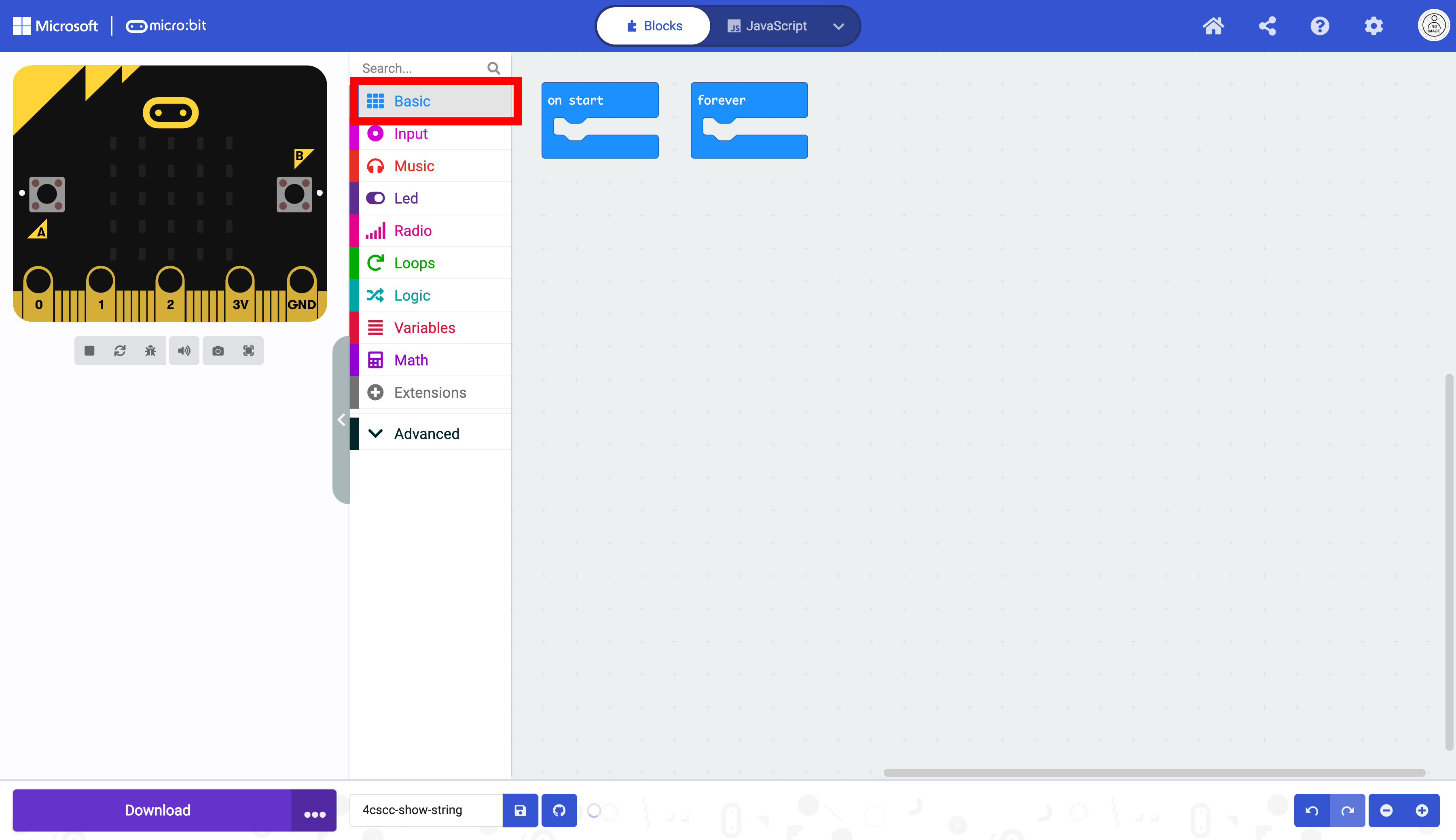
Click on Basic in the Toolbox.
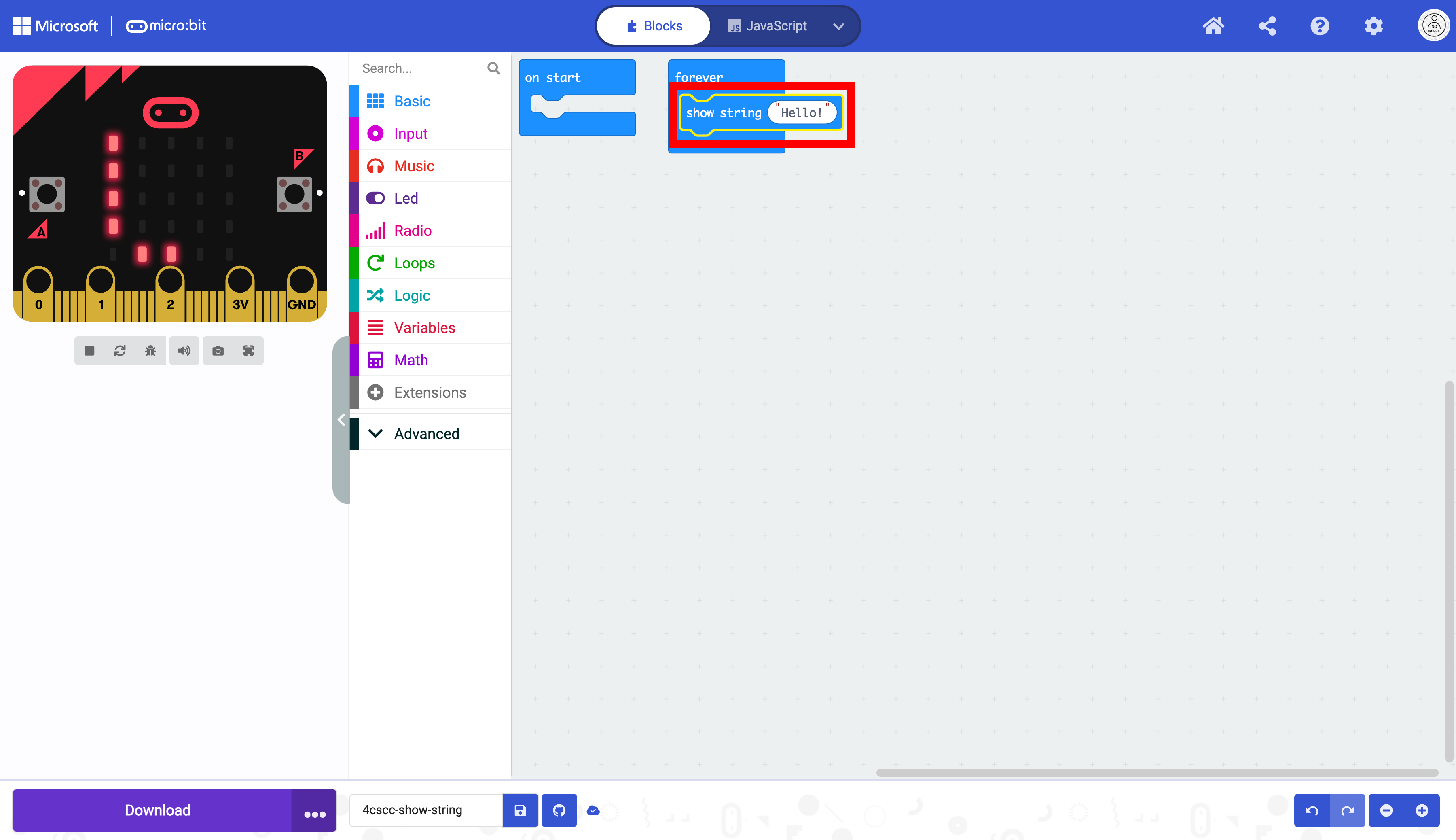
Select the show string block.

Place the show string block in the forever block.
Click on the string in the show string block and delete it.

Enter a string of your choice in the show string block.
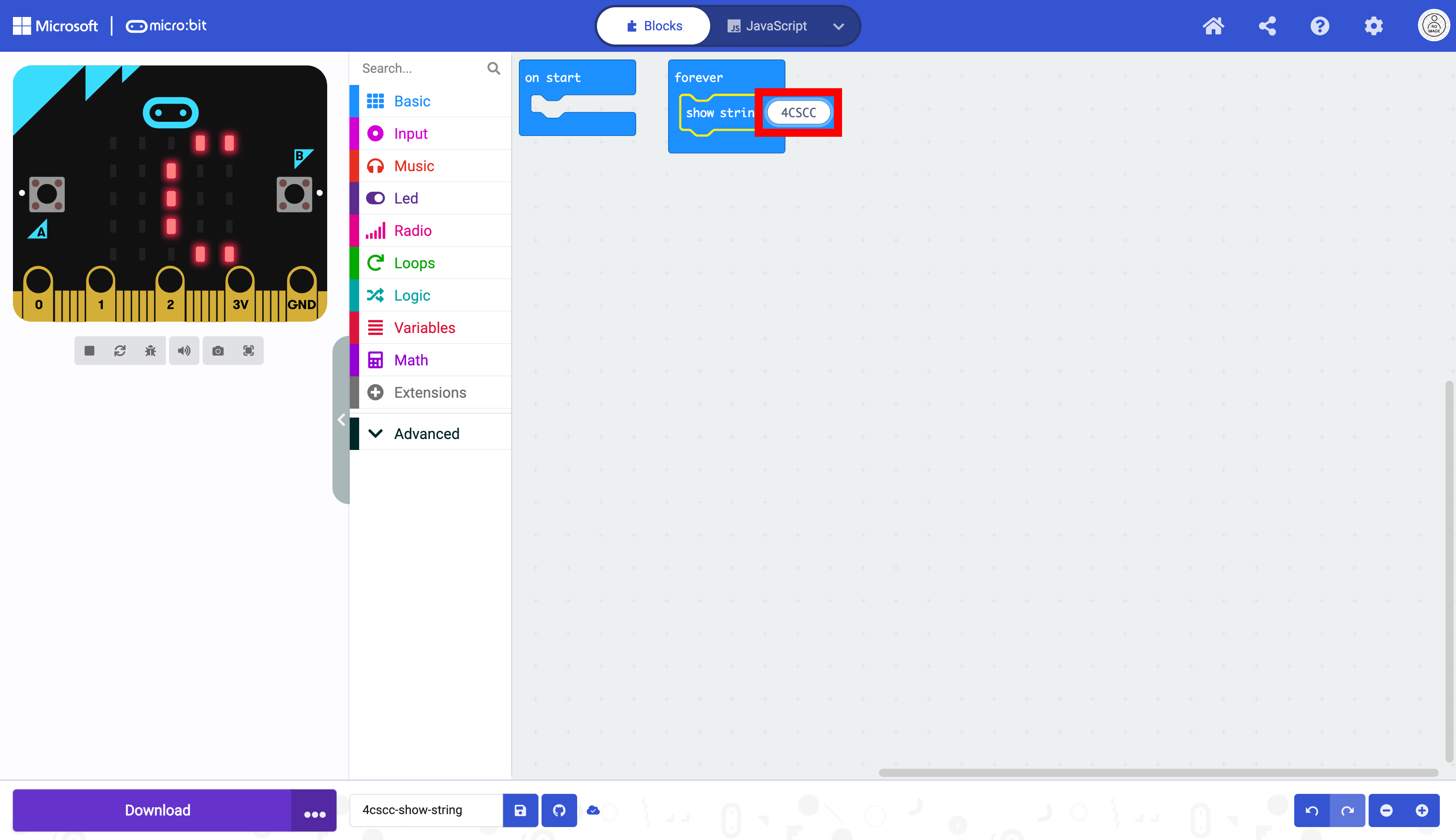
The code is now ready to be flashed on the micro:bit.