

Using the Light Sensor#
This section will focus on the micro:bit’s light-sensing capabilities. Although the micro:bit has no dedicated light sensor, the LED display can act like a primitive light sensor.

To display the light level, we first need to add a string representing the value returned by the sensor. To do so, click on the “Basic” drawer in the Toolbox.

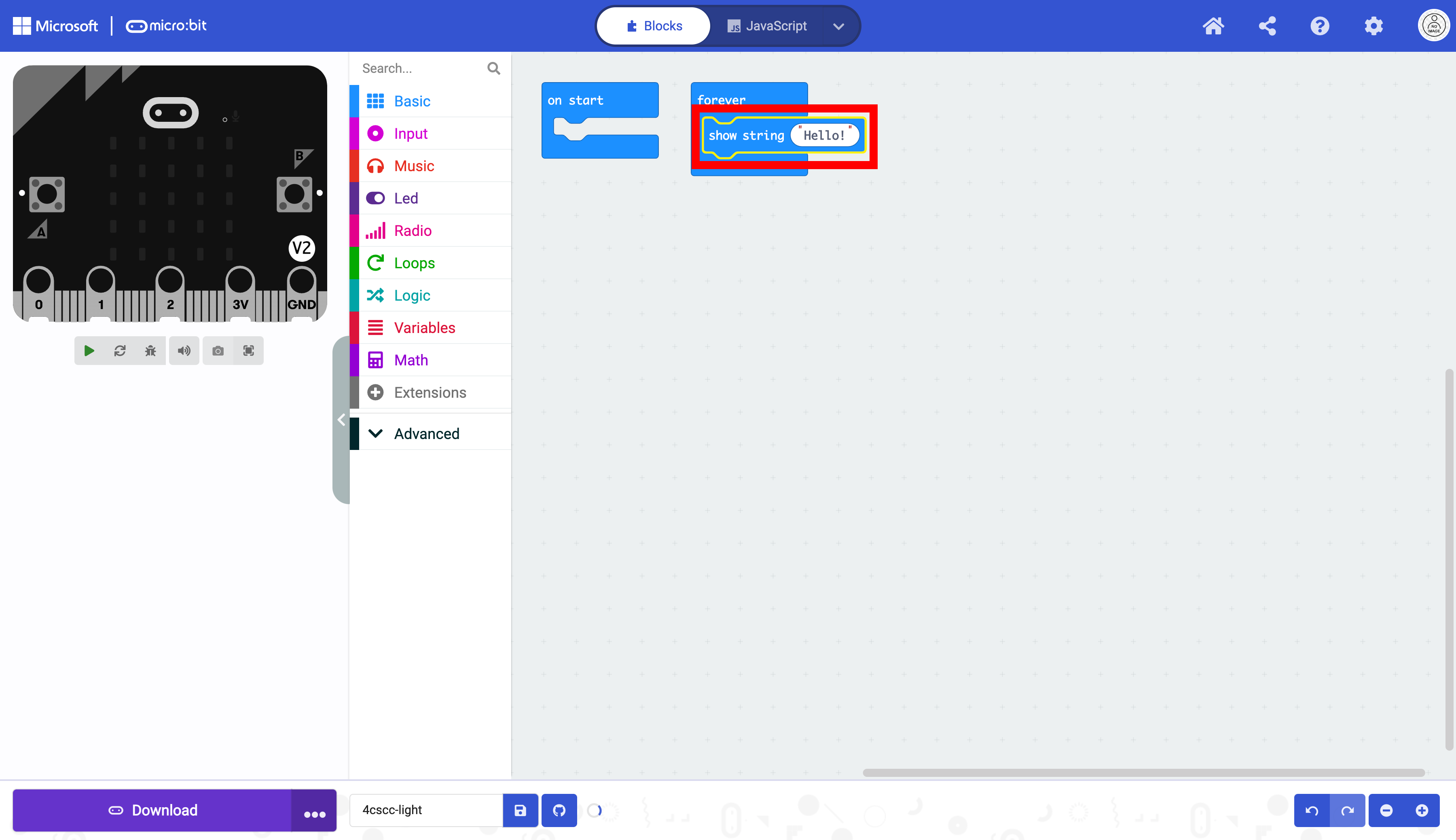
Select the show string block.

Place the show string block in the forever block.
Next you need to get the block that reads the light level. Click on the “Input” drawer of the Toolbox.

Select the light level block.

Place the light level block in the show string block.

The micro:bit is now ready to be flashed with code. Press the download button to transfer the code to the micro:bit.