Working with OLED#
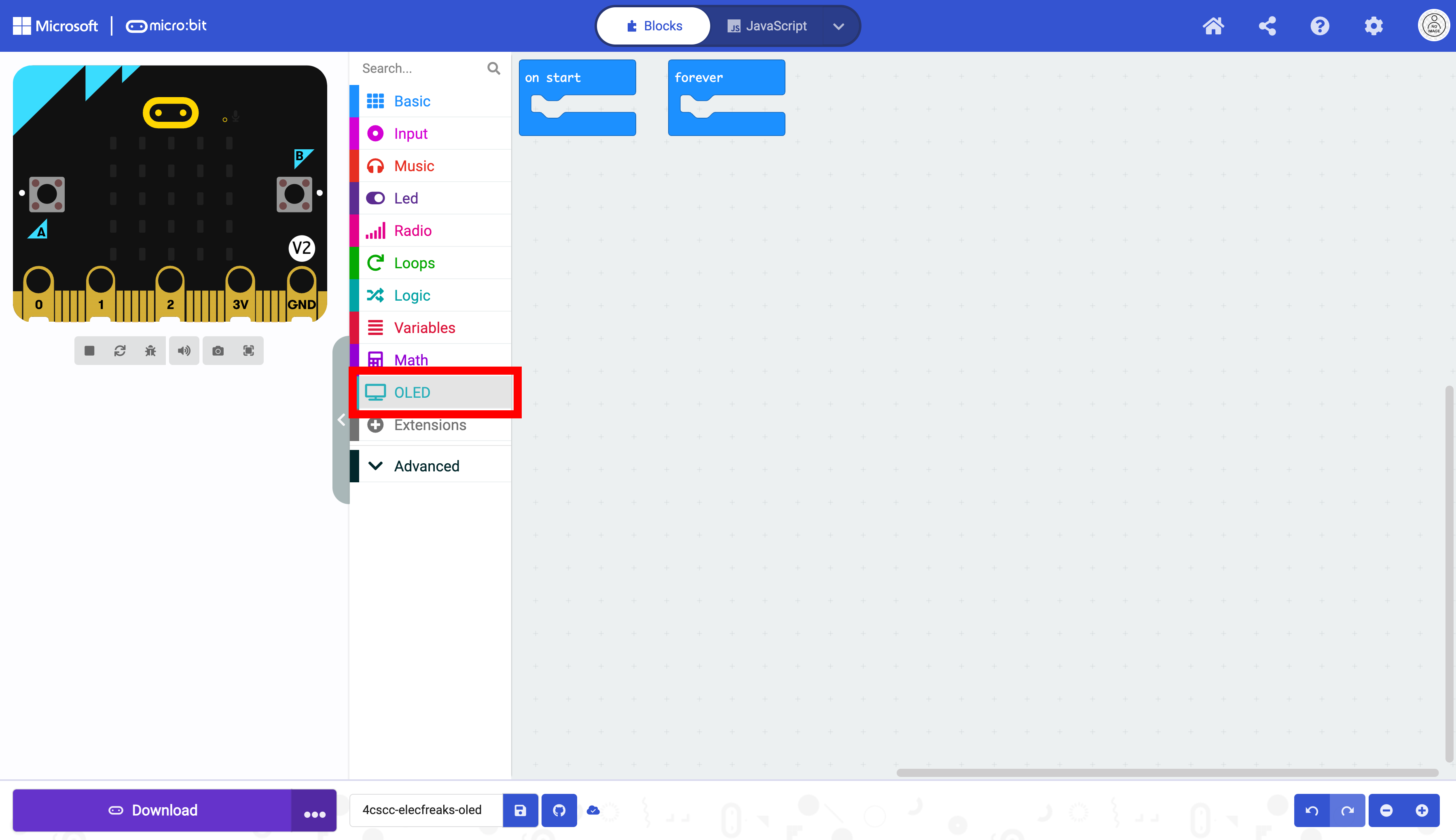
Click on the “OLED” drawer in the Toolbox.
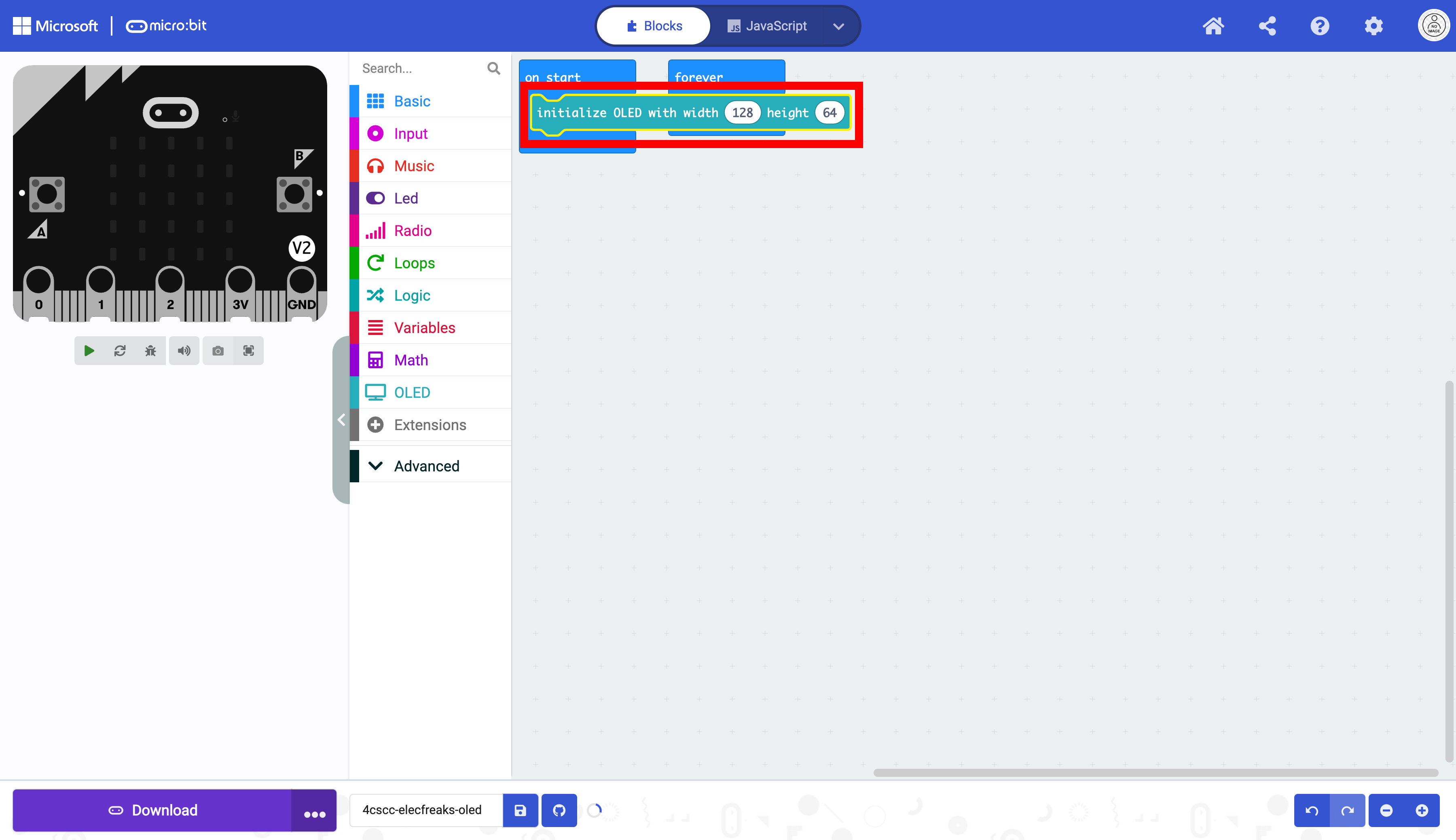
Select the initialize OLED block.

Place the initialize OLED block in the on start block. This only needs to run once. Do not change the dimensions.
The forever block can be moved.
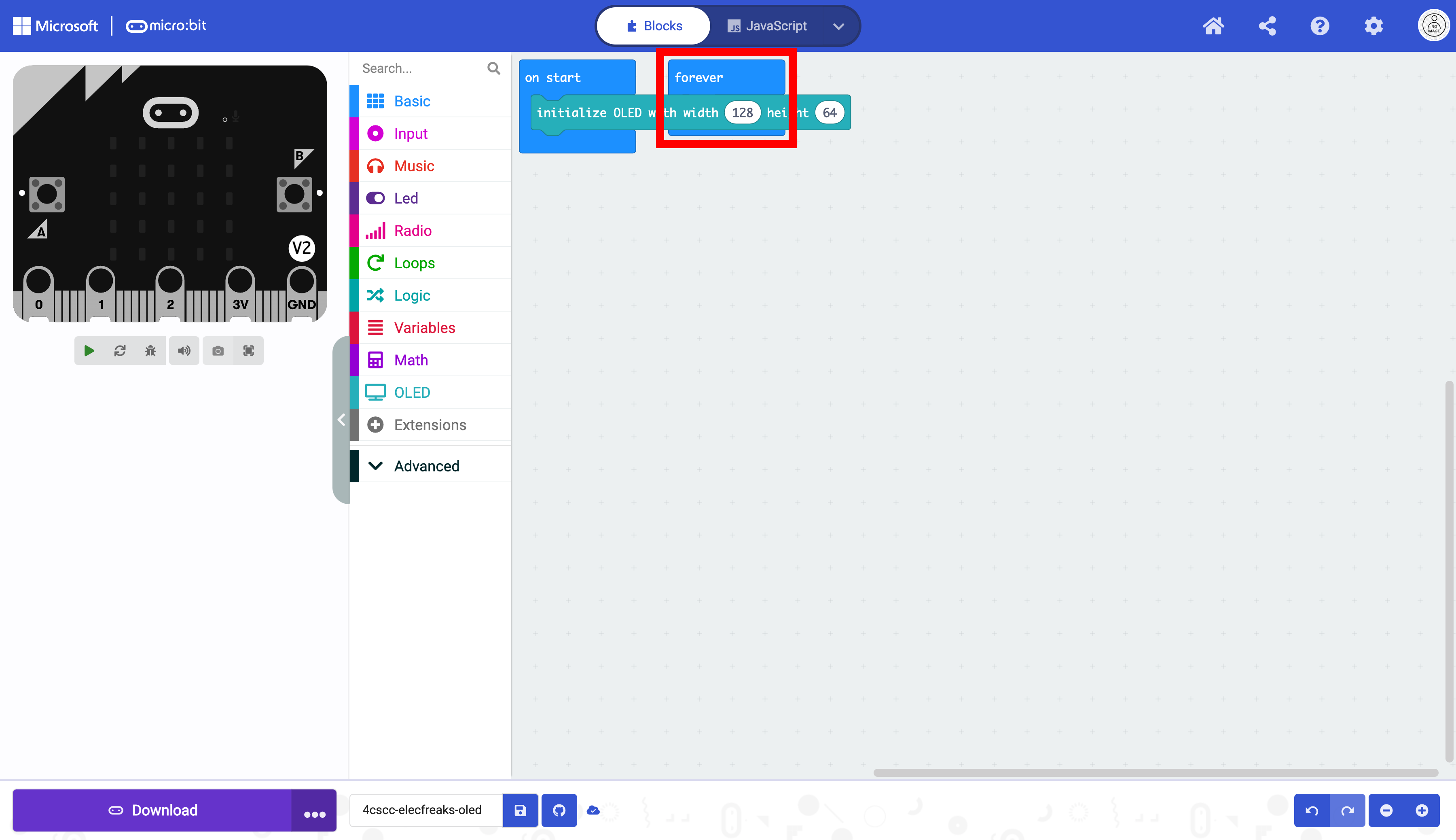
It is now unobstructed.
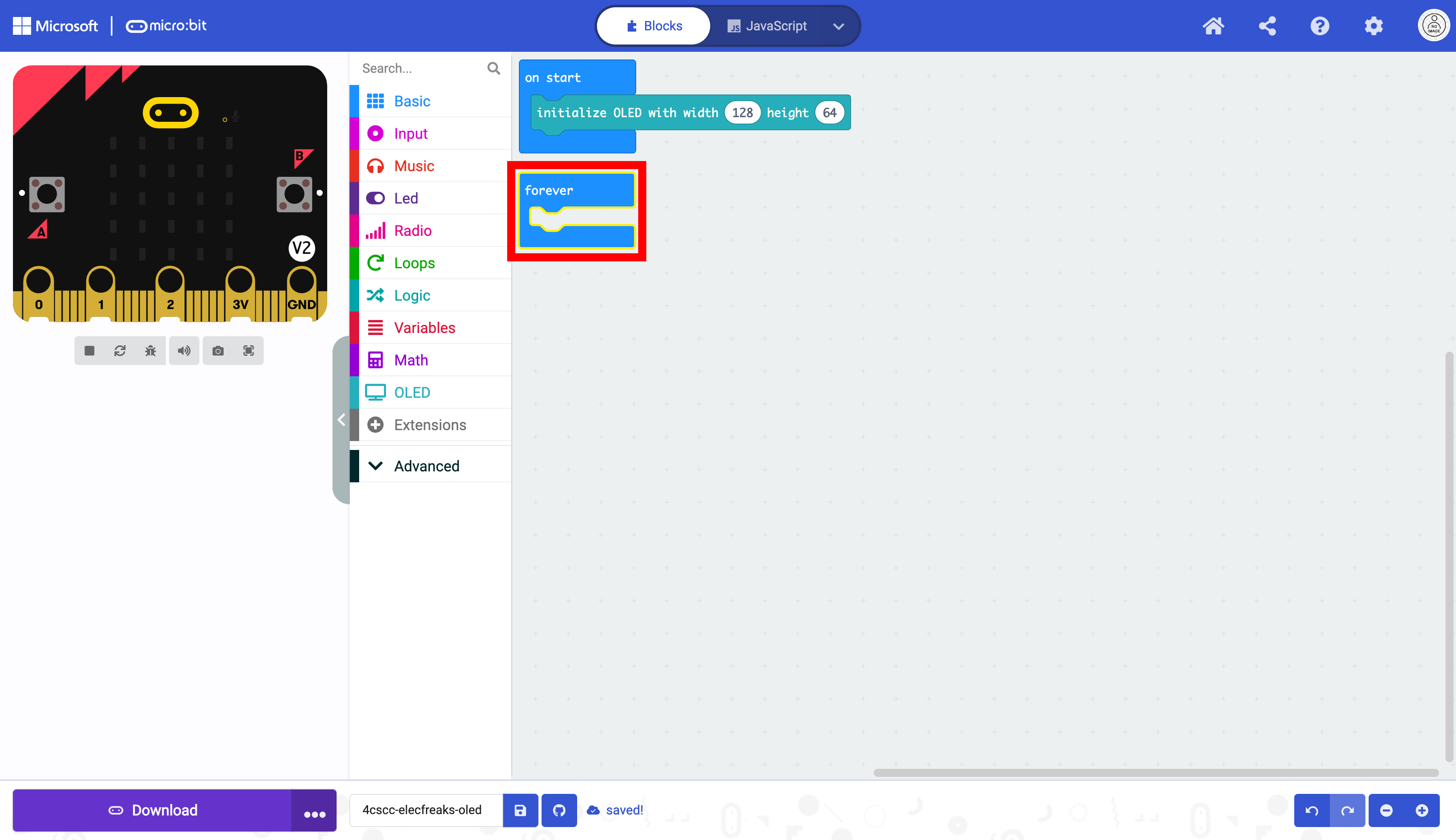
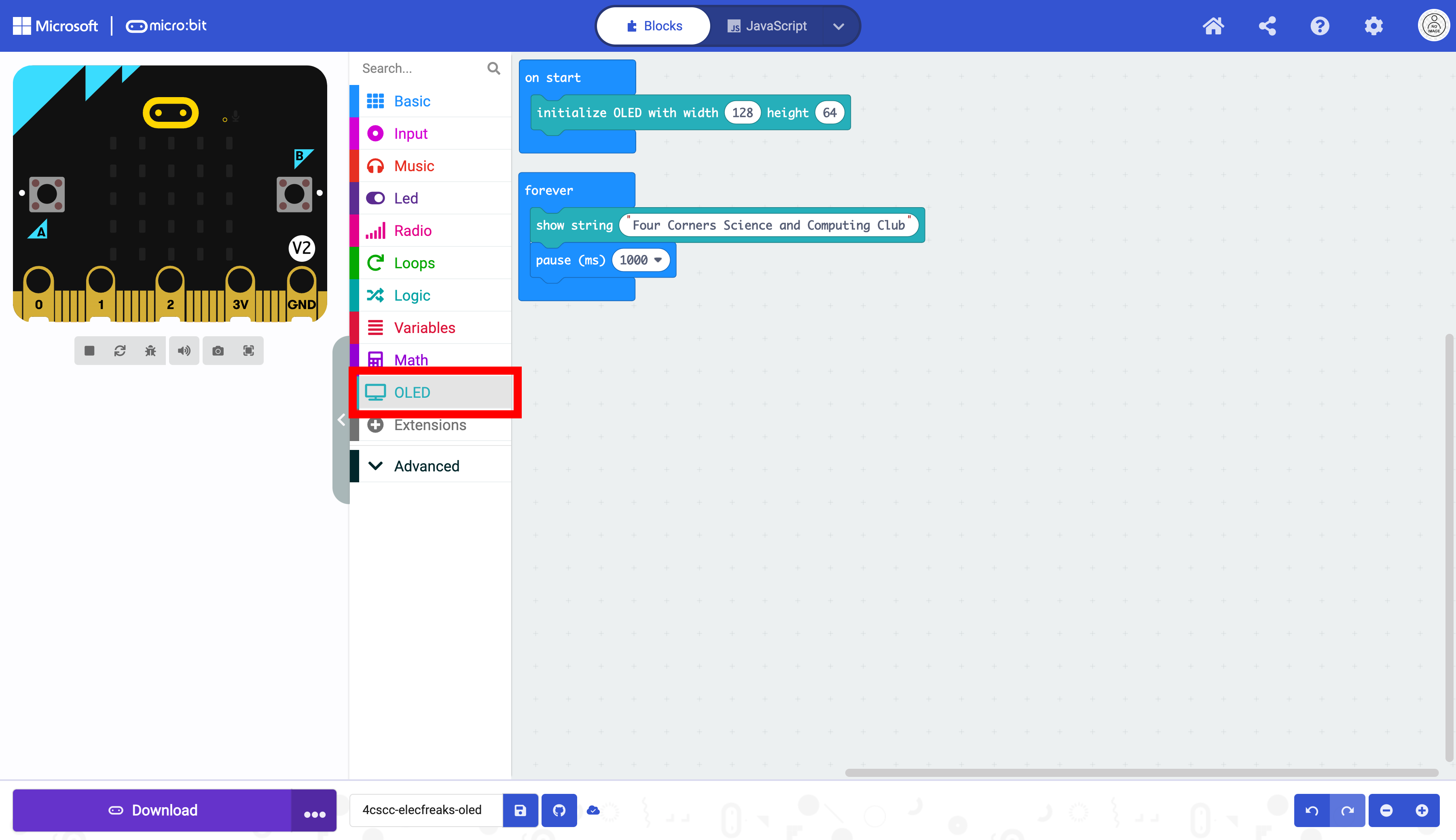
Click on the “OLED” drawer of the Toolbox.
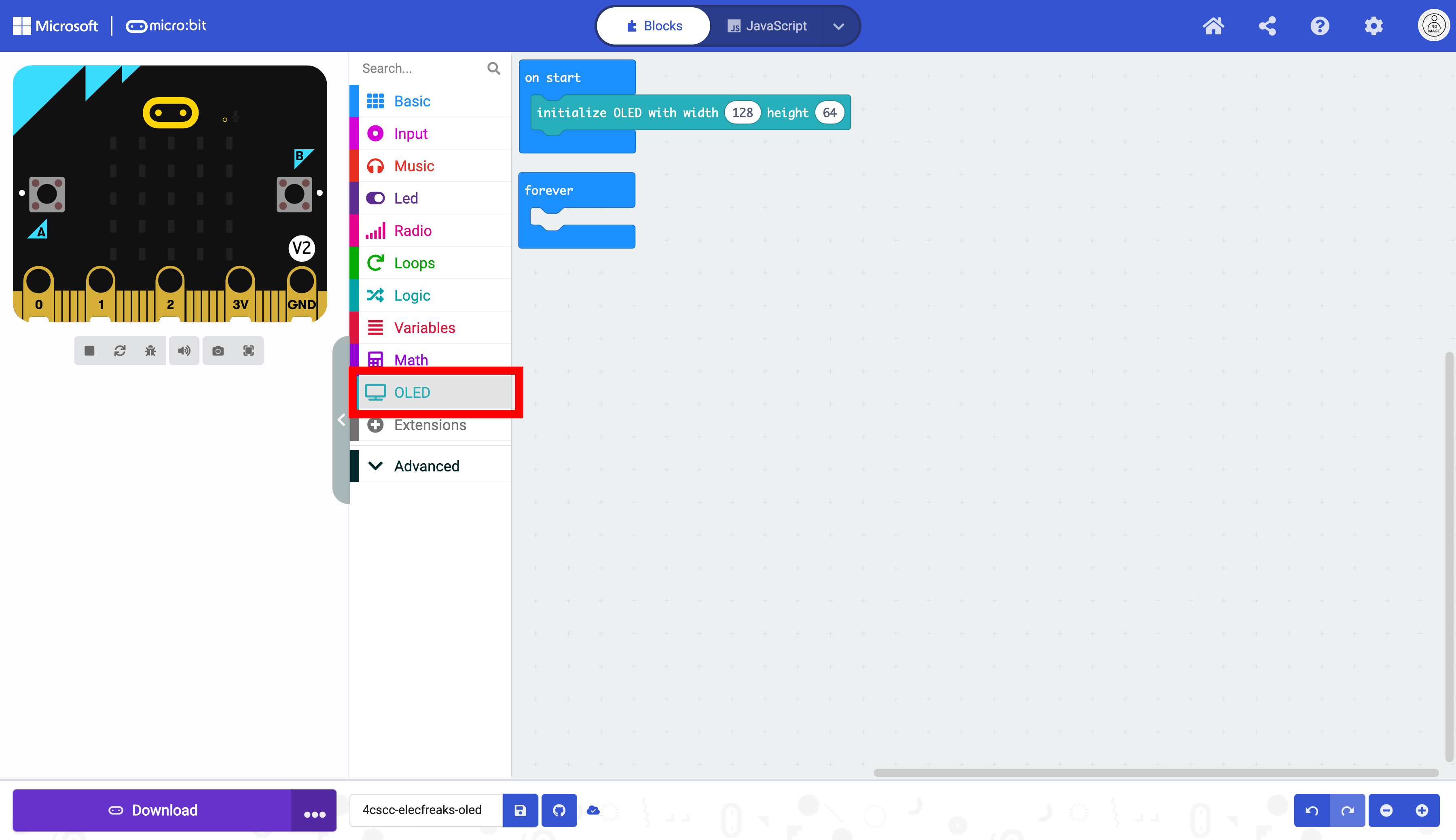
Select the show string block.
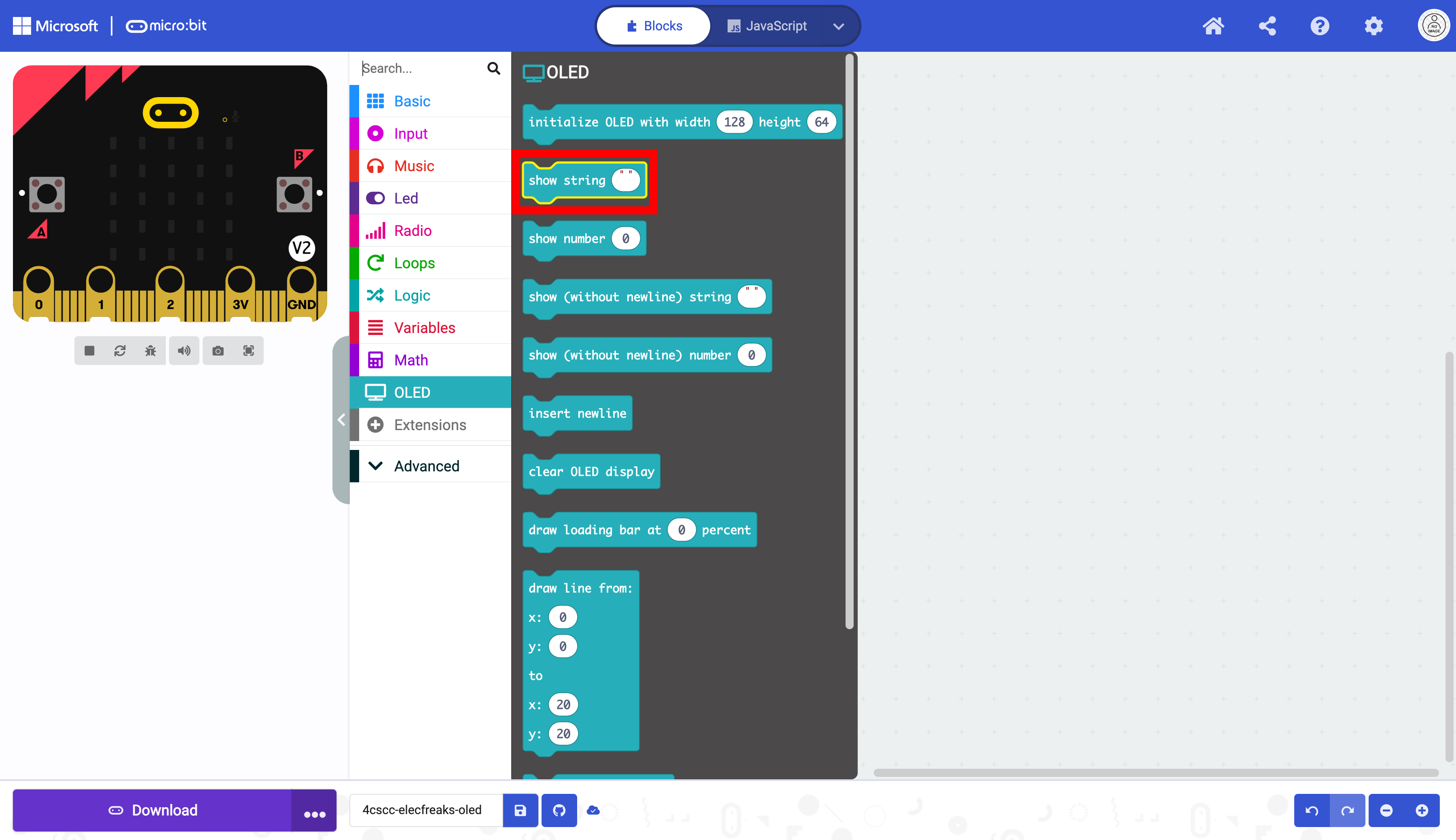
Place the show string block in the forever block.
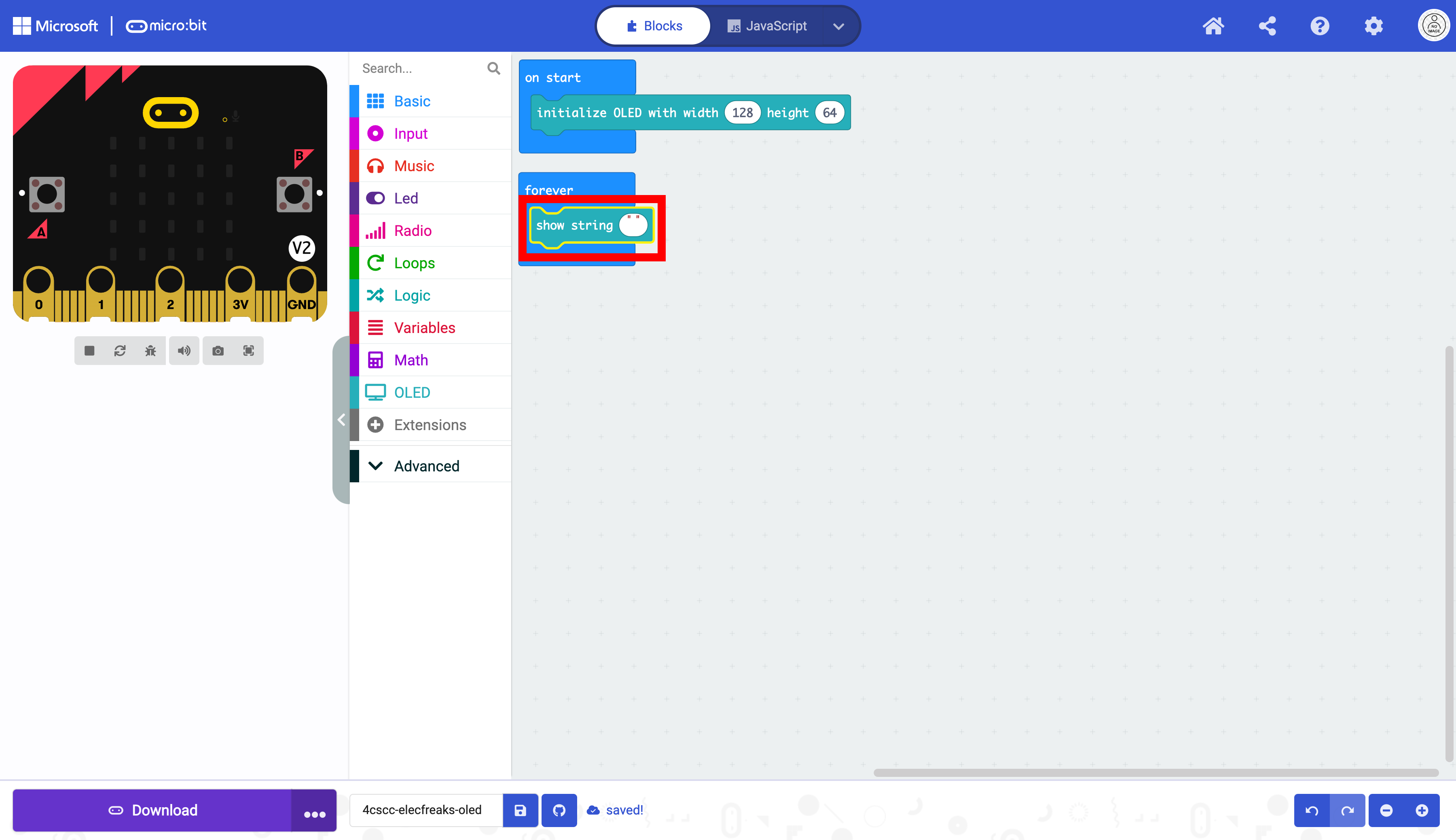
Change the string in the show string block. Run the code.
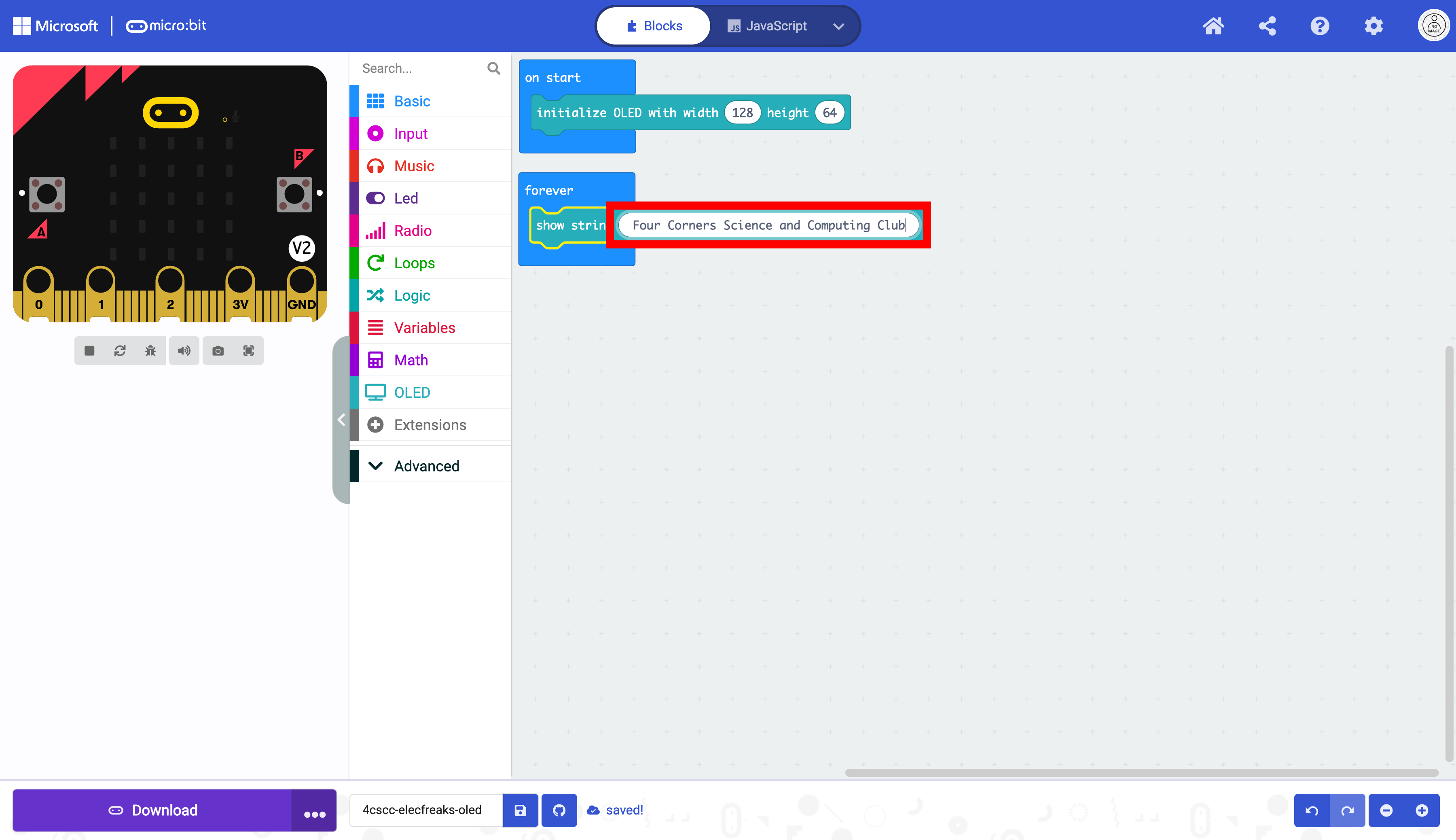
Notice how the block repeats the string again and again. To prevent this we will first add a delay. Click on the “Basic” drawer of the Toolbox.

Select the pause block.
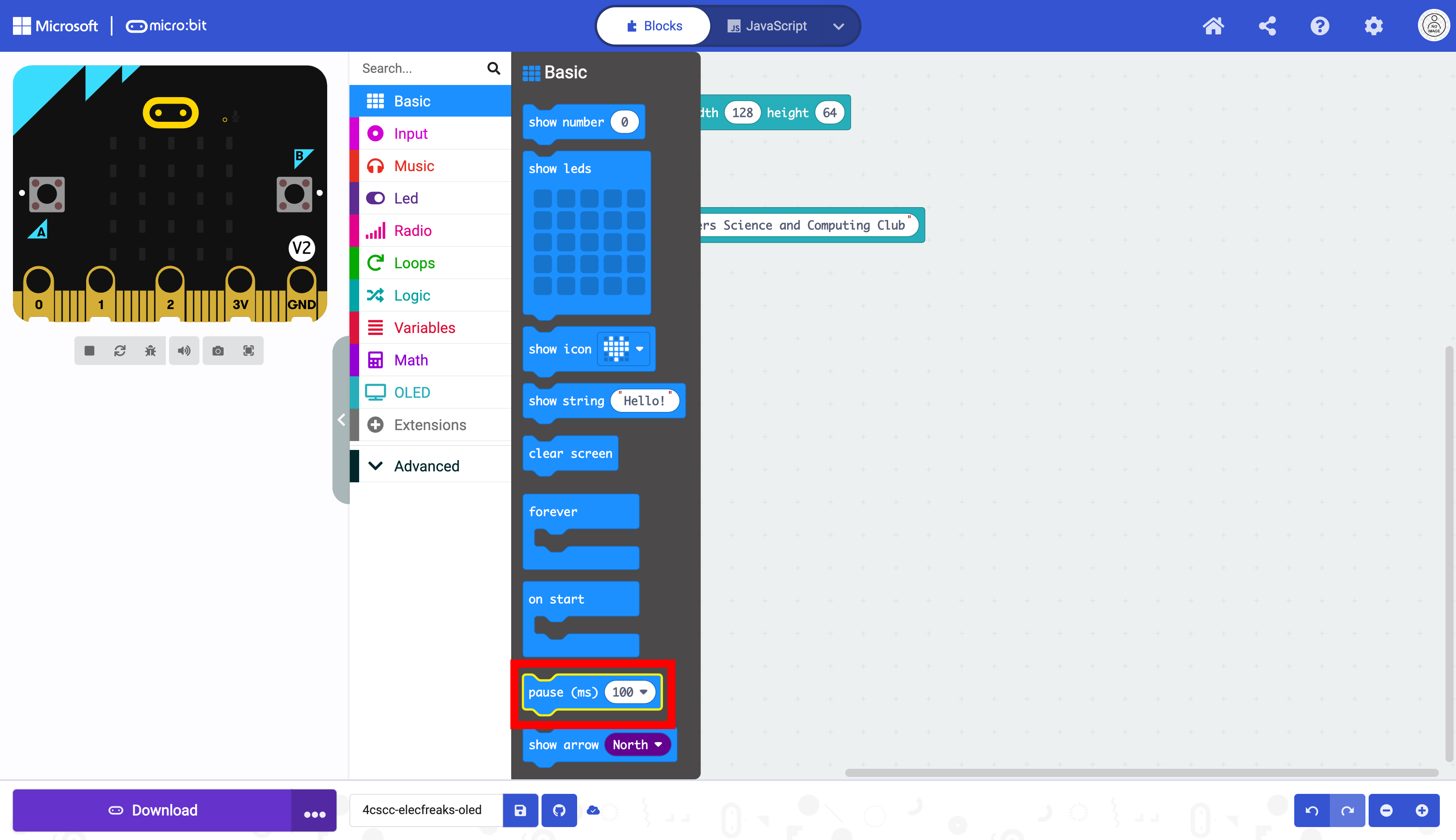
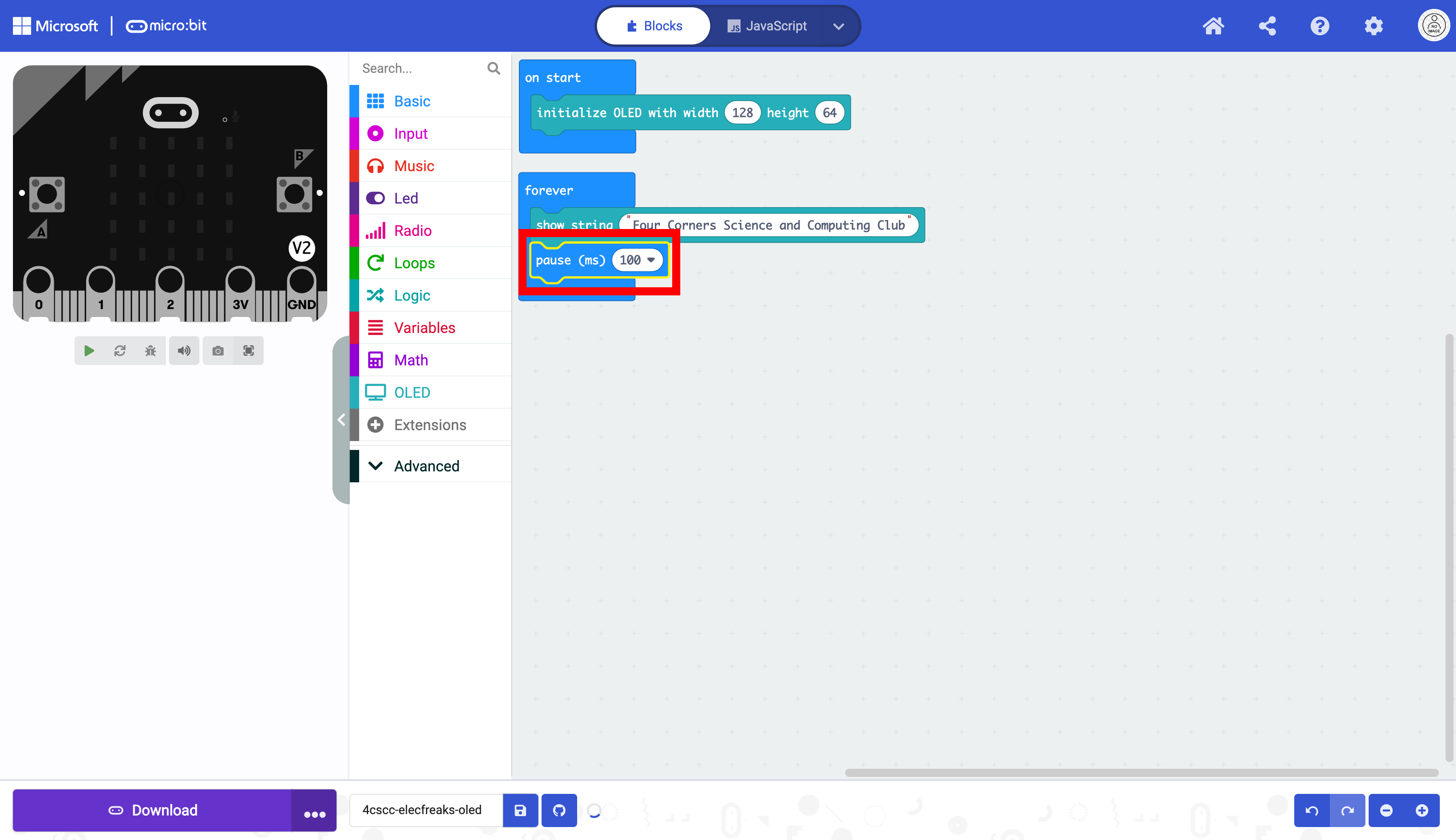
Place the pause block below the show string block. This will keep the string on the display for the specified value.
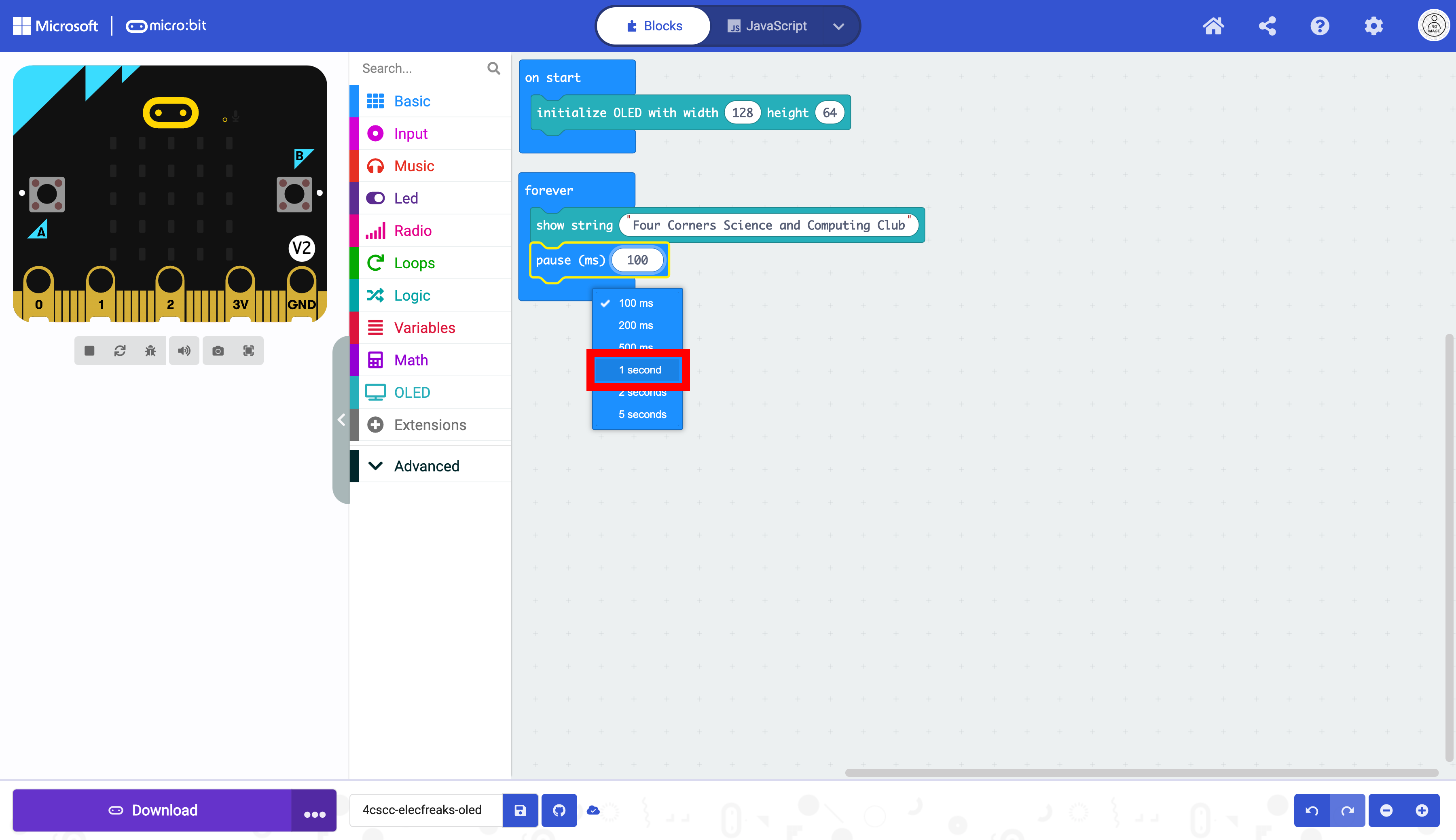
Change the value of the pause block in the dropdown menu.
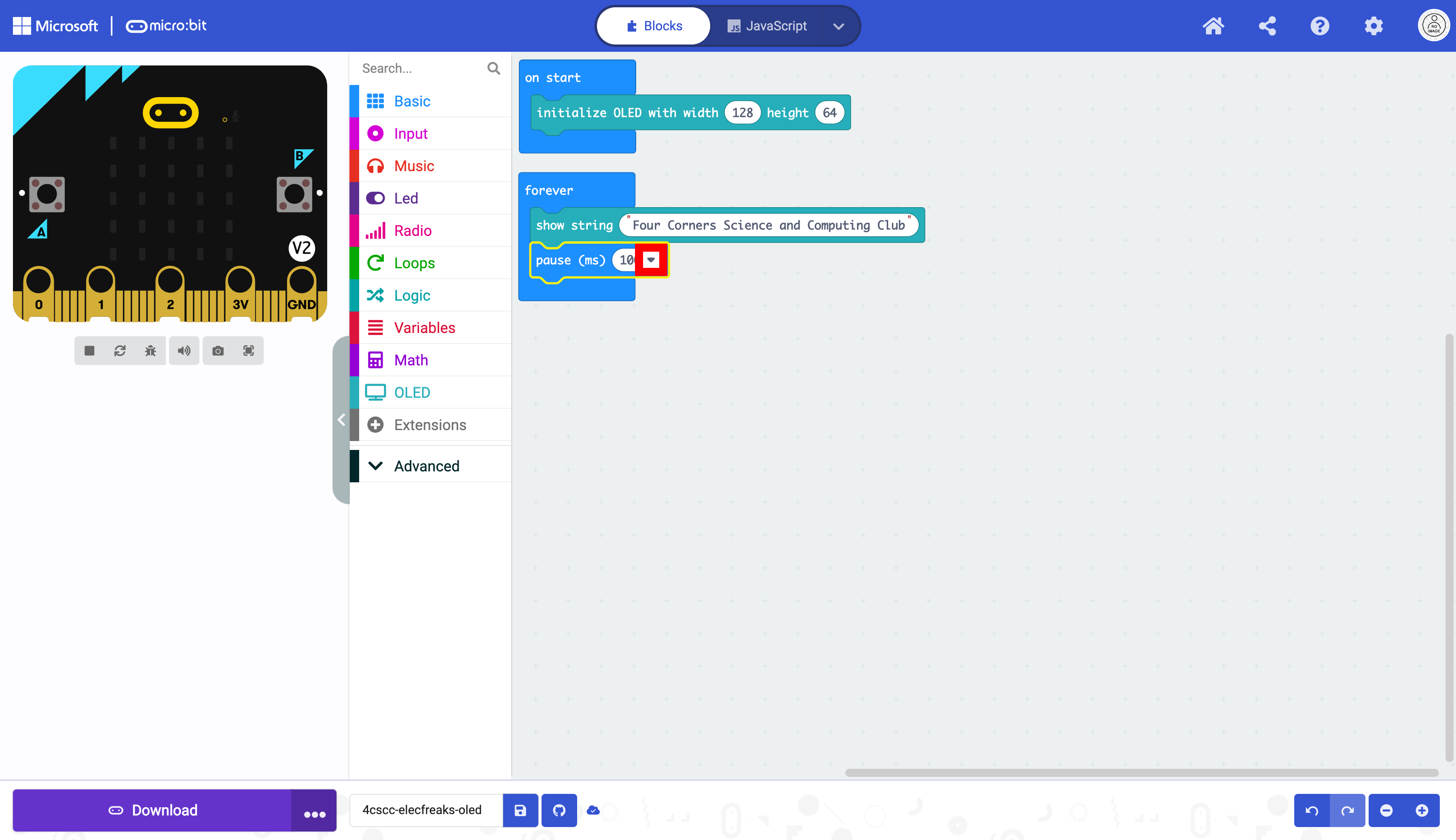
We will display the readings every second. This still will not prevent the string from repeating. You will need one more block.
Click on the “OLED” drawer of the Toolbox.
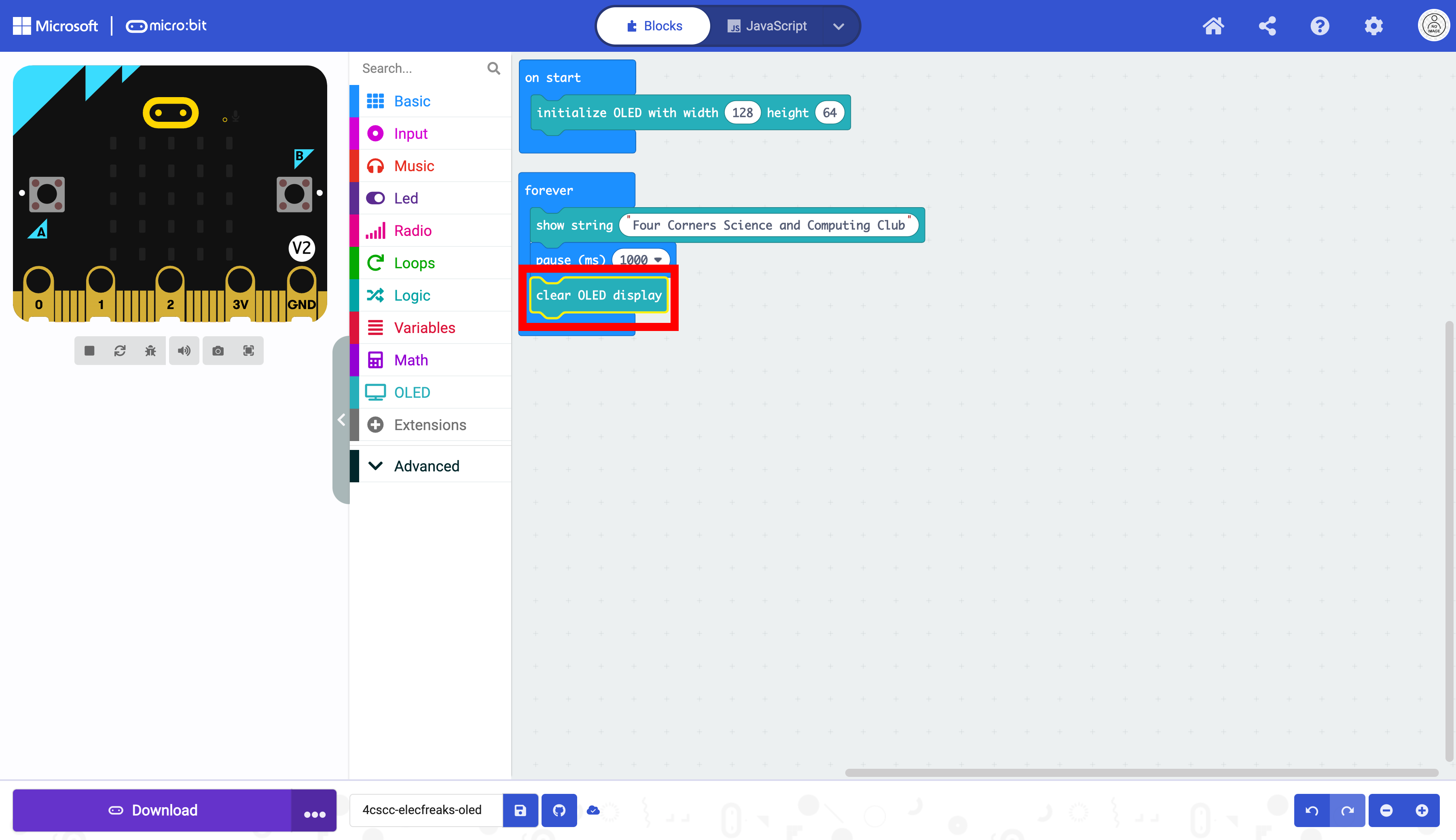
Select the clear OLED display block.
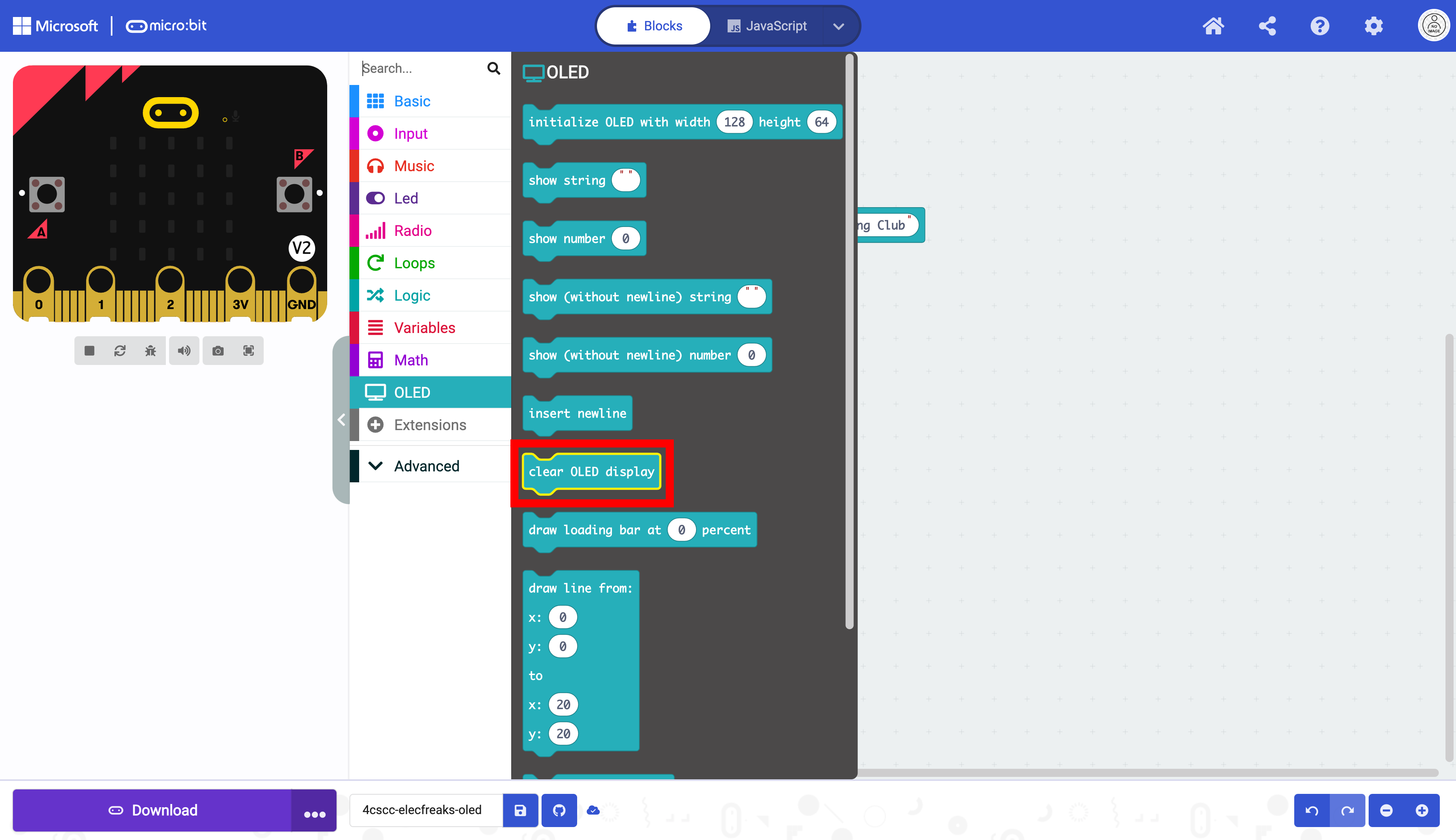
Place the clear OLED display block below the pause block. This will reset the display after it displays the string for one second, eliminating the repeated strings.