

Blinking an LED#
Now that you know about breadboards and resistors and have built a basic circuit with an LED and the micro:bit, it is time to make the LED blink.

Open MakeCode and create a new project.
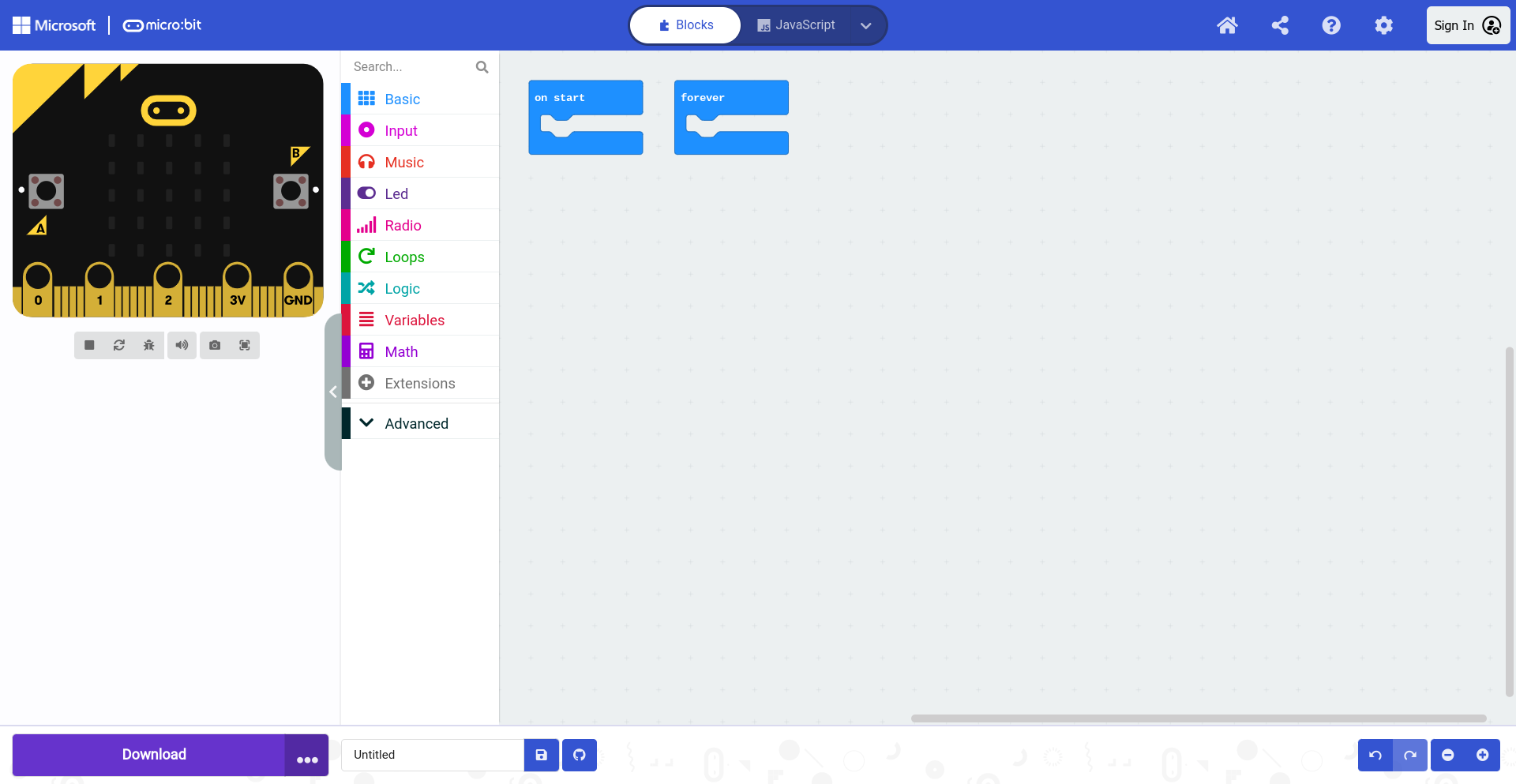
Select the Advanced drawer in the Toolbox.

Select the digital write block.

Insert the digital write block into the forever block. You can change the value by typing a value or using the slider. A value of 0 means the digital signal will be off, and a value of 1 means the digital signal will be on. This is what will make the LED blink. The pin is set to P0 and does not need to be changed, because the LED is connected to 0 on the Kitronik prototyping plate.

Change the value to 1 to turn the LED on.

Next, select the Basic drawer in the Toolbox.

Select the pause block.

Place the pause block in the forever block below the digital write block.

Duplicate the digital write block.

The duplicated block appaears over the original blocks. .Select the duplicated digital write block.

Place it below the pause block in the forever block.

Change the value from 1 to 0.

Duplicate the pause block.

Select the duplicated pause block.

Place the duplicated pause block below the second digital write block.
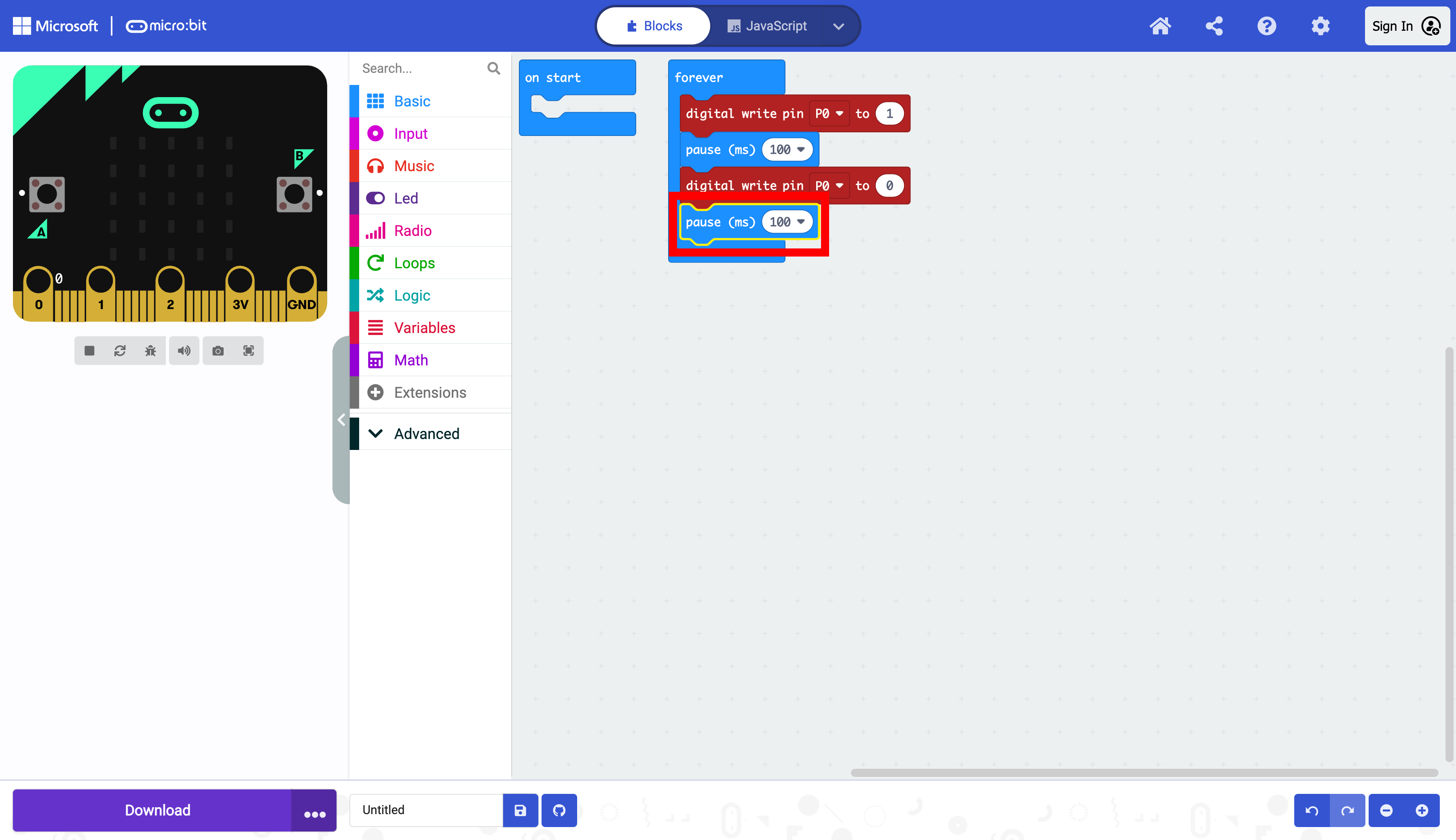
Notice that the default value is 100. MakeCode measures time in milliseconds (ms), and 1000 ms is equal to one second. The default value of 100 is 0.10 (one-tenth) of a second, which will cause the LED to blink 5 times (on and off) in a second. Let’s change this value to change the blinking rate.

To make the LED blink once (on and off) in a second, change the value from 100 to 500.
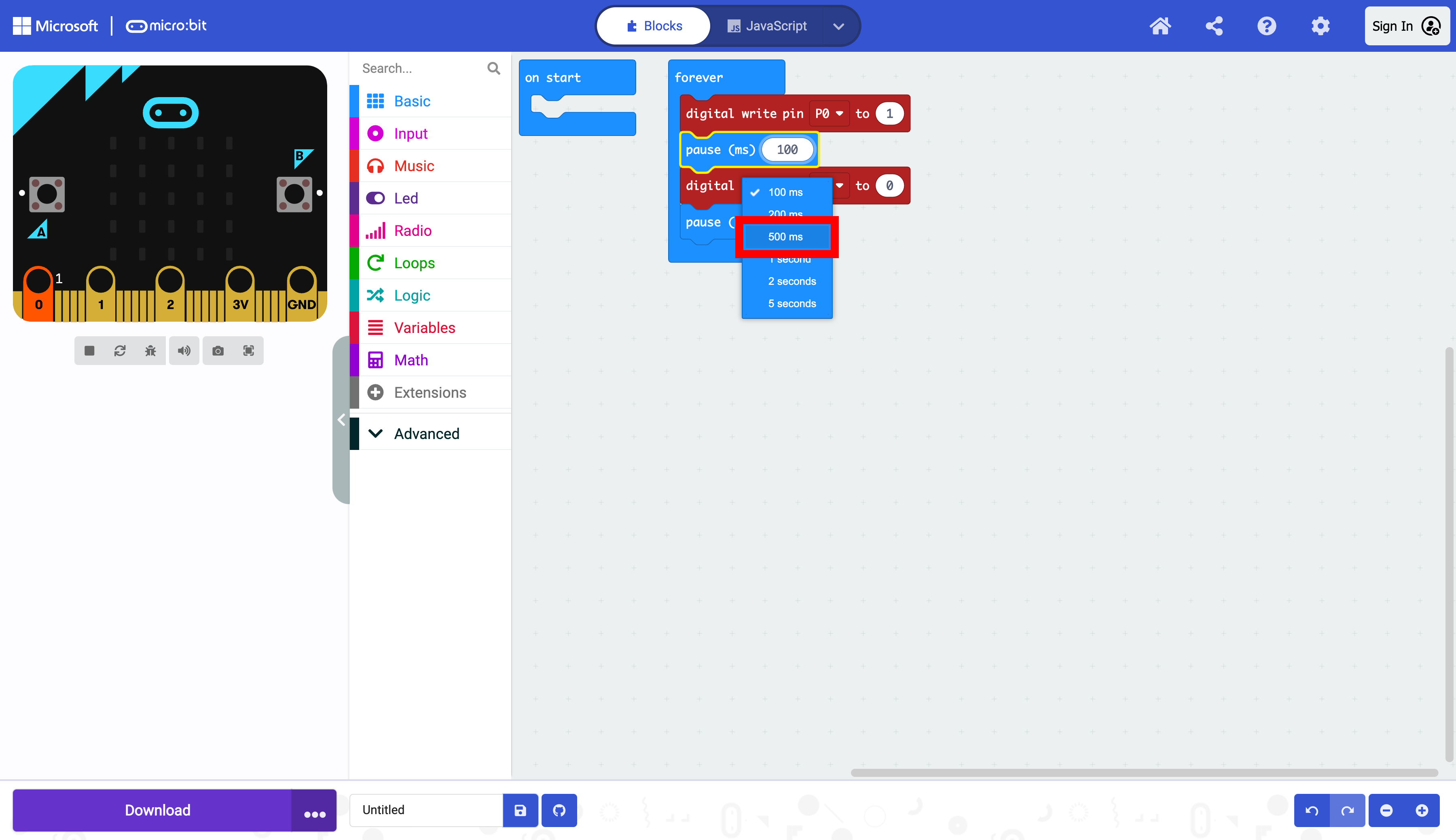
Change the value in the other pause block from 100 to 500.

Now both values are 500 code will turn the LED on for half a second and turn the LED off for half a second.

The program is now complete. The LED should be turning on and off every second.
Try experimenting with different blink rates by changing the value in the delay block.
The micro:bit is now ready to be flashed with code. Press the download button to transfer the code to the micro:bit.